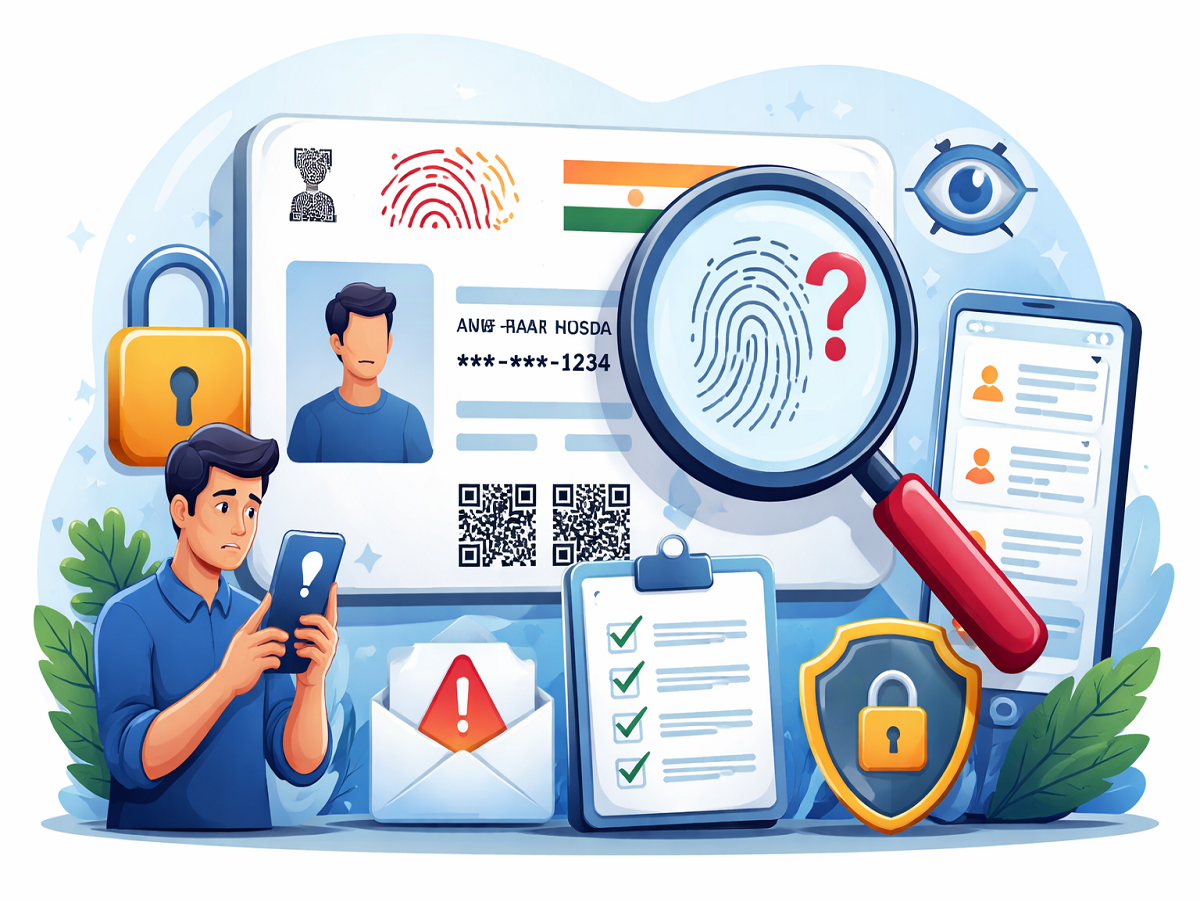
Aadhaar has become one of the most essential identity documents in India, widely used for everything from banking services to mobile SIM verification. While its convenience is undeniable, careless handling—such as sharing photocopies without caution or using biometric authentication on untrusted platforms—can expose individuals to fraud.
If you are concerned about whether your Aadhaar details are being used without your knowledge, there are simple ways to monitor and protect your identity. Here’s a complete guide to help you stay informed and secure.
What Is Aadhaar Authentication History?
Every time you use your Aadhaar number to verify your identity—whether through an OTP, fingerprint scan, or iris authentication—a digital record is created. This record is known as your Aadhaar authentication history.
This feature allows users to track how and when their Aadhaar details have been used. It is especially useful for detecting any unauthorized or suspicious activity linked to your identity.
Key details included in authentication history:
- Records of all authentication attempts
- Data from the past six months
- Information such as date, time, and method of verification
- Helps identify any unusual or unauthorized usage
By reviewing this history regularly, you can quickly spot if someone else is trying to use your Aadhaar details without permission.
How to Check Aadhaar Usage: Step-by-Step Guide
You can easily access your Aadhaar authentication history using the official mAadhaar mobile application. Follow these steps:
- Download the mAadhaar app from the Google Play Store or Apple App Store
- Log in using your Aadhaar number and verify with OTP
- Set up a secure 4-digit PIN for future access
- Navigate to the “My Aadhaar” section and enter your PIN
- Tap on the “Security” option
- Select “Aadhaar Authentication History”
- Choose the date range to view detailed records
Once you complete these steps, you will be able to see all recent authentication activities linked to your Aadhaar number.
What to Do If You Notice Suspicious Activity
If you come across any unfamiliar or suspicious entries in your authentication history, it is important to act immediately. Here’s what you should do:
- Contact the UIDAI helpline at 1947 without delay
- Lock your biometric data through the mAadhaar app to prevent further misuse
- Continue monitoring your Aadhaar activity regularly for any new entries
Taking quick action can help minimize potential risks and prevent identity theft.
Essential Tips to Keep Your Aadhaar Safe
Protecting your Aadhaar information is crucial in today’s digital environment. Follow these best practices to enhance your security:
- Avoid sharing Aadhaar photocopies unless absolutely necessary
- Use a masked Aadhaar whenever possible to hide sensitive details
- Enable biometric locking for an extra layer of protection
- Always verify the authenticity of any agency or service requesting your Aadhaar details
Why Monitoring Aadhaar Usage Matters
Keeping track of your Aadhaar activity is a simple yet highly effective way to safeguard your identity. With cyber fraud cases on the rise, staying vigilant can make a significant difference. Regularly checking your authentication history ensures that you remain aware of how your personal data is being used and helps you take timely action if needed.
In a world where digital identity plays a key role in everyday transactions, a little caution can go a long way in keeping your information secure.