Business
How to Cancel an Incorrect ITR: Made a Mistake While Filing? Here's How to Discard and Refile Your Income Tax Return
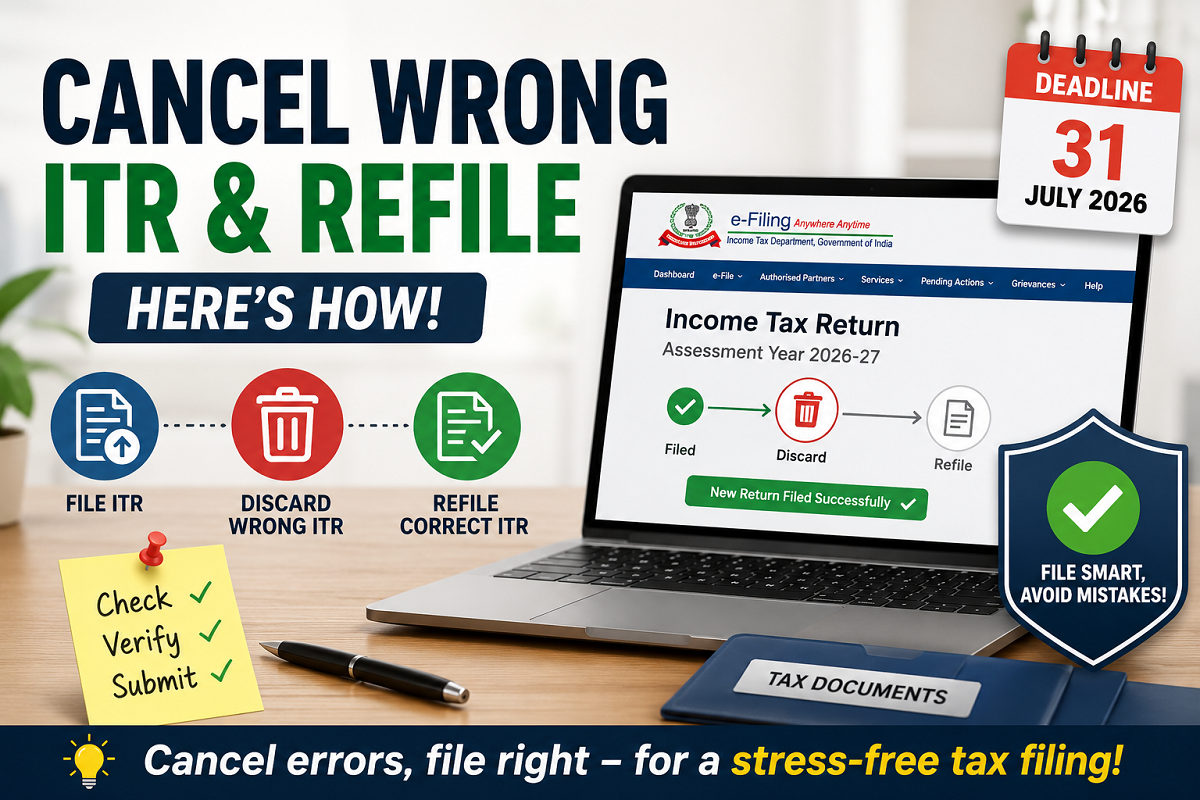
How to Cancel ITR: With the Income Tax Return (ITR) filing deadline approaching, many taxpayers are rushing to submit their returns. In the process, mistakes such as entering incorrect income details, choosing the wrong ITR form, or missing deductions can happen. The good news is that if you have not e-verified your ITR yet, you can discard the filed return and submit a fresh one. However, if your return has already been e-verified, you'll need to file a Revised Return instead.
Here's everything you need to know.
Can You Cancel a Filed ITR?
Yes—but only under certain conditions.
An Income Tax Return is considered incomplete until it is e-verified. If you notice an error after filing but before e-verification, you can discard the return and file a new one with the correct details.
Once the return has been successfully e-verified, it cannot be cancelled. In that case, the only available option is to submit a Revised Return under the applicable provisions of the Income-tax Act.
How to Discard an Incorrect ITR Before E-Verification
If your ITR has not yet been e-verified, follow these steps:
- Visit the Income Tax Department's e-Filing Portal.
- Log in using your PAN/Aadhaar and password.
- Go to the e-File section.
- Select Income Tax Return.
- Open the Pending for e-Verification page.
- You will see options such as Discard or Verify.
- Click Discard to cancel the unverified return.
After discarding the return, you can start the filing process again and submit a fresh ITR with the correct information.
Five Simple Steps to File an ITR Correctly
To avoid mistakes while filing, follow these basic steps:
- Log in to the Income Tax Department's e-Filing portal using your PAN/Aadhaar credentials.
- Select the appropriate ITR form based on your source of income, such as salary, business income, or capital gains.
- Enter all details carefully, including:
- Personal information.
- Income details.
- Bank account information.
- Tax deductions under Sections 80C, 80D, and other eligible provisions.
- TDS details.
- Review every section carefully before submitting the return.
- Complete e-verification using Aadhaar OTP, net banking, or any other available verification method.
What If You've Already E-Verified Your Return?
Once an ITR has been e-verified, it cannot be discarded or cancelled.
If you later discover an error, you'll need to file a Revised Return.
This option allows taxpayers to correct mistakes such as:
- Incorrect income details.
- Missing deductions or exemptions.
- Wrong bank account information.
- Errors in tax calculations.
- Incorrect personal information.
How to File a Revised Return
If your original ITR has already been verified, here's how you can revise it:
- Log in to the Income Tax e-Filing portal.
- Click on e-File.
- Select Income Tax Return.
- Choose the relevant Assessment Year.
- Select Revised Return (Section 139(5)).
- Update the incorrect details.
- Submit the revised return.
- Complete the e-verification process once again.
A revised return replaces the earlier filed return after successful submission.
Why Checking Your ITR Before Submission Matters
Before filing your return, verify details such as:
- PAN and Aadhaar information.
- Salary and income details.
- Form 16 and Form 26AS entries.
- Annual Information Statement (AIS) data.
- Bank account details.
- Eligible deductions and exemptions.
- Tax paid and TDS information.
Carefully reviewing your return can help avoid notices, delays in processing, or refund-related issues.
Don't Miss the Filing Deadline
Eligible salaried taxpayers should ensure that their Income Tax Return is filed before the applicable due date announced by the Income Tax Department. Filing within the prescribed timeline helps avoid penalties, interest, and delays in refund processing.
Bottom Line
If you've filed an Income Tax Return but realize there's a mistake before e-verification, you can simply discard the return and submit a fresh one. However, once your ITR has been e-verified, cancellation is no longer possible, and you'll need to file a Revised Return to correct any errors. Reviewing your information carefully before submission remains the best way to ensure a smooth filing experience.
Disclaimer: This article is for informational purposes only and should not be treated as legal or tax advice. Tax rules and filing procedures may change over time. Taxpayers should refer to the official Income Tax Department guidelines or consult a qualified tax professional for advice specific to their situation.