NEWS
GST Registration Cancellation Made Easy: Complete Online Process, Key Steps & Eligibility Explained
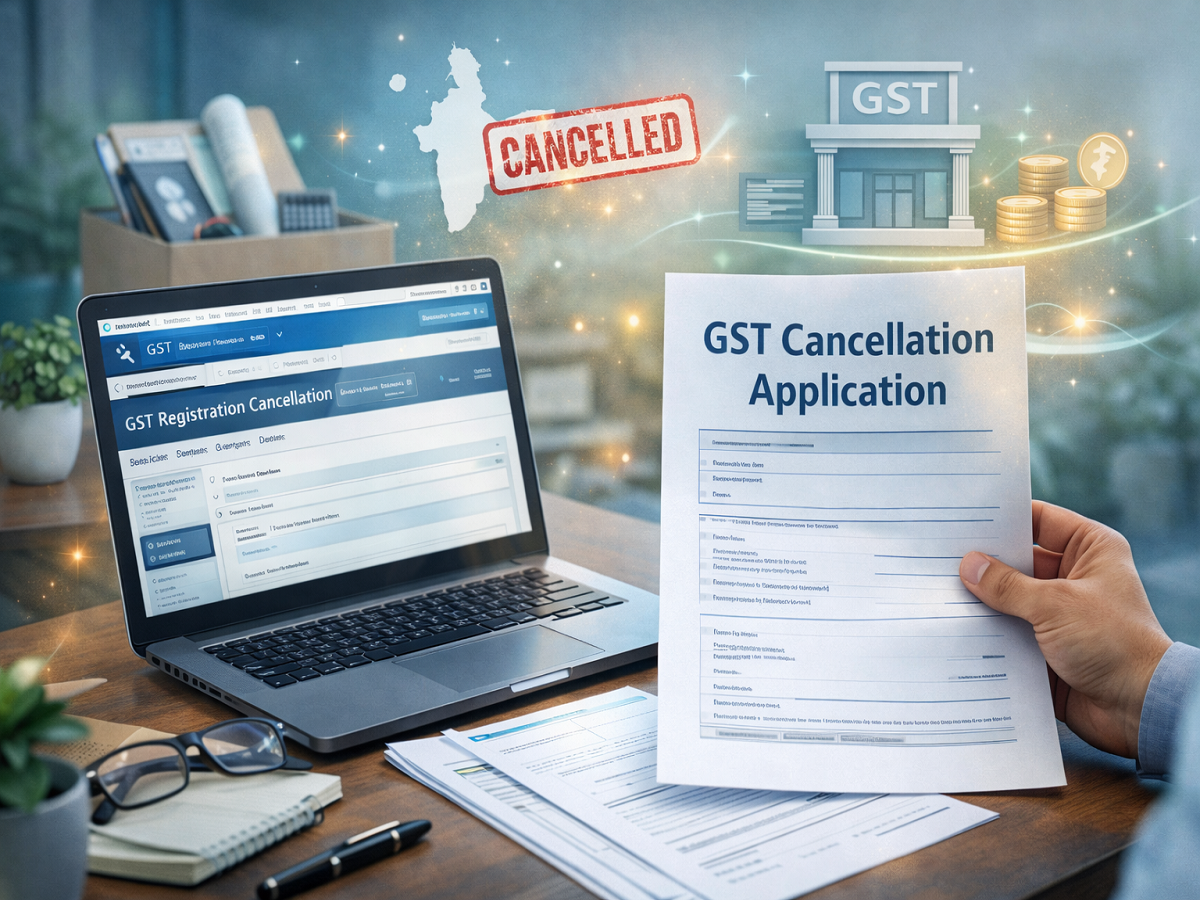
Closing or restructuring a business comes with several compliance requirements, and cancelling GST registration is one of the most important among them. The good news is that the process is now completely digital, allowing taxpayers to apply for cancellation online without visiting any office.
If you’re planning to discontinue your business or are no longer required to be registered under GST, here’s a detailed and easy-to-understand guide to help you complete the process smoothly.
Understanding GST and Its Importance
The Goods and Services Tax, introduced in 2017, replaced multiple indirect taxes such as VAT, service tax, and excise duty. It simplified taxation by bringing everything under one unified structure.
Businesses registered under GST are required to:
- File periodic returns
- Maintain compliance records
- Pay applicable taxes
However, if your business situation changes, continuing registration may not be necessary.
Situations Where GST Cancellation Becomes Necessary
You may need to cancel your GST registration under the following circumstances:
- Your business has been permanently shut down
- You are no longer liable to pay GST
- There is a change in business structure or PAN
- The business has been transferred, merged, or sold
- The sole proprietor is deceased
Applying for cancellation in such cases helps avoid penalties and ensures legal compliance.
Step-by-Step Guide to Cancel GST Registration Online
Follow these steps to complete your application through the official portal:
1️⃣ Access the GST Portal
Visit the GST website and log in using your registered username and password.
2️⃣ Open Cancellation Application
Go to:
Services → Registration → Application for Cancellation of Registration
3️⃣ Enter Required Details
- Fill in your future communication address
- You can copy it from your registered business address if applicable
- Click “Save & Continue”
4️⃣ Choose Reason for Cancellation
Select the most appropriate reason from the available options.
If your reason is not listed, choose “Others” and provide details.
5️⃣ Complete the Form
Follow the instructions shown on the screen and fill all necessary fields carefully.
6️⃣ Verify Your Application
- Tick the declaration confirming accuracy of details
- Select the authorised signatory
- Mention the place of declaration
7️⃣ Submit and Authenticate
- Sign using DSC (Digital Signature Certificate) or EVC
- Enter the OTP sent to your registered mobile number
Track Your Application Status
Once submitted, you can monitor the progress:
- Navigate to Services → Registration → Track Application Status
- Enter required details to check updates
Key Points to Keep in Mind
Before applying for cancellation, ensure:
- All pending GST returns are filed
- Outstanding dues are cleared
- Correct details are entered to avoid rejection
Proper preparation helps speed up approval and prevents delays.
Final Thoughts
Cancelling your GST registration is a crucial compliance step if your business is no longer active or eligible under GST norms. The online system introduced under the Goods and Services Tax framework has made the process quicker and more accessible.
By carefully following the steps and ensuring all requirements are met, you can complete the cancellation process without hassle and stay aligned with regulatory guidelines.