New EPFO App Expected This Month—UPI Withdrawals to Get Faster
The Employees' Provident Fund Organisation (EPFO) is set to launch its new mobile app soon, which is expected to make PF withdrawals faster—possibly even through UPI. While the official rollout date is still awaited, users don’t need to wait to access their funds.
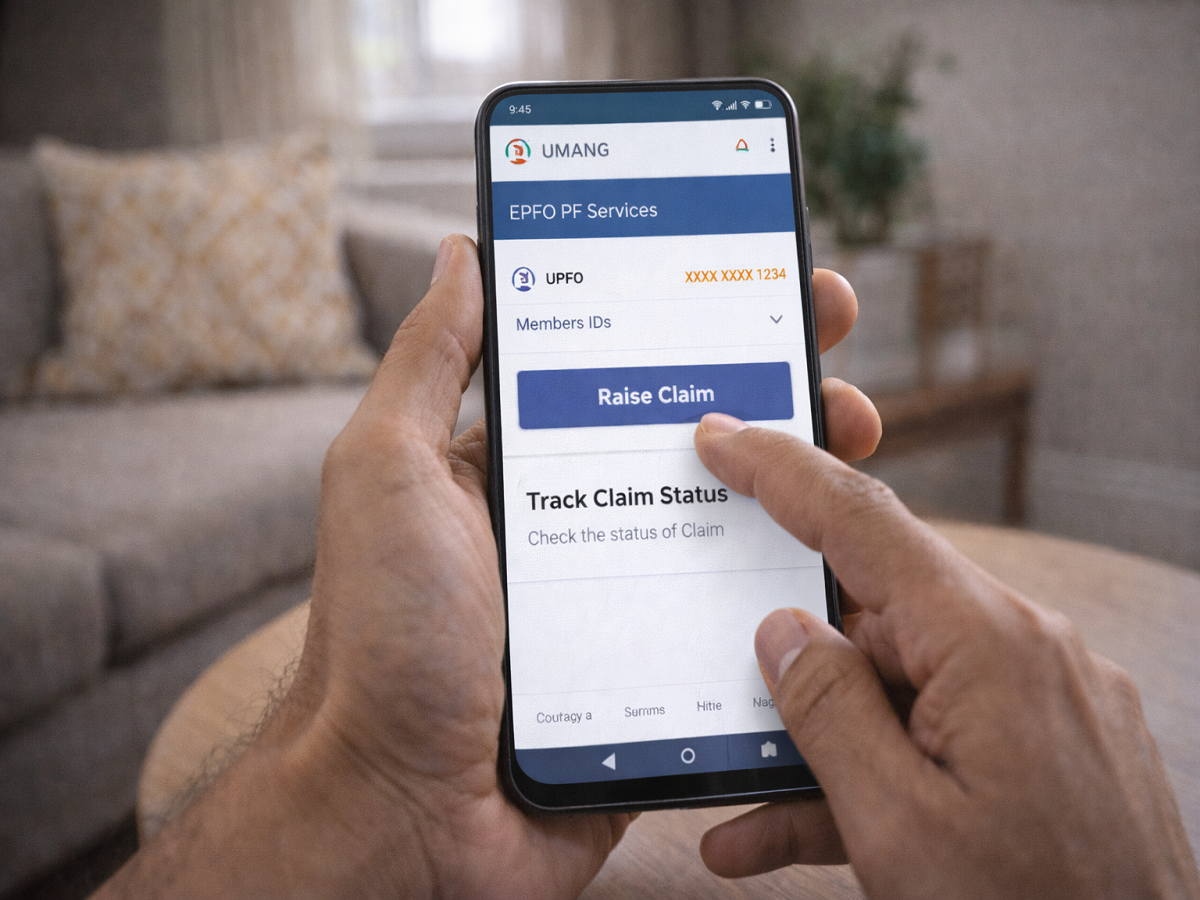
Until the new app arrives, you can easily withdraw your PF money using the UMANG app, which already offers a simple and mobile-friendly process.
Can You Withdraw PF via UMANG App Right Now?
Yes, you can. The UMANG app allows users to:
- File PF withdrawal claims
- Track claim status
- Access EPFO services
👉 However, unlike the upcoming EPFO app, UPI withdrawal is not available yet, and the money is typically credited within 7 to 15 days.
Important Conditions Before Applying
Before you initiate a PF withdrawal via UMANG, make sure:
✔ Your UAN (Universal Account Number) is activated
✔ Your Aadhaar is linked with UAN
✔ Your bank account KYC is complete
✔ Your mobile number is registered on UMANG
Without these, your claim may be rejected.
Step-by-Step Guide to Withdraw PF via UMANG App
Follow these steps carefully:
1. Open UMANG App
- Search for EPFO services
2. Select ‘Raise Claim’
- Tap on the option to start withdrawal
3. Login Using UAN
- Enter your UAN number
- Verify using OTP
4. Enter Bank Details
- Provide your bank account number
- Click Next
5. Choose Member ID
- Select the company’s PF account
- Confirm personal details
6. Select Claim Type
Choose based on your need:
- Form 31 → Partial withdrawal (while employed)
- Form 19 → Full withdrawal (after leaving job)
- Form 10C → Pension withdrawal
7. Fill Required Details
- Enter reason (medical, home, etc.)
- Mention withdrawal amount
- Provide address details
8. Upload Documents
- Upload cancelled cheque or passbook photo
9. Verify & Submit
- Complete Aadhaar OTP verification
- Submit the claim
How to Track Your Claim
After submission:
- Go to Track Claim option in UMANG
- Monitor status updates
- Check if claim is approved or rejected
👉 If rejected, reasons will be shown in the same section.
How Long Does It Take?
- PF amount is usually credited within 7 to 15 days
- Processing time depends on verification and approval
What to Expect from the New EPFO App
The upcoming EPFO app is expected to:
- Enable instant withdrawals via UPI
- Offer faster processing
- Improve user experience
Once launched, it could significantly reduce waiting time for PF claims.
Final Takeaway
While the new EPFO app promises quicker withdrawals, the UMANG app remains a reliable option for now. With just a few steps, you can submit your claim and access your PF funds without visiting any office.
👉 Make sure your KYC and UAN details are updated to avoid delays.