NEWS
Don't panic if you've lost your phone! Find My Device can help you find your smartphone in minutes. Here's how to use it.
Find My Device: There are a few prerequisites to using this feature. First, your phone must be logged in to your Google Account. Furthermore, your phone's internet and location must be turned on.
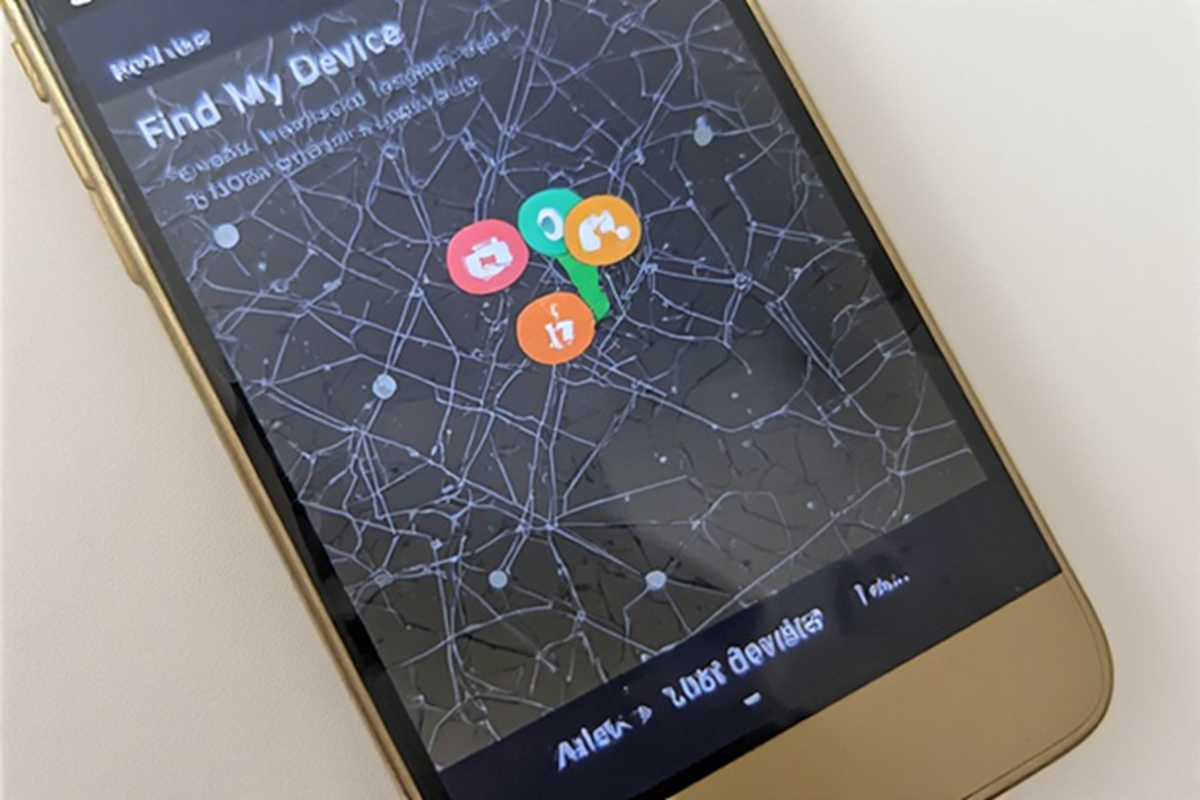
(How the Find My Device feature works)
Find My Device: In today's digital age, smartphones are not just a gadget but a vital part of our identity, work, and personal lives. Therefore, it's natural to feel anxious if your phone is lost or stolen. Fortunately, technology has advanced so much that you can easily find your lost phone. Find My Device is one such unique feature that can help you during these difficult times.
What is Find My Device, and how does it work?
Google's Find My Device is a tool that helps you track your smartphone's location. This feature works using your phone's GPS, internet, and Google account. You can view your phone's live location as soon as it's online.
What is necessary to find the phone?
There are a few prerequisites to using this feature. First, your phone must be logged in to your Google account. Furthermore, the phone's internet and location must be on. If these are enabled, tracking the phone becomes much easier.
How to track a lost phone
If you've lost your phone, first open the Find My Device website or app from another device. Then, log in with your Google account. Once you've logged in, you'll see your phone's location displayed on a map. You can also set your phone to ring loudly, making it easier to find it if it's nearby. Interestingly, this ringing also works in silent mode.
What to do to keep data safe?
If you think it's difficult to recover your phone, you can also use this feature to lock your phone. This will prevent anyone from accessing your data. If necessary, you can also remotely delete all your phone data, ensuring your personal information remains secure.
What things should be kept in mind?
Find My Device only works when the phone is on and connected to the internet. If the phone is switched off, the last location is displayed. Therefore, it's best to always keep your phone's location and internet access on. Also, keep your Google Account password secure and two-step verification turned on to prevent anyone from misusing your information.