Smartphones can do much more than make calls or send messages. One particularly useful feature is the ability to share a phone's mobile internet connection with another device, such as a laptop or tablet.
Most people use a Wi-Fi hotspot when they need internet access on a second device. However, Wi-Fi is not the only wireless option available. Many Android smartphones also support Bluetooth tethering, which lets a paired device access the phone's internet connection through Bluetooth.
The method can be useful when you only need internet for basic tasks and do not want to create a Wi-Fi hotspot. However, Bluetooth tethering is generally slower than Wi-Fi tethering, so understanding when to use it can make a significant difference.
What Is Bluetooth Tethering?
Bluetooth tethering is a feature that allows a smartphone to share its internet connection with another compatible device using Bluetooth.
For example, suppose your laptop does not have access to a Wi-Fi network but your Android phone has an active mobile data connection. Instead of enabling the phone's Wi-Fi hotspot, you may be able to pair the laptop and smartphone over Bluetooth and then use the phone's internet connection on the laptop.
The basic process involves pairing both devices, enabling Bluetooth tethering on the smartphone and configuring the second device to use the Bluetooth network connection.
The exact steps can differ depending on the phone manufacturer, Android version and the operating system running on the other device.
How to Turn On Bluetooth Tethering on Android
On many Android smartphones, Bluetooth tethering can be enabled directly from the phone's network settings.
Start by opening Settings on your Android smartphone.
Look for a menu such as Network & Internet, Connections, or a similarly named network section. From there, open Hotspot & Tethering, Mobile Hotspot and Tethering, or the equivalent option provided by your phone manufacturer.
Find Bluetooth Tethering and switch it on.
Next, enable Bluetooth on both your smartphone and the device with which you want to share the connection. Pair the two devices and confirm the pairing request where necessary.
Once pairing is complete, the second device may need to be configured to connect through the phone's Bluetooth network connection before internet access begins.
Because Android manufacturers customise their Settings menus, the names and locations of these controls may not be identical on Samsung, Google Pixel, OnePlus, Xiaomi, Motorola and other smartphones.
If you cannot find the option, searching for "Bluetooth tethering" within your phone's Settings app may be the easiest approach.
Bluetooth Tethering vs Wi-Fi Hotspot: What's the Difference?
Both features allow a smartphone's internet connection to be shared, but the way they create the connection is different.
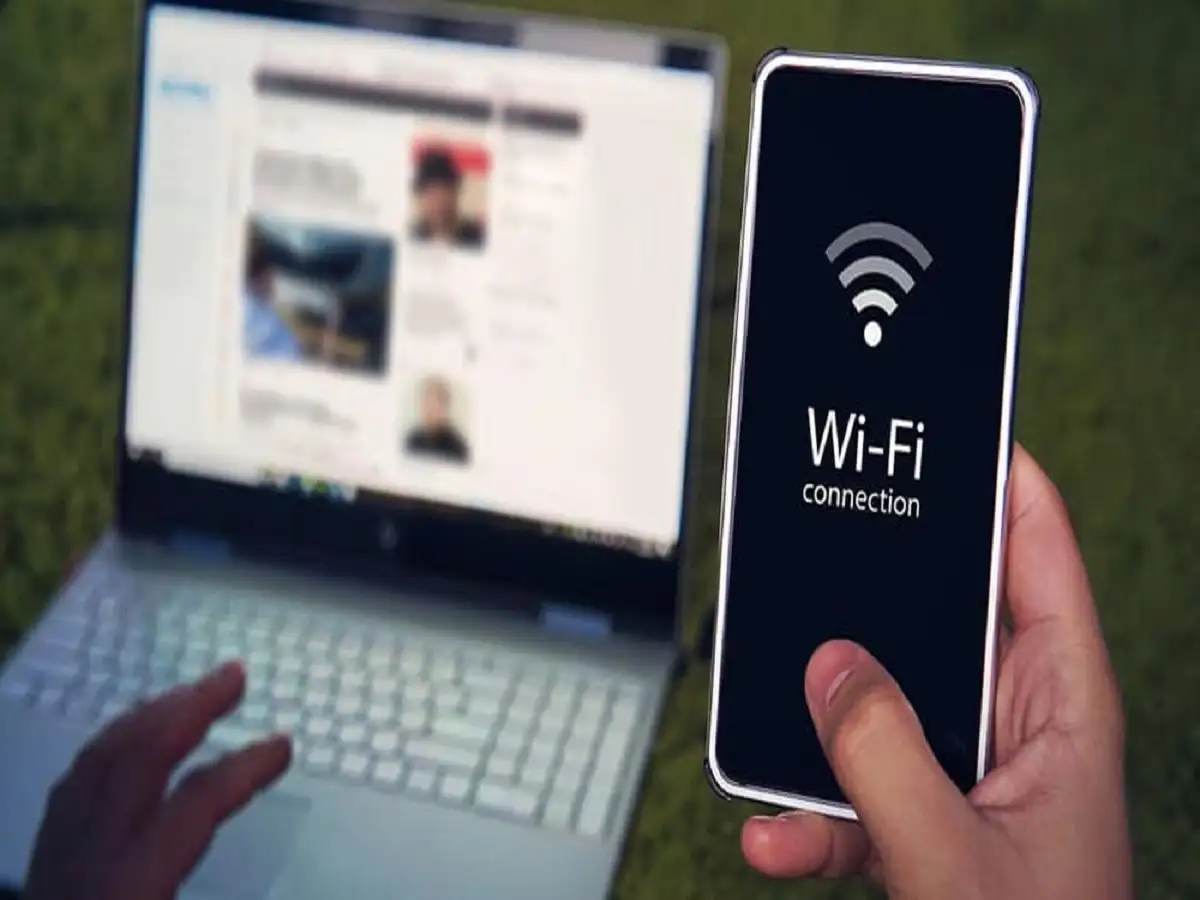
A Wi-Fi hotspot turns the smartphone into a small wireless access point. Other devices connect to it over Wi-Fi, much as they would connect to a normal wireless router.
Wi-Fi hotspots generally provide significantly better speeds than Bluetooth tethering. They are therefore better suited to activities such as streaming videos, downloading large files, attending video calls or performing other bandwidth-heavy tasks.
A hotspot can also typically accommodate multiple devices, although the exact number depends on the smartphone.
Bluetooth tethering, by comparison, uses a Bluetooth connection between nearby devices. Its internet speed is generally lower, making it better suited to lighter activities.
In some situations, Bluetooth tethering may also use less power than running a Wi-Fi hotspot, although actual battery consumption depends on the phone, Bluetooth version, signal strength and how heavily the internet connection is being used.
When Is Bluetooth Tethering Useful?
Bluetooth tethering makes the most sense when high internet speed is not your main priority.
For example, you may only need to check email, open a few webpages, send messages through a browser-based service or complete another lightweight online task on your laptop.
It can also be useful when the phone and second device are close together and you do not want to enable a Wi-Fi hotspot.
Another potential use case is an environment crowded with Wi-Fi networks. Since Bluetooth uses a different connection method, tethering through Bluetooth can provide an alternative way of linking the two devices, although wireless interference and performance can still vary.
For large downloads, cloud backups, HD video streaming or other data-intensive activities, a Wi-Fi hotspot or USB tethering will generally be more practical.
Bluetooth Tethering Is Not the Same as Free Internet
One important point is that Bluetooth tethering does not create an internet connection by itself.
Your smartphone still needs an active internet connection. In most cases, this means the phone will be sharing its mobile data connection with the connected laptop or tablet.
Any data consumed by the second device may therefore count against your mobile data allowance.
Users should also check their mobile plan because carriers may apply specific terms, limits or charges to tethering.
Keep Security in Mind When Pairing Devices
Bluetooth tethering should ideally be used only with devices you recognise and trust.
Check the pairing request carefully before accepting it, particularly when you are in a public place where several Bluetooth devices may be nearby.
If you no longer need a previously paired device, you can remove or forget it from your Bluetooth settings. Keeping your phone and operating system updated can also help ensure that you have current security fixes.
Once you have finished sharing the connection, turn off Bluetooth tethering if you no longer need it.
Which Tethering Option Should You Choose?
There is no single tethering method that is best in every situation.
Bluetooth tethering can be convenient for basic internet activities between nearby devices, especially when maximum speed is unnecessary. A Wi-Fi hotspot is usually the more suitable option when faster performance or connectivity for multiple devices is required.
USB tethering is another alternative on supported devices and can be useful when connecting a phone directly to a laptop with a cable.
Knowing how these options differ gives you more flexibility the next time your laptop or tablet needs internet access and a regular Wi-Fi network isn't available.