NEWS
Bluetooth Security Tips: Leaving Bluetooth On All Day? Here's Why It Could Put Your Data at Risk
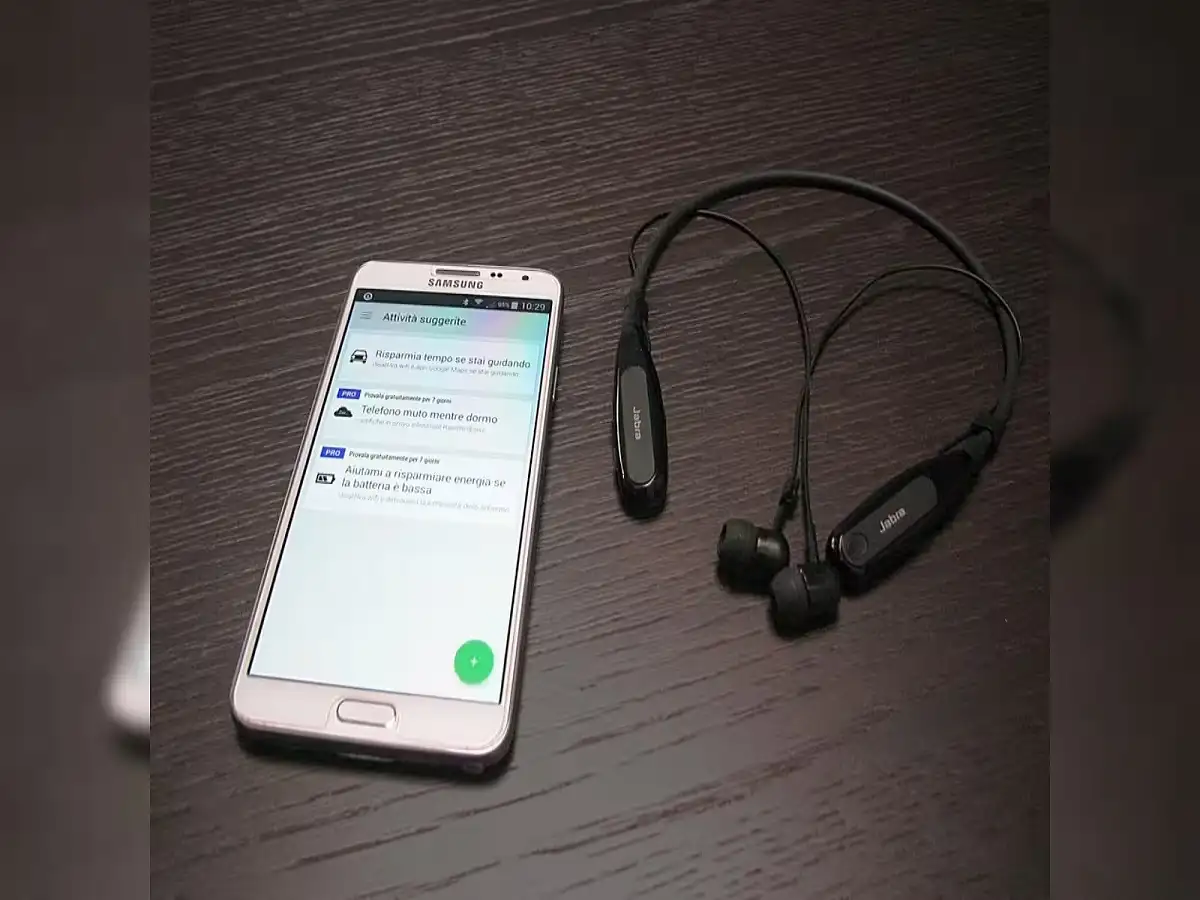
Bluetooth has become an essential feature for modern smartphone users, making it easy to connect wireless earbuds, smartwatches, fitness bands, speakers, car infotainment systems, and other accessories. However, many people forget to switch Bluetooth off after using these devices, assuming it poses no risk.
While simply keeping Bluetooth enabled does not mean your bank account can be hacked instantly, leaving it turned on and discoverable for long periods can increase your exposure to certain cyber threats, including attacks such as Bluebugging. Here's what you need to know and how you can protect your personal information.
What Is Bluebugging?
Bluebugging is a type of cyberattack that targets vulnerabilities in Bluetooth connections. If a smartphone has Bluetooth enabled and is set to discoverable mode, attackers located within Bluetooth range may attempt to establish an unauthorized connection.
If they successfully exploit a security weakness—particularly on outdated or vulnerable devices—they may gain unauthorized access to certain functions or data stored on the phone.
Modern smartphones with updated operating systems include stronger Bluetooth security, making such attacks much more difficult, but good security habits are still recommended.
How Does a Bluebugging Attack Work?
Cybercriminals typically follow a series of steps to exploit vulnerable Bluetooth devices:
- They scan nearby devices with Bluetooth turned on.
- They identify phones that are discoverable or running outdated software.
- They attempt to exploit known Bluetooth vulnerabilities.
- If successful, they may gain unauthorized access to parts of the device.
In severe cases, attackers could potentially:
- View contacts.
- Read certain messages.
- Access call logs.
- Monitor communications.
- Steal sensitive personal information.
The actual impact depends on the device, software version, and whether security vulnerabilities exist.
Who Is More Likely to Be at Risk?
The risk may be higher for users who:
- Keep Bluetooth enabled throughout the day.
- Leave their phone in discoverable mode.
- Frequently connect to unknown Bluetooth devices.
- Regularly use wireless accessories such as:
- TWS earbuds
- Smartwatches
- Bluetooth speakers
- Car infotainment systems
- Spend time in crowded public places such as:
- Railway stations
- Airports
- Shopping malls
- Cafés
- Metro stations
- Public transport hubs
Crowded environments provide attackers with more opportunities to scan nearby Bluetooth-enabled devices.
Simple Ways to Protect Yourself
Following a few basic security practices can significantly reduce Bluetooth-related risks.
Turn Bluetooth Off When Not in Use
Disable Bluetooth after disconnecting wireless accessories. This reduces the chances of unauthorized devices detecting your phone.
Disable Discoverable Mode
Unless you are actively pairing a new device, keep Bluetooth visibility turned off so your phone is not visible to nearby devices.
Connect Only to Trusted Devices
Pair your smartphone only with accessories you recognize and trust. Avoid connecting to unfamiliar devices.
Reject Unknown Pairing Requests
Never approve unexpected Bluetooth pairing notifications, especially in public places.
Keep Your Phone Updated
Install the latest operating system updates and security patches. Manufacturers regularly fix Bluetooth vulnerabilities through software updates.
Avoid Pairing Devices in Untrusted Locations
If possible, avoid pairing new Bluetooth devices while connected to unsecured public Wi-Fi networks or in crowded public areas.
Why Bluetooth Security Matters
Today's smartphones store a significant amount of sensitive information, including:
- Banking and payment applications.
- Personal photos and videos.
- Private chats and emails.
- Contact lists.
- Saved passwords.
- Work-related documents.
- Two-factor authentication (2FA) codes.
Although Bluetooth alone cannot automatically give hackers access to your bank account, compromising a device through multiple security weaknesses could expose sensitive information that may be used in broader cyberattacks.
Build Safer Digital Habits
Good cybersecurity often starts with small daily habits. Turning Bluetooth off when it is not needed, keeping your device updated, and avoiding unknown Bluetooth connections can help reduce the risk of attacks such as Bluebugging.
These simple precautions strengthen your smartphone's overall security and make it more difficult for cybercriminals to target your device.
The Bottom Line
Keeping Bluetooth enabled all day is not guaranteed to result in your bank account being emptied, and claims suggesting it can happen "within one minute" are exaggerated. However, leaving Bluetooth switched on—especially in discoverable mode—can increase your exposure to Bluetooth-based cyber threats on vulnerable devices.
For better security, switch Bluetooth off when you're not using it, install software updates regularly, pair only with trusted devices, and reject unknown connection requests. A few simple precautions can go a long way in protecting your personal data and digital privacy.