Business
Aadhaar Card Update 2026: Can You Use OTP Verification When Biometrics Are Locked? Check UIDAI Rules
Aadhaar Card Update 2026: Aadhaar has become an essential identity document for millions of Indians. From accessing government welfare schemes to completing certain banking and digital verification processes, Aadhaar-based authentication is widely used across the country.
However, protecting Aadhaar information from unauthorised use is equally important.
To help residents secure their identity details, the Unique Identification Authority of India (UIDAI) provides a biometric locking facility.
This feature allows Aadhaar holders to restrict authentication using their registered biometric information, including fingerprints and iris scans.
But many people have an important question: If Aadhaar biometrics are locked, can they still complete verification using an OTP?
The answer is generally yes. Biometric locking and OTP authentication are separate processes, although the verification options available depend on the service being used.
Here is everything Aadhaar holders should know about biometric locking, OTP verification and important security precautions.
Can You Use Aadhaar OTP Verification After Locking Biometrics?
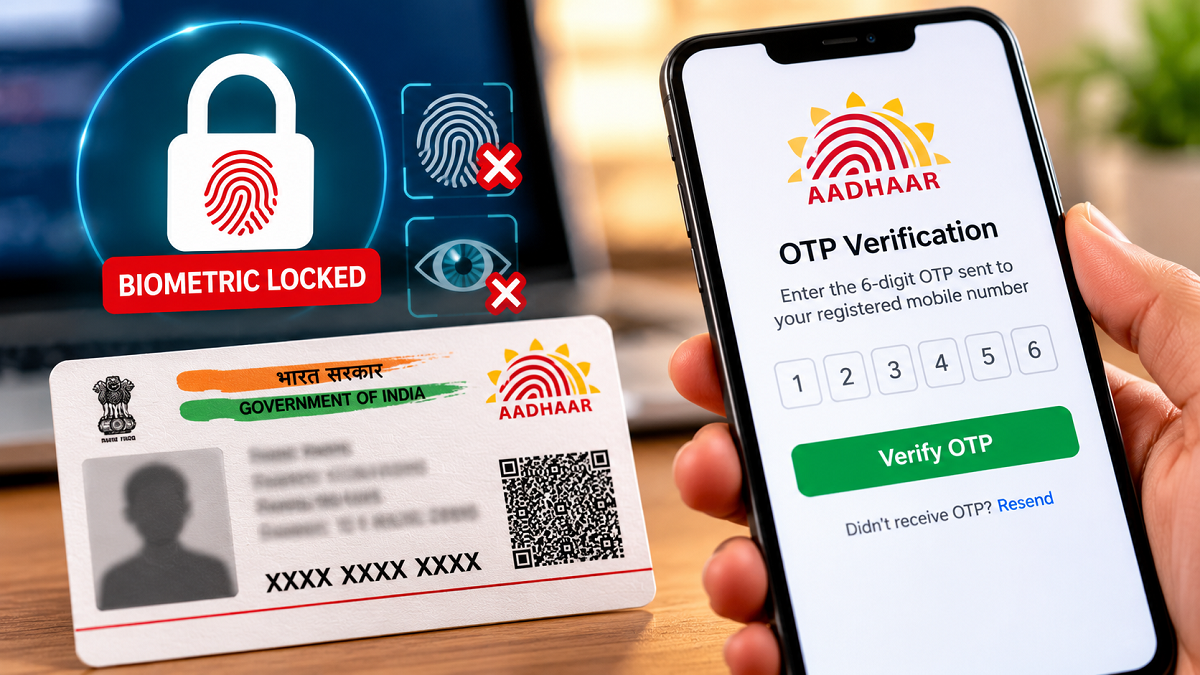
Yes, Aadhaar holders can generally continue using OTP-based authentication even when their biometric information is locked.
UIDAI's biometric locking facility is designed to prevent authentication through locked biometric credentials.
This means that fingerprint-based or iris-based authentication will not work while the biometric lock remains active.
However, OTP authentication operates differently.
When an eligible service supports Aadhaar OTP verification, a one-time password is sent to the mobile number registered with Aadhaar.
The user must enter the correct OTP to complete the authentication process.
Therefore, locking biometric information does not automatically disable OTP-based Aadhaar authentication.
However, not every Aadhaar-related service offers OTP verification.
Some services may require biometric authentication or other verification methods according to their applicable rules.
What Is Aadhaar Biometric Lock?
Aadhaar biometric lock is a security feature provided by UIDAI to help residents protect their biometric information from unauthorised authentication attempts.
Aadhaar authentication can use different methods, including biometric credentials and OTP-based verification.
When the biometric locking feature is enabled, authentication using the locked biometric information is restricted.
This can be particularly useful for people who do not regularly use fingerprint or iris verification.
For example, someone who mainly uses Aadhaar for online services may prefer to keep biometric authentication disabled until it is needed.
If a particular service requires biometric verification, the Aadhaar holder can temporarily unlock the biometrics through UIDAI's authorised facility.
Once the required authentication is completed, the biometric lock can be enabled again.
Aadhaar Biometric Lock vs OTP Verification: What Is the Difference?
Although both methods are associated with Aadhaar security, they work differently.
| Feature | Biometric Lock | OTP Verification |
|---|---|---|
| Main purpose | Restricts biometric authentication | Verifies identity using a one-time password |
| Authentication method | Fingerprints and iris scans | OTP sent to registered mobile number |
| Mobile number requirement | Needed for relevant online locking services | Registered mobile number required |
| Effect of biometric lock | Blocks locked biometric authentication | Generally remains available |
| Main benefit | Helps prevent unauthorised biometric use | Allows supported services to verify identity remotely |
Understanding this distinction is important because locking biometrics does not mean that every Aadhaar authentication facility becomes unavailable.
How to Lock Aadhaar Biometrics Online
Aadhaar holders can access biometric locking services through UIDAI's official digital platforms.
The general process is as follows:
- Visit the official UIDAI website at https://uidai.gov.in/.
- Open the Aadhaar services section.
- Find the biometric locking or unlocking facility.
- Follow the instructions to verify your identity using the available authentication method.
- Select the option to enable biometric locking.
- Complete the process and check the confirmation displayed by the service.
The exact steps and interface may change as UIDAI updates its online services.
Users should always follow the instructions shown on the official portal.
How to Temporarily Unlock Aadhaar Biometrics
Sometimes, an Aadhaar holder may need fingerprint or iris authentication for an authorised service.
In such situations, biometric unlocking may be required.
UIDAI provides a facility to temporarily unlock biometrics for eligible authentication purposes.
Residents can access the relevant service through the official UIDAI website or supported Aadhaar application.
After verifying their identity, they can follow the displayed instructions to temporarily unlock biometric authentication.
Temporary unlocking is different from permanently disabling the biometric lock.
Once the permitted unlocking period ends, the applicable lock protection can resume according to UIDAI's system rules.
Users should check the current instructions before proceeding.
Is Aadhaar OTP Verification Safe?
OTP-based Aadhaar authentication can provide a convenient way to complete supported verification processes.
However, its security depends partly on how carefully users protect their mobile phones and authentication codes.
Fraudsters sometimes attempt to obtain OTPs by pretending to represent banks, government departments or customer support teams.
They may claim that an Aadhaar card will be suspended or that an urgent update is required.
Such messages should be treated cautiously.
An OTP should only be entered when the Aadhaar holder has personally initiated a legitimate authentication request.
Receiving an unexpected OTP does not automatically mean that an account has been compromised, but it may indicate that someone has attempted to initiate a verification process.
Never share an OTP with an unknown person.
Important Aadhaar Security Tips Everyone Should Follow
Aadhaar holders can reduce the risk of misuse by adopting a few basic security habits.
Never disclose your OTP: Do not share Aadhaar authentication codes through phone calls, messaging applications or social media.
Avoid suspicious links: Fraudulent messages may direct users to fake websites claiming to provide Aadhaar updates.
Protect your registered mobile number: Keep your SIM card and smartphone secure because OTP-based authentication depends on access to the registered number.
Use official UIDAI services: Access Aadhaar-related facilities through UIDAI's official website or authorised platforms.
Keep biometrics locked when not required: If you rarely use fingerprint or iris authentication, enabling biometric locking may provide additional protection.
Review authentication history: UIDAI provides facilities that allow residents to review available Aadhaar authentication records.
These precautions can help reduce the chances of unauthorised use.
What Happens If Someone Tries Biometric Authentication While Aadhaar Is Locked?
When biometric locking is active, authentication attempts using the locked biometric credentials are expected to fail.
This restriction is the main purpose of the feature.
However, biometric locking should not be confused with locking the Aadhaar number itself.
UIDAI also provides a separate Aadhaar number locking facility, which has different implications for authentication.
Users should understand which feature they are enabling because Aadhaar number locking can affect authentication more broadly than biometric locking alone.
What If Your Mobile Number Is Not Linked With Aadhaar?
OTP-based Aadhaar authentication generally requires access to the mobile number registered with UIDAI.
If the registered mobile number is inactive, unavailable or outdated, the user may be unable to receive Aadhaar authentication OTPs.
In such cases, updating the registered mobile number through an authorised Aadhaar enrolment or update facility may be necessary.
Residents can visit the official UIDAI website to find information about Aadhaar update services and nearby authorised centres.
The available verification process may depend on the type of update requested.
Where Can You Get Official Aadhaar Assistance?
For accurate information about biometric locking, OTP authentication and Aadhaar updates, residents should use UIDAI's official channels.
Official website: https://uidai.gov.in/
MyAadhaar portal: https://myaadhaar.uidai.gov.in/
UIDAI helpline: 1947
These services can help users find official instructions and avoid relying on potentially misleading information circulating online.
Final Words
Aadhaar biometric locking is a useful security feature for people who want to protect their fingerprint and iris authentication credentials.
Even when Aadhaar biometrics are locked, OTP-based verification can generally continue if the service supports it and the registered mobile number is accessible.
However, biometric locking does not prevent every possible type of Aadhaar authentication or identity misuse.
For better protection, Aadhaar holders should keep their biometric information locked when it is not required, protect their registered mobile number and never share authentication OTPs.
Using official UIDAI services and staying alert to suspicious messages can help keep Aadhaar information safer.
Disclaimer: This article provides general information about Aadhaar biometric locking and OTP authentication. Service availability and authentication requirements may vary. Refer to UIDAI's official website for the latest instructions.