
Business
Aadhaar Biometric Lock 2026: Protect Your Fingerprints and Iris Data, Know Benefits and How to Activate It Online
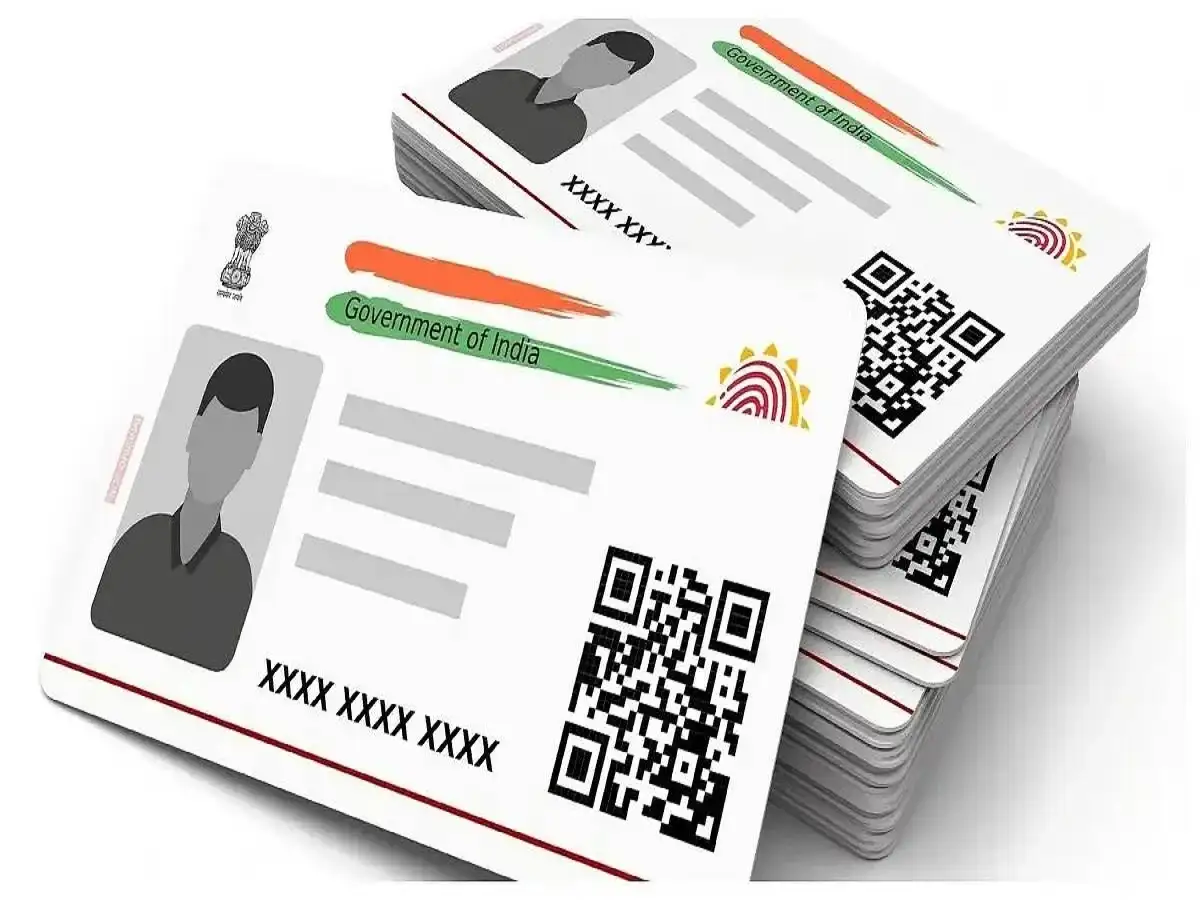
Aadhaar Card Security Update 2026: Aadhaar has become an important identity document for millions of Indians. It is widely used for identity verification in banking, telecommunications, government welfare programmes, and several other services.
As Aadhaar authentication becomes increasingly common, protecting personal information from unauthorised use is essential. One security feature available to Aadhaar holders is the Biometric Lock/Unlock facility provided by the Unique Identification Authority of India (UIDAI).
This feature allows individuals to temporarily restrict biometric authentication linked to their Aadhaar numbers. It can help reduce the risk of unauthorised authentication attempts involving fingerprints, iris scans, and other supported biometric methods.
Aadhaar holders can manage this security setting through UIDAI's official digital services.
Here is everything you should know about Aadhaar biometric locking, its advantages, limitations, and the process for activating it.
What Is Aadhaar Biometric Lock?
Aadhaar biometric lock is a security facility designed to give Aadhaar holders greater control over the use of their biometric information for authentication.
Biometric authentication verifies an individual's identity using physical characteristics such as fingerprints, iris patterns, or supported facial authentication methods.
When biometric locking is enabled, biometric authentication requests associated with the Aadhaar number are restricted until the holder unlocks the biometrics through the authorised process.
This means that even if someone obtains an individual's Aadhaar number, they cannot successfully complete a biometric authentication transaction while the relevant lock remains active.
However, biometric locking should not be confused with permanently deleting biometric records from the Aadhaar database.
The feature restricts authentication rather than removing the information stored by UIDAI.
5 Important Benefits of Locking Aadhaar Biometrics
1. Helps Prevent Unauthorised Biometric Authentication
One of the main advantages of biometric locking is additional protection against unauthorised authentication attempts.
If someone obtains your Aadhaar number and attempts to use biometric information without permission, the lock can prevent the authentication from succeeding.
This provides an additional security measure for people concerned about identity-related fraud.
However, the feature does not protect against every type of financial or cybercrime.
Users should continue following standard digital safety practices.
2. Reduces the Risk of Fingerprint Misuse
Fingerprint authentication is used in certain Aadhaar-enabled services.
Concerns about stolen or replicated fingerprint information have increased awareness of biometric security.
Activating biometric locking can help reduce the possibility of such information being used for successful Aadhaar biometric authentication.
The protection applies to the authentication process and does not guarantee that other personal information cannot be misused.
3. Adds Another Layer of Identity Protection
Aadhaar holders frequently share their Aadhaar details for legitimate identification and verification purposes.
Biometric locking provides an additional layer of control by restricting the use of supported biometric authentication methods.
It can be particularly useful for individuals who do not regularly need fingerprint or iris-based verification.
Instead of leaving biometric authentication continuously available, users can keep it locked and enable access when required.
4. Gives Users Greater Control Over Authentication
The facility allows Aadhaar holders to decide when their biometric authentication should be available.
For example, an individual who needs biometric verification for a legitimate service can temporarily unlock their biometrics through UIDAI's authorised system.
After completing the required process, the user can ensure that biometric protection is active again.
This flexibility allows people to maintain additional security without permanently giving up access to biometric-based services.
5. Can Be Managed Through Official Digital Services
Aadhaar biometric locking can be managed through UIDAI's official online facilities and supported Aadhaar applications.
This makes it possible for eligible users to activate or manage the security setting without visiting an Aadhaar enrolment centre for every change.
However, online access generally requires authentication using the mobile number registered with Aadhaar.
Users should ensure that their registered mobile number remains active and under their control.
Who Should Consider Activating Aadhaar Biometric Lock?
The feature may be useful for a wide range of Aadhaar holders.
Individuals who rarely use fingerprint or iris authentication may find it convenient to keep their biometrics locked.
Senior citizens and people concerned about identity-related fraud may also consider using the facility as an additional precaution.
It can also be relevant for individuals who use Aadhaar-linked financial services or want greater control over their identity verification methods.
However, biometric locking may temporarily interrupt services that require Aadhaar biometric authentication.
Users should therefore understand how to unlock their biometrics before enabling the feature.
How to Lock Aadhaar Biometrics Online in 2026
UIDAI provides an online facility for managing biometric authentication settings.
Aadhaar holders can follow these general steps to activate biometric locking.
Step 1: Visit UIDAI's Official Website
Open the official UIDAI website:
Navigate to the My Aadhaar section and look for the biometric locking service.
You may also access available Aadhaar services through the official myAadhaar Portal.
Step 2: Select Lock/Unlock Biometrics
Choose the option related to biometric locking or unlocking.
Read the instructions displayed on the screen before proceeding.
Step 3: Enter Your Aadhaar Details
Enter your 12-digit Aadhaar number or the identifier accepted by the portal.
Complete the CAPTCHA verification, if requested.
Step 4: Verify Through OTP
Request an OTP using the available verification option.
The OTP will generally be sent to the mobile number registered with your Aadhaar.
Enter the OTP to complete the authentication process.
Never share this OTP with another person, even if they claim to represent UIDAI or a government department.
Step 5: Enable Biometric Locking
After successful verification, follow the on-screen instructions to activate biometric locking.
Confirm the request and check the displayed status.
Once the lock is active, supported Aadhaar biometric authentication will remain restricted according to UIDAI's applicable rules.
How to Unlock Aadhaar Biometrics When Required
If you need biometric authentication for a legitimate transaction, you can use UIDAI's official services to unlock your biometrics.
Visit the biometric locking service, complete the required verification, and select the available unlocking option.
UIDAI may provide temporary unlocking or other supported options depending on the service.
After completing your transaction, verify whether biometric locking has been restored or whether you need to enable it again.
Users should follow the current instructions displayed by UIDAI rather than assuming that every unlocking request remains valid indefinitely.
Will Aadhaar Services Stop Working After Biometric Locking?
Locking Aadhaar biometrics does not automatically cancel your Aadhaar number or make the identity document invalid.
However, services requiring biometric authentication may not work while the relevant lock is active.
For example, a transaction that specifically requires fingerprint authentication may fail until the biometrics are unlocked.
Other Aadhaar-related services that use permitted non-biometric authentication methods may remain available, subject to their own rules and technical requirements.
The exact impact depends on the service provider and authentication method.
Aadhaar Biometric Lock vs Aadhaar Number Lock
UIDAI offers different security facilities, and users should understand the distinction between them.
| Feature | Aadhaar Biometric Lock | Aadhaar Number Lock |
|---|---|---|
| Main purpose | Restricts biometric authentication | Restricts Aadhaar-number-based authentication |
| Protection focus | Fingerprint, iris and supported biometric methods | Authentication using the Aadhaar number |
| Can be managed online | Yes, through supported UIDAI services | Yes, through supported UIDAI services |
| Effect on services | Biometric transactions may be blocked | Aadhaar-number authentication may be restricted |
| Unlocking required | Before using restricted biometric services | Before using restricted Aadhaar-number services, as applicable |
The two features serve different purposes and should not be treated as interchangeable.
Additional Aadhaar Safety Tips
Along with biometric locking, Aadhaar holders should take other precautions to protect their personal information.
Avoid sharing Aadhaar details unnecessarily, and use masked Aadhaar where appropriate and accepted.
Never disclose OTPs, passwords, or other authentication credentials to unknown individuals.
Use only official UIDAI websites and authorised applications for Aadhaar-related services.
Be cautious about suspicious messages claiming that your Aadhaar will be blocked unless you immediately click a link or provide personal details.
It is also advisable to review Aadhaar authentication history through UIDAI's available services if you suspect unauthorised activity.
If you notice suspicious authentication attempts, contact UIDAI through its official support channels.
Conclusion
Aadhaar biometric locking is a useful security feature that gives individuals greater control over biometric authentication associated with their Aadhaar numbers.
It can help reduce the risk of unauthorised fingerprint and iris authentication while allowing users to unlock their biometrics when legitimate services require them.
However, it is not a complete safeguard against every form of identity theft or financial fraud.
Aadhaar holders who rarely require biometric verification may consider keeping the feature enabled and unlocking it only when necessary.
For the latest instructions and security information, visit the official UIDAI website.
Official Website: Unique Identification Authority of India (UIDAI)
Disclaimer: Aadhaar authentication features, supported methods, and online procedures may change. Users should follow the latest instructions published by UIDAI.