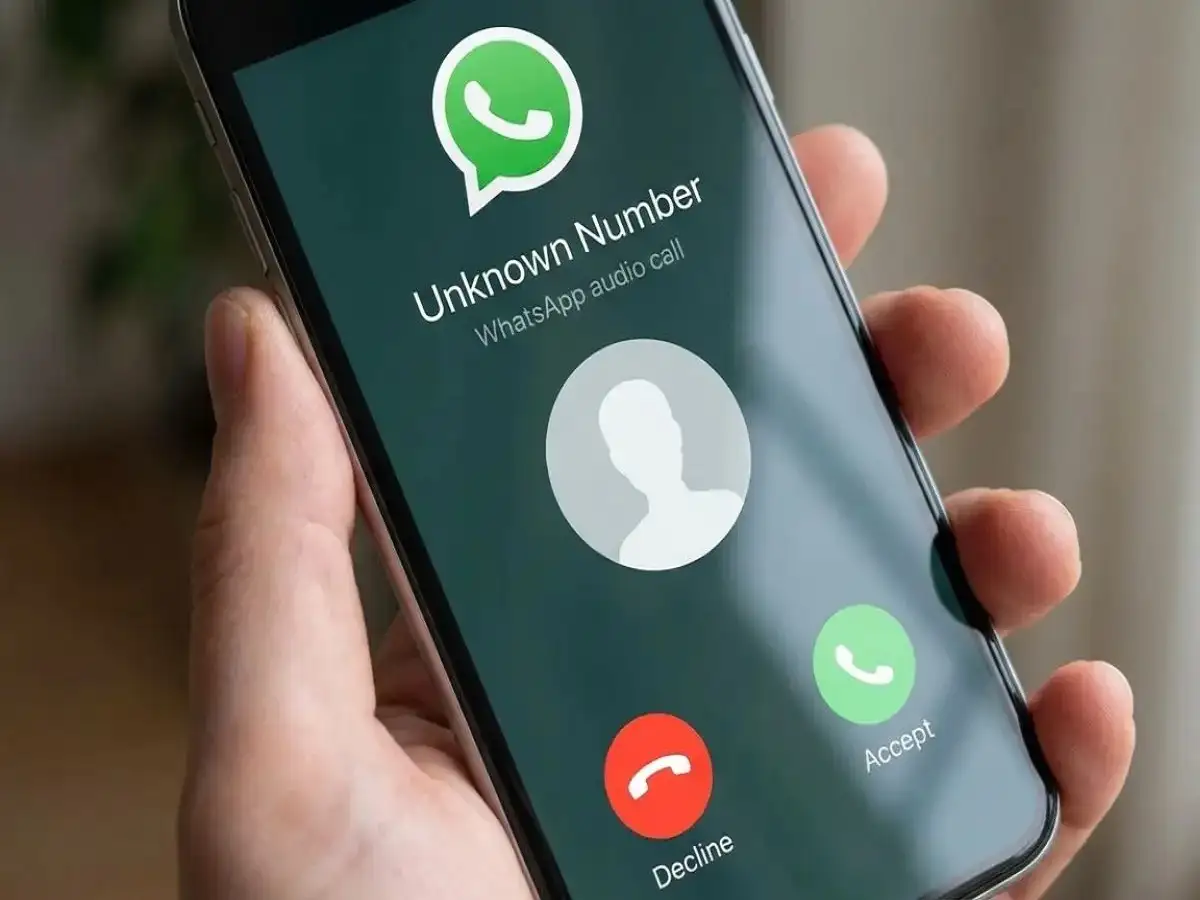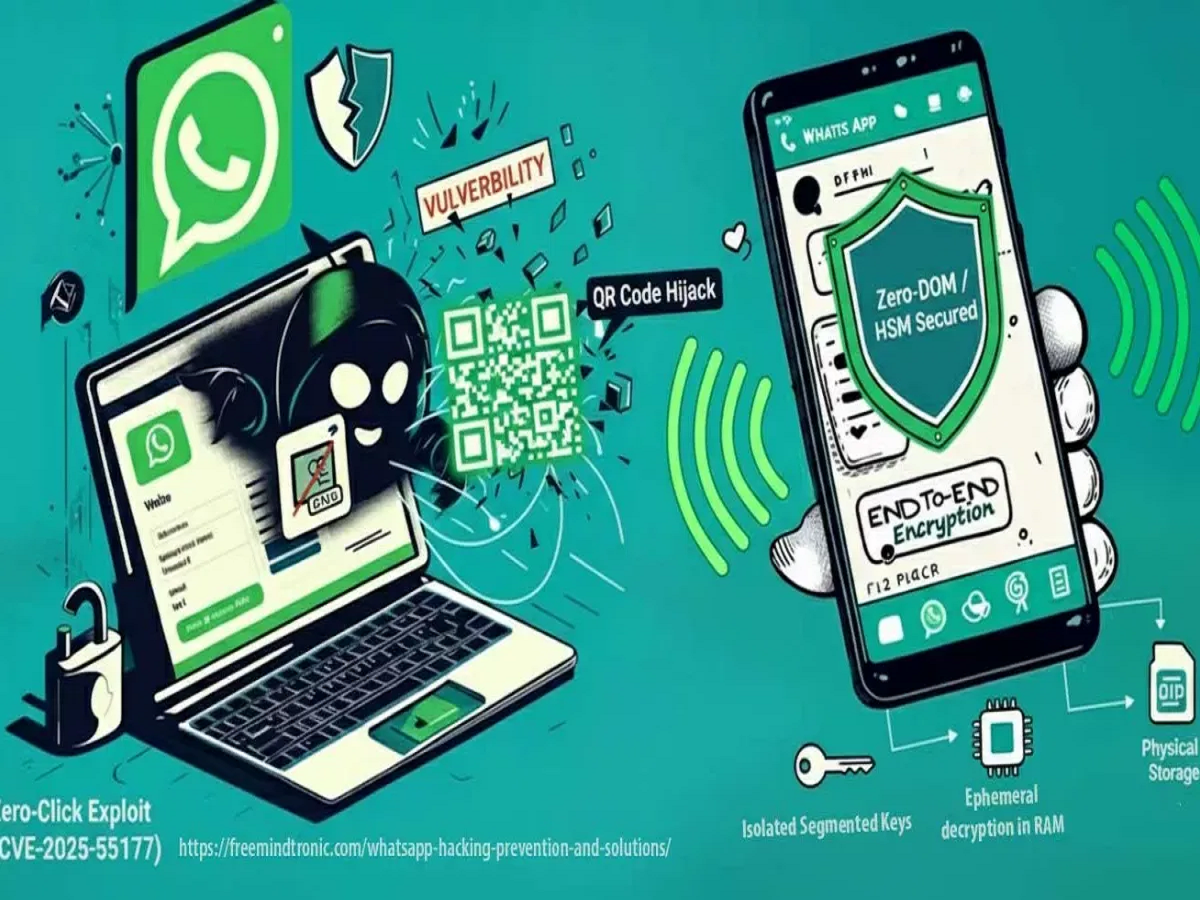
In today’s digital era, WhatsApp has become an integral part of daily life—but cybercriminals are increasingly targeting it for scams. Recent months have seen a surge in WhatsApp hacking cases, where fraudsters use fake calls, OTP theft, call forwarding, and ghost pairing techniques to take control of accounts and extort money. A little vigilance and the right settings can keep your account safe.
How WhatsApp Hacks Happen
Cybercriminals exploit social engineering and technical vulnerabilities to hijack accounts. Some common methods include:
- Fake Calls and Messages:
Scammers impersonate delivery agents, bank officials, or WhatsApp support to trick users into sharing OTP codes or clicking malicious links. - Call Forwarding Abuse:
Hackers activate call forwarding on the victim’s phone, redirecting bank OTPs to themselves. For instance, a school teacher in Delhi lost ₹6.98 lakh after their WhatsApp was hacked using this technique. - Ghost Pairing Vulnerability:
CERT-In recently issued an alert on “ghost pairing,” where hackers mirror an account without SIM swap or password. Once in control, they can read messages and photos, then trick contacts into sending money or clicking fake links.
How to Secure Your WhatsApp Account
The Indian Cybercrime Coordination Centre (I4C) recommends three crucial settings to protect your account:
- Check Linked Devices:
Go to WhatsApp Settings → Linked Devices. If you see unknown devices, log them out immediately. This prevents hackers from mirroring your account. - Privacy – Advanced Settings:
- Turn on Block Unknown Accounts
- Enable Protect IP Address in Calls to hide your location
- Disable Link Previews to prevent phishing attempts
- Enable Two-Step Verification:
Set up a 6-digit PIN via Settings → Account → Two-Step Verification. Even if hackers get your OTP, they cannot access your account without this PIN.
Bottom Line:
By checking linked devices, activating advanced privacy options, and enabling two-step verification, WhatsApp users can protect themselves from hackers and scams. Regularly reviewing these settings ensures that your messages, photos, and bank transactions remain secure in the digital age.