
NEWS
WhatsApp Guest Calling: Create a call link on WhatsApp like this; even guests without an account will be able to join

WhatsApp's new Guest Calling feature makes it easy to join voice and video calls without creating an account or downloading the app. Learn how to create a link and its other features.
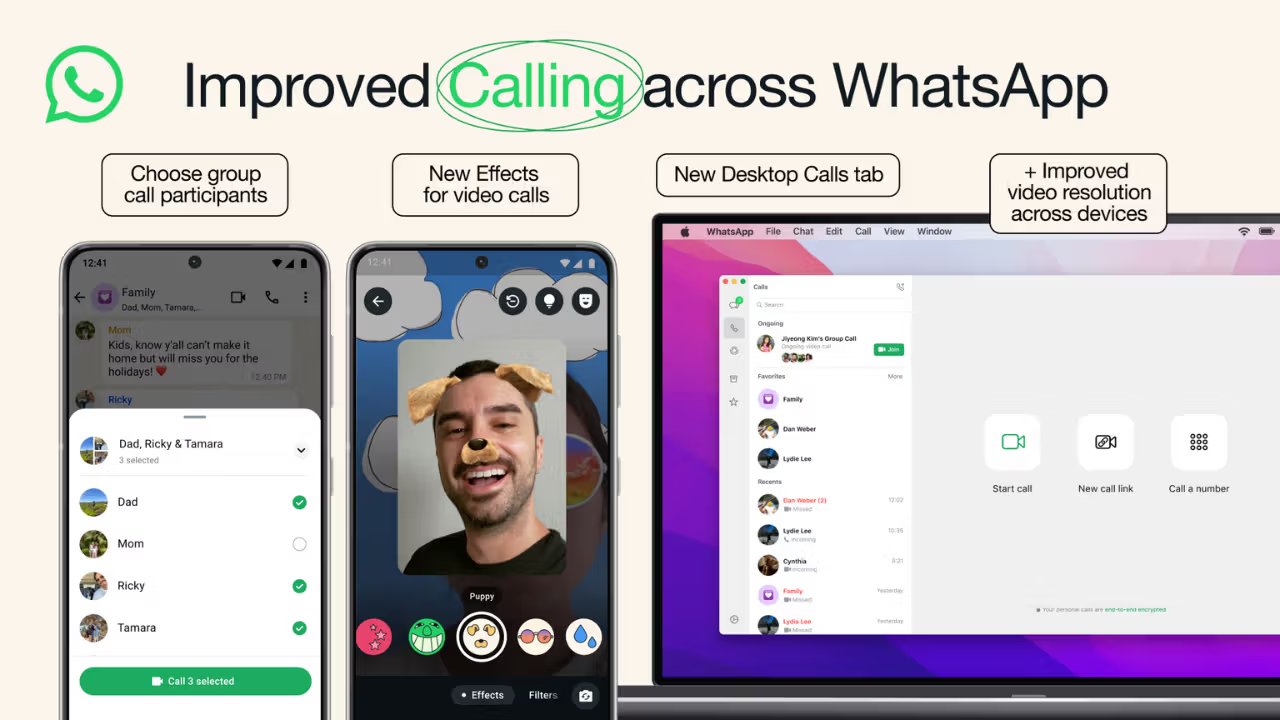
WhatsApp's new Guest Calling feature
Nowadays, the use of video and voice calling for online communication has increased rapidly. Whether it's office meetings, online classes, or chatting with family and friends, people stay connected through various apps. But sometimes, problems arise when the other person's phone doesn't have the app you want to use to make the call.
In such a situation, they either have to download a new app or communicate on another platform. To address this issue, WhatsApp has introduced its new Guest Calling feature. This feature allows people who don't have an account on the platform to join WhatsApp calls. Learn more about this new feature.
WhatsApp's Guest Calling feature
Meta's WhatsApp announced the Guest Calling feature on October 14, 2026. This allows a person with a WhatsApp account to create a call link and send it to someone who doesn't use WhatsApp. The special feature is that the guest doesn't need to create a WhatsApp account or download the app on their mobile device. They can simply open the link in their computer browser and request to join the call. According to WhatsApp, this feature allows voice and video calls. A maximum of 32 people can join the call simultaneously. This feature is free, and there's no time limit on the call. The call is also end-to-end encrypted.
This is how you can create a WhatsApp Guest Call Link.
If you want to add a friend, relative, or coworker to a WhatsApp call who doesn't have an account, follow these simple steps. First, open WhatsApp on your phone. Go to the Calls tab. Tap the '+' icon. Select Create Call Link. Create a voice or video call link, as needed. Copy the link and send it to the person you want to join. This way, you can invite someone to a call without saving their number. Note that you must have a WhatsApp account to create a call link.
People without an account will join the call like this.
The person who has been sent the call link must open it in their computer browser. They must then enter their name and send a request to join the call. After sending the request, they will not be able to start the conversation directly. They will first have to wait in a waiting room. They will only be able to join the call when the call host (the person who created the link) grants permission. Currently, guests can join the call using a computer browser. Joining a guest call via a mobile browser is not available.
Guests will get these special features.
WhatsApp doesn't limit guest users to just listening and speaking on calls. They also get some important features during conversations. For example, guests can share their computer screen with other people. This is useful for online meetings and studies. They can react with emojis like thumbs up and heart during conversations. They also have the option to raise their hand to speak when it's their turn in a group call. There's also no set time limit for conversations.
WhatsApp has set these rules for privacy.
Guest calling also has some limitations for security and privacy. Guests cannot see other participants' phone numbers. Furthermore, they cannot send messages during the call or add other people to the call. Most importantly, the host remains in control of who can be included in the call. They can accept or reject any guest request and, if necessary, can even remove a guest from the call.
Preparation to connect with Google and Outlook Calendar as well
WhatsApp has announced plans to introduce another feature alongside guest calling. Calendar integration with Google Calendar and Outlook is expected to launch by the end of 2026, allowing users to create WhatsApp calls directly from their calendar and add a call link to meeting invitations. This requires installing a WhatsApp plugin and connecting your account.