
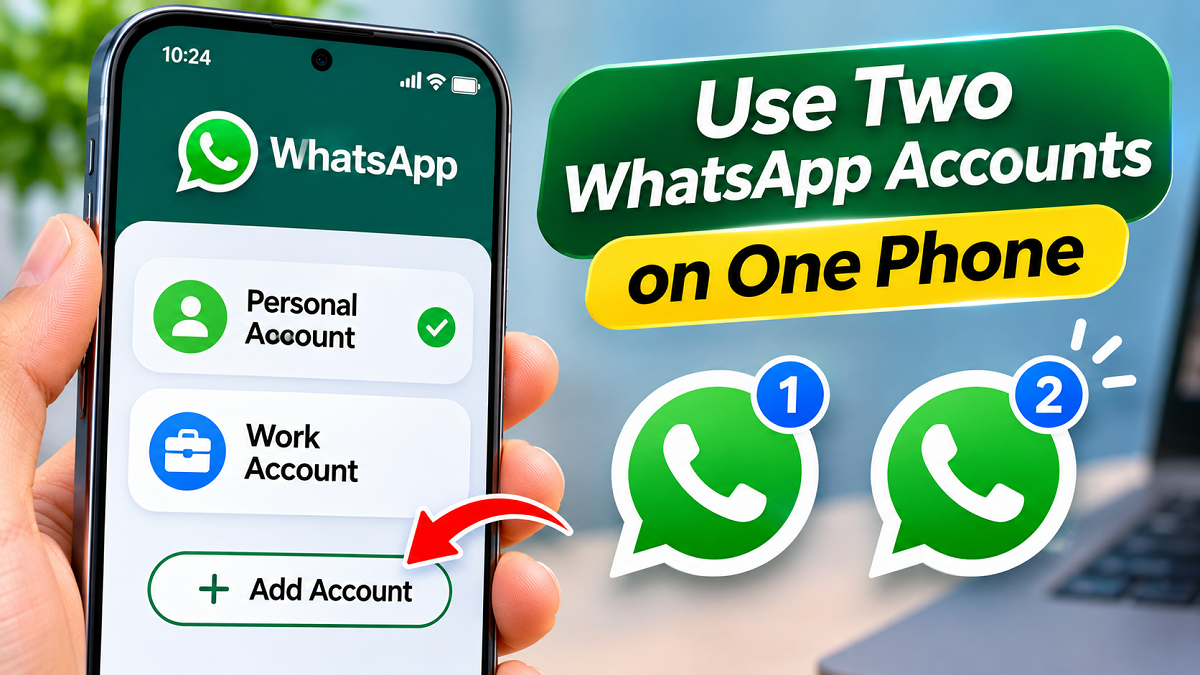
WhatsApp Multiple Accounts 2026: Want to keep your office conversations separate from personal messages without carrying two smartphones? WhatsApp's multiple-account feature allows supported devices to manage two different accounts within the same application. Users can switch between accounts without repeatedly signing out, and the second SIM does not necessarily have to be inserted into the same phone during verification.
WhatsApp has become an important communication tool for personal conversations, professional discussions, customer support, and business activities. Many people prefer maintaining separate mobile numbers for their private and work-related communications.
Traditionally, managing two WhatsApp accounts could involve carrying separate smartphones, using additional applications, or relying on manufacturer-specific app duplication features.
However, WhatsApp's built-in multiple-account functionality provides a more convenient alternative.
With this feature, users can maintain two independent accounts on a supported device while keeping their messages, profiles, and privacy preferences separate.
The setup requires two different phone numbers, but users may be able to verify the second number even when its SIM card is installed in another device.
Here is a detailed explanation of how the feature works, how to configure it, and what users should know before adding another account.
How WhatsApp's Multiple-Account Feature Works
WhatsApp's multiple-account functionality is designed for people who need separate communication spaces without using multiple smartphones.
For example, an individual may want one account for family and friends and another for workplace conversations or customer enquiries.
Instead of signing out of one account to access another, supported versions of WhatsApp allow users to switch between registered accounts within the application.
Each account maintains its own identity and conversation history.
Users can also manage profile photographs, privacy preferences, and notification settings independently.
This separation can make it easier to organize communications and avoid mixing professional discussions with personal conversations.
Can You Register Two WhatsApp Accounts With the Same Mobile Number?
No. Two independent WhatsApp accounts cannot be created using the same phone number.
Every WhatsApp account requires a unique number for registration and verification.
When setting up another account, users must provide a second eligible mobile number and complete WhatsApp's verification process.
This normally involves receiving a six-digit verification code through an available SMS or voice-call method.
The second number must therefore be active and accessible.
Users should also remember that WhatsApp's standard built-in multiple-account feature supports two accounts on one phone, rather than an unlimited number of independent registrations.
Is a Second SIM Card Required in the Same Smartphone?
One of the most common questions concerns whether a second physical SIM card must be inserted into the device.
The important distinction is between having a second phone number and having a second SIM physically installed in the same smartphone.
A separate number is essential for creating another WhatsApp account.
However, depending on the supported setup and available verification method, users may be able to receive the verification code on another device where the second number is active.
For instance, someone with a second SIM in another phone may be able to use that number for verification on their primary smartphone.
A dual-SIM or eSIM-compatible device can make the process more convenient.
Users should note that WhatsApp's official guidance for multiple accounts may specify a second SIM, multi-SIM support, or eSIM capability, and setup availability can differ across devices.
What Do You Need Before Adding Another WhatsApp Account?
Before starting the registration process, users should ensure that the necessary requirements are satisfied.
These include:
- An active second mobile number that is not being used for the first account.
- Access to SMS or call verification for the second number.
- An updated official WhatsApp application.
- A compatible smartphone with the multiple-account feature available.
- A working internet connection during registration.
- Sufficient storage space for messages and media.
Users should avoid downloading unofficial WhatsApp versions simply to activate additional accounts.
How to Add a Second WhatsApp Account on Android
Android users with access to WhatsApp's multiple-account feature can generally configure another account directly through the application.
Follow these steps:
- Open WhatsApp on your Android smartphone.
- Tap the three-dot menu in the upper-right corner.
- Select Settings.
- Look for the small arrow beside your profile name.
- Tap the arrow and select Add account.
- Choose Agree and continue.
- Select the appropriate country code.
- Enter the second mobile number.
- Continue to the verification screen.
- Enter the six-digit verification code received through the supported method.
- Complete the profile setup by entering your name.
- Add a profile photograph if desired.
Once registration is completed successfully, the additional account should become available within WhatsApp.
The appearance and location of individual options may vary according to the installed application version.
How to Set Up Two WhatsApp Accounts on an iPhone
WhatsApp has also introduced multiple-account functionality for iPhone users, although availability and supported options can depend on the application version and rollout status.
Where the feature is available, users can open WhatsApp Settings and look for an account-switching control near their profile.
Selecting Add account begins the registration process.
Users must then enter the second phone number and complete the required verification.
After verification, they can configure the account's display name, profile photograph, and other available preferences.
Some functions may differ between the primary and secondary accounts. For example, payment-related capabilities may not be supported in the same way for every account.
If the Add account option is unavailable, users should check for an official WhatsApp update rather than assuming the feature is supported on their device.
How to Switch Between Personal and Work WhatsApp Accounts
Once two accounts have been configured, switching between them does not normally require signing out.
On supported Android versions, users can open WhatsApp's three-dot menu and select Switch accounts.
The application then opens the other registered account.
On supported iPhone versions, the account-switching control may appear in Settings near the profile information.
Users can select the account they want to access.
This makes it possible to check work-related messages and return to personal conversations without repeatedly completing the login process.
Will You Receive Notifications From Both WhatsApp Accounts?
Managing two accounts does not necessarily mean that notifications are restricted to the account currently displayed.
WhatsApp's multiple-account functionality can provide notifications for messages and calls received on the inactive account.
For example, someone browsing personal conversations may still receive an alert when a new message arrives on their work account.
To open the relevant conversation, they may need to switch to that account.
Incoming calls associated with the other account may also generate notifications, with the exact response process depending on the platform and application version.
Notification delivery can additionally be affected by smartphone permissions, battery restrictions, and user preferences.
Can Both WhatsApp Accounts Have Different Privacy Settings?
Yes. One of the main advantages of maintaining separate accounts is the ability to configure their settings independently.
Users can choose different profile pictures, About descriptions, notification preferences, and privacy controls.
For example, someone may prefer a personal photograph on their private account while using a professional image for business communications.
Privacy settings can also be adjusted separately to control the visibility of account information.
This flexibility helps users maintain different communication identities while using a single smartphone.
What Should You Do If the Add Account Option Is Missing?
Not every device or application version displays the same account management controls.
If the feature is unavailable, users can try several basic troubleshooting steps.
First, open the Google Play Store or Apple App Store and check whether a newer official WhatsApp version is available.
Install any relevant update and reopen the application.
Users can also restart their smartphones and check whether the account-switching option appears.
If the feature remains unavailable, it may not yet be supported for that device, platform, or account.
Installing modified WhatsApp applications from unknown sources is not a recommended workaround.
How to Remove a Secondary WhatsApp Account From Your Phone
Users who no longer need the second account may be able to remove it from their device through WhatsApp's account settings.
Where the option is available, the general process involves:
- Switching to the account you want to remove.
- Opening WhatsApp Settings.
- Selecting Account.
- Choosing Remove account.
- Reviewing the displayed information.
- Backing up important conversations if necessary.
- Confirming the removal.
The precise steps and availability may differ across platforms.
Removing an account from a device should not be confused with permanently deleting the WhatsApp account itself.
However, locally stored information that has not been backed up may be lost during removal.
Users should therefore confirm that important conversations and media have been preserved before proceeding.
What Happens When You Permanently Delete a WhatsApp Account?
Permanent account deletion is a separate action with more significant consequences.
Users who choose Delete account are requesting the termination of the selected WhatsApp account rather than simply removing it from their current smartphone.
The process generally involves opening Settings, selecting Account, and choosing Delete account.
WhatsApp then asks users to enter the relevant phone number and confirm their decision.
Account deletion can remove account information, affect chat history and backups, and end membership in WhatsApp groups.
Because these consequences can be difficult or impossible to reverse, users should carefully review the information displayed before confirming deletion.
Remove Account vs Delete Account: Key Differences
| Feature | Remove Account | Delete Account |
|---|---|---|
| Main purpose | Remove account from the device | Permanently terminate the WhatsApp account |
| Account registration | Generally remains active | Deleted |
| Group membership | Generally retained | Ends |
| Local chat data | May be removed or lost without backup | Associated chat history is deleted |
| Future access | May be possible through verification | Requires creating a new account |
| Backup precautions | Recommended before removal | Important data should be saved before deletion |
Can You Run Three or Four WhatsApp Accounts on One Phone?
WhatsApp's standard built-in multiple-account feature is designed to manage two accounts within the application.
It does not provide an unlimited number of independent account slots.
Some smartphones offer separate application duplication features, while WhatsApp Business is another official application intended for business communication.
However, these options are distinct from WhatsApp's built-in two-account functionality, and their availability or compatibility can vary.
Users should avoid installing modified versions that promise unlimited accounts without considering the security risks.
Why Unofficial WhatsApp Applications Can Be Dangerous
Several websites advertise modified WhatsApp applications that claim to provide additional features, customization options, or support for more accounts.
However, these applications may not provide the same security assurances as the official service.
Unverified software can potentially expose private conversations, stored media, contacts, and other sensitive information.
Using unsupported versions may also create account-related problems.
For safer account management, users should download WhatsApp only from trusted official distribution channels and keep the application updated.
Final Words
WhatsApp's multiple-account feature offers a convenient solution for people who want to manage personal and professional communications from one smartphone.
With two distinct phone numbers, users on supported devices can maintain separate accounts, switch between conversations, and customize privacy settings without repeatedly signing out.
Although a second number is required, its SIM card may not always need to be installed in the same phone during verification, depending on the supported configuration.
For anyone managing both office and personal conversations, WhatsApp's official dual-account functionality can simplify daily communication while keeping both accounts organized.