Business
The location of your router can also slow down your internet; learn where to place it for the most benefit.

The location of your home's WiFi router can also sometimes cause slow internet speeds. Therefore, it's important to place the router correctly so that it receives an uninterrupted signal.
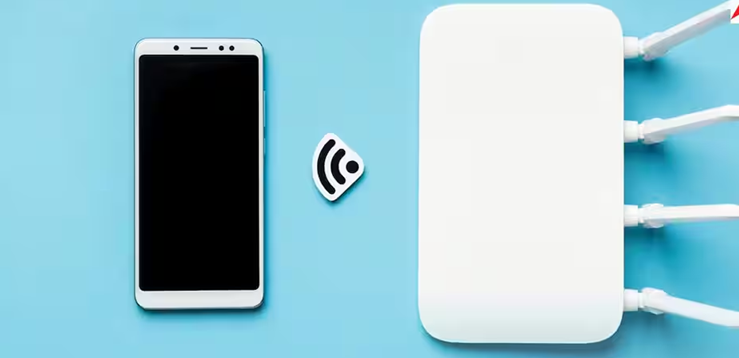
What is the right place to keep a WiFi router?
If you're bothered by slow Wi-Fi speeds, it's not necessary to purchase an expensive plan. You can increase your connection speed without paying a dime by following a simple method. In fact, sometimes slow internet speeds are caused by the placement of the Wi-Fi router. The distance between the router and the device can hinder signal transmission, making streaming or gaming difficult. Today, we'll learn why it's important to place the router correctly.
Signals become weak
People think WiFi works like a light bulb, lighting up the entire room with just a push of a button, but that's not the case with WiFi. Wireless signals behave differently and weaken with distance. So, place your router in a location where all your devices are nearby.
Furniture and walls are also responsible.
Your home's walls, floors, and furniture also weaken the signal. In fact, any solid object between your device and the router affects the signal. So, if you're using a device on another floor or in a distant room, the signal will be significantly weakened by the time it reaches you.
Where to place the router is a profitable deal.
Some people hide their WiFi router by placing it behind the refrigerator or TV. Contact with electronic devices weakens the signal even further. Therefore, you should place the router on a tall object in the center of the house. This will ensure signal transmission throughout the house, and the elevated position will also reduce interference. If you're using WiFi in a large home or office, you can also use a WiFi extender, which will ensure excellent speeds in every corner.