NEWS
Slow Internet Problem: The network in the phone is full but the internet is still running slow, why does this happen?
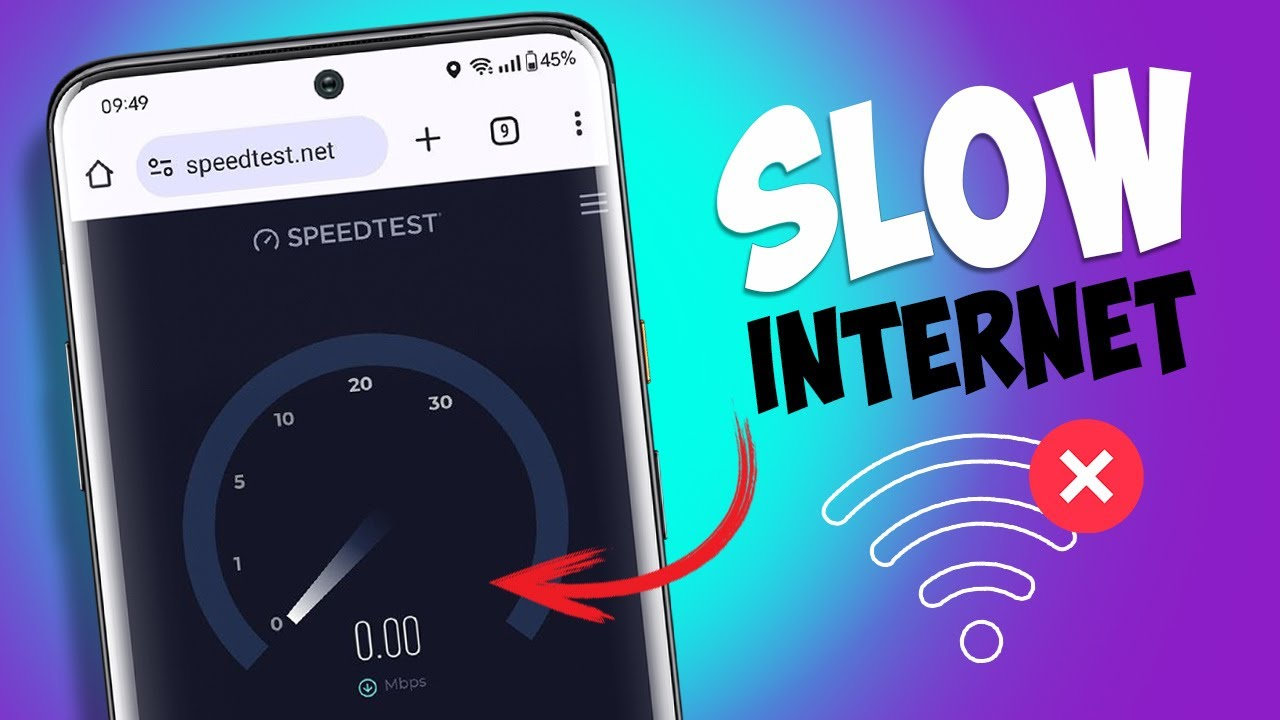
Slow Internet Problem: Your phone's network is full, and 5G is visible, yet the internet is running very slowly. What's the reason behind this? Learn how to fix this problem.
phone internet slow
Slow Internet Problem: Sometimes, when you go to a corner of the house, your phone's signal becomes weak, making the internet slow. But when the phone shows full network, people think they'll have no more internet problems. But when you open Instagram, it keeps loading, and YouTube keeps buffering. In such situations, people become frustrated and start blaming the telecom company.
But the fault here isn't the company's, but yours. The signal bars on your phone only indicate how strongly your phone is connected to the nearest mobile tower; they have no direct correlation to internet speed. It's like standing on a highway, where the road is perfect, but there's a massive traffic jam ahead. In such a situation, your vehicle will move very slowly. Let us explain why the internet slows down even with a full network.
Heavy traffic at mobile towers
The biggest reason for slow internet despite a full signal is network congestion, meaning too many people are connecting to a single tower. When you're in a crowded area, a mall, a railway station, or at home in the evening, thousands of people around you are connected to a single mobile tower. Each mobile tower has a fixed data capacity, or bandwidth.
When many people are simultaneously streaming HD video, downloading files, or gaming online, the tower's data pipes become clogged. Your phone is receiving a full signal from the tower, so the network appears full.
But the tower may not have enough bandwidth to provide you with faster speeds. Furthermore, the frequency band your phone is connected to also matters. Low-frequency bands penetrate walls and provide a full signal indoors, but their data speeds are significantly lower than those of high-frequency bands.
Settings on your smartphone
Sometimes the fault isn't with the network or tower, but with your smartphone itself. Many apps on our phones silently consume data in the background, even when we're not using them. Auto-backing up photos to the cloud, automatically updating apps on the Play Store, or constantly syncing notifications from social media apps can all consume a significant portion of your internet speed.
Apps running in the background
Additionally, if your phone has data saver or battery saver mode turned on, the phone automatically slows down internet speeds to save battery and data. Another major factor is the phone's cache memory and old network cache.
When we don't restart our phones for months, minor bugs can creep into the network configuration. And if you're using a VPN, the data is routed through servers in other countries, resulting in speeds that are less than half even when the network is fully active.
Easy ways to fix slow internet
If you're still experiencing low speeds despite a full signal, you can try a few simple tricks. The most effective method is airplane mode. Put your phone in flight mode for 15-20 seconds and then turn it back on. This allows your phone to leave the old and crowded network band and reconnect to the freshest and fastest signal channel.
Another way is to go to your phone's network settings and reset the network settings, or reset the APN (Access Point Name) to its default. If 5G is repeatedly lagging in your area, try switching to 4G/LTE for a while instead of forcing your phone to 5G. A stable 4G network often works better than a slower 5G network.