NEWS
Second hand Phone: Dial this secret code before buying a secondhand phone; every secret will be revealed.
Second-Hand Phone: If you're planning to buy a second-hand phone on a tight budget, consider holding off. A phone that looks brand new on the outside could be damaged or even stolen on the inside. Check your phone with these codes.
Tips for buying a second-hand phone
Second-Hand Phone: Nowadays, the prices of new smartphones are skyrocketing, so people are buying second-hand phones to get premium features within a budget. But the biggest fear when buying a used phone is that a phone that looks shiny on the outside might turn out to be defective on the inside. Often, the seller conceals the phone's flaws, which become apparent after a few days of use.
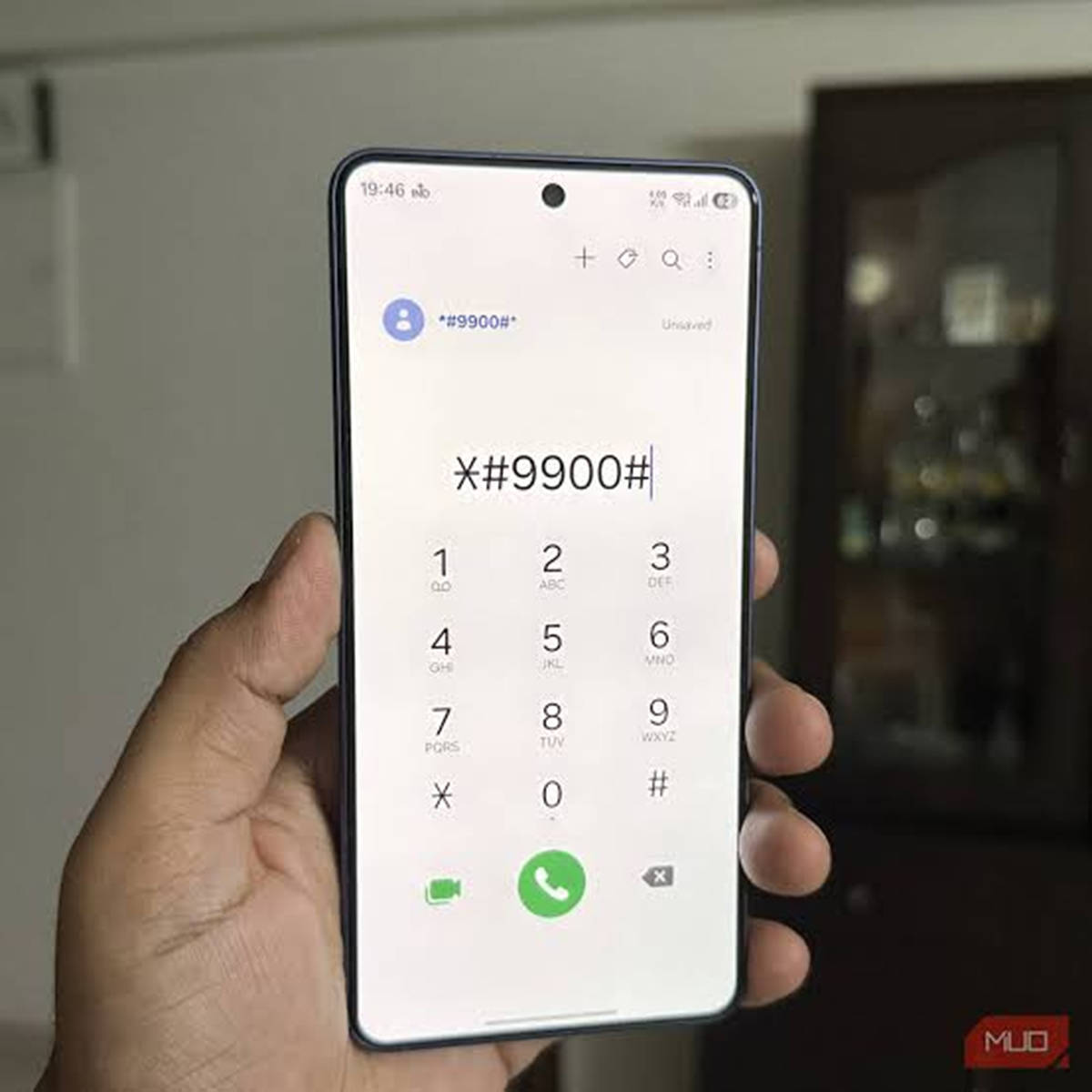
So, instead of blindly trusting someone or downloading a third-party app, you can find out for yourself. Certain USSD codes reveal a complete breakdown of any smartphone's hardware, battery, and network performance on-screen in seconds. By dialing the correct code, you can find out within minutes whether the phone is worth buying.
Master code to check display, touch and sensors
The most common problem with older phones is a local display or poor touch response. To address this, smartphone companies have built-in testing menus. If you're buying a second-hand Samsung phone, go to the dialer and dial #0#. On Xiaomi, Redmi, and Poco phones, dialing ##6484## opens the hardware test page. This menu offers red, green, and blue screen options.
By tapping them, you can easily detect dead pixels or yellow spots on the display. You can also perform a touch grid test from here, which involves moving your finger across every corner of the screen to check for any stuck touches. You can also check the speaker, vibration, front and back cameras, and proximity sensors live, allowing you to quickly identify any internal issues.
Check battery health and network.
Second-hand phones often have battery issues. To find out, type ##4636## into your Android device. Entering this code will open the testing menu, which displays options for phone information, battery information, and usage statistics. In the Battery section, you can view accurate information about the battery's current health, voltage, and temperature.
If Battery Health shows "Weak" or "Overheated" instead of "Good," you'll likely need to replace the battery soon. Usage Statistics also displays the most recent apps and their duration. Similarly, the Network section confirms whether the SIM card and 5G network are working properly.
How to find out if your phone is stolen
After checking the hardware and battery, the most important thing is to verify that the phone you're buying isn't stolen. To do this, dial *#06# in the phone's dialer. The 15-digit IMEI number will appear on the screen. First, compare this number with the number on the phone's box and the bill. If the two numbers differ, the phone's motherboard may have been replaced or something else is wrong.
Then, go to the Government of India's Sanchar Sathi portal or the KYM app and enter this IMEI number to check the status. You'll immediately find out if the phone is wanted in a police case or blocked. Using these simple secret codes, you can check a second-hand phone like an expert without having to visit a mechanic.