NEWS
Scam Alert: A Single Click Can Empty Your Bank Account—How to Identify Fake Websites and Fraudulent Apps
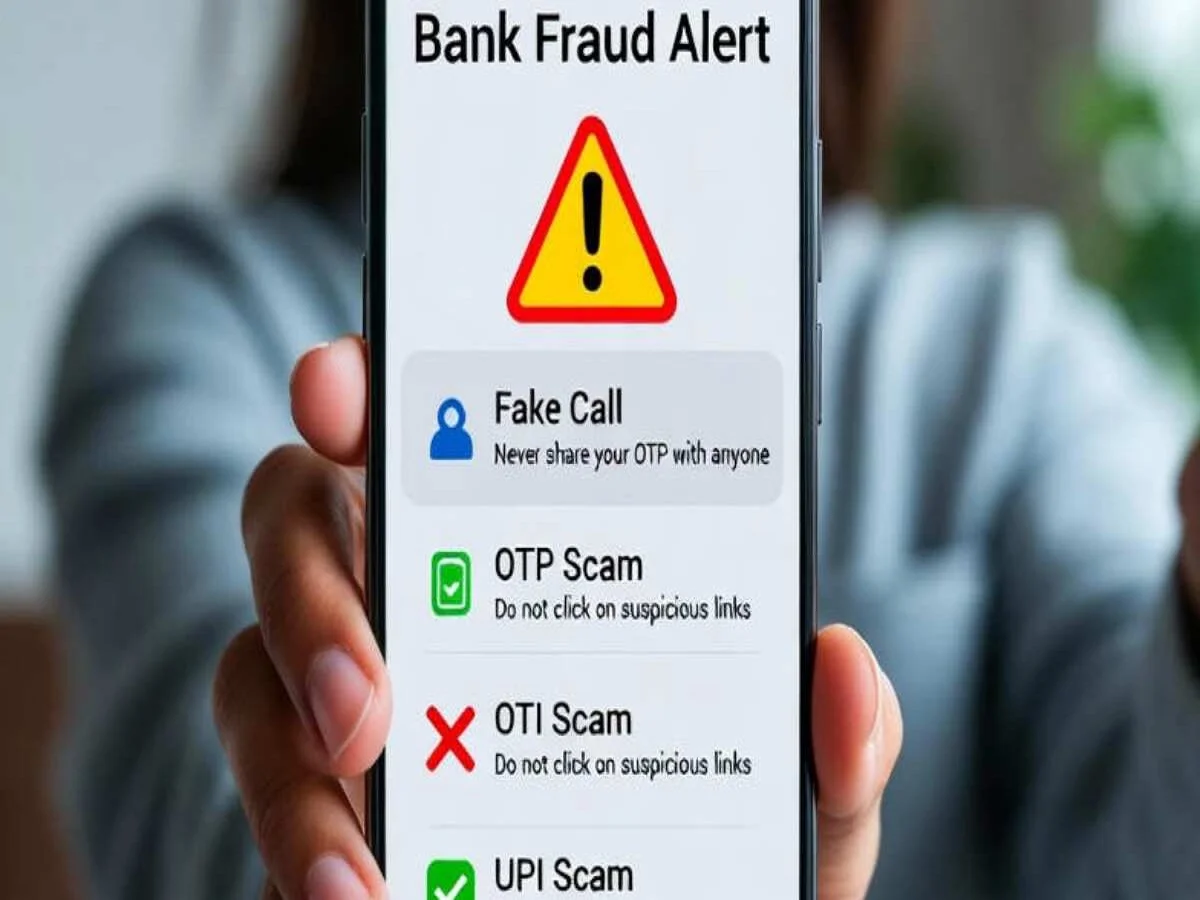
As digital services become a part of everyday life, cyber fraud is evolving at an alarming pace. From online banking and UPI payments to shopping and government services, millions of people rely on the internet for daily transactions. While these digital conveniences save time, they have also created new opportunities for cybercriminals to target unsuspecting users.
One of the most common tactics used by online scammers is creating fake websites and fraudulent mobile applications that closely resemble genuine platforms. These fake portals are designed to steal sensitive information such as bank account details, passwords, OTPs, and personal data. In many cases, victims are unaware that they are interacting with a fraudulent website until financial losses have already occurred.
Cybersecurity experts advise internet users to remain cautious and verify every website or application before entering any confidential information. Here are some practical ways to identify fake websites and reduce the risk of becoming a victim of online fraud.
Check the Website Address Carefully
Before entering any personal or financial information, always examine the website's URL. Authentic websites generally use a secure connection that begins with "https://", indicating encrypted communication between your browser and the website.
However, users should not stop there. Fraudsters often create domain names that closely resemble genuine websites by adding extra letters, numbers, or minor spelling changes. A quick glance may not reveal the difference, making it easy for users to fall into the trap. Carefully reading the web address can help you spot suspicious domains before sharing any sensitive information.
Look for the Security Padlock
Most legitimate websites display a padlock icon next to the URL in the browser's address bar. This symbol indicates that the connection between your device and the website is encrypted.
If the padlock is missing, avoid entering confidential information such as:
- Bank account details
- Debit or credit card information
- Internet banking passwords
- OTPs and verification codes
- Personal identity information
It is important to remember that while a padlock indicates a secure connection, it does not automatically guarantee that the website is genuine. However, the absence of the padlock should always be treated as a warning sign.
Be Wary of Unrealistic Offers and Pop-ups
Cybercriminals frequently attract visitors through flashy advertisements, misleading promotions, and fake rewards. If a website promises benefits that appear too good to be true, users should proceed with extreme caution.
Some common red flags include:
- Expensive products offered at unbelievably low prices
- Free smartphones, laptops, or expensive gifts
- Instant prize claims or lottery winnings
- Limited-time offers designed to create urgency
- Repeated pop-up windows requesting personal information or immediate payment
These techniques are often used to pressure users into making quick decisions without verifying the authenticity of the website.
Verify the Website's Contact Information
A trustworthy website generally provides complete company details that users can verify independently. Before making any purchase or sharing personal information, check whether the website includes:
- An About Us page
- A Contact Us section
- A valid business address
- Customer support email
- Working phone number
If this information is missing, incomplete, or appears suspicious, it is advisable to avoid using the platform. Genuine businesses are usually transparent about their identity and customer support channels.
Don't Trust Unrealistic Promises
Cybersecurity professionals consistently warn users against websites that make extraordinary claims without credible proof. Online scams often promote offers such as:
- Guaranteed jobs with a single click
- Free electronic gadgets
- Massive discounts on premium products
- Easy cash rewards for simple tasks
These promises are commonly used to lure users into revealing personal information or making advance payments. Before believing such claims, verify them through the official website of the company or organization concerned.
Additional Tips to Stay Safe Online
Apart from identifying fake websites, users should adopt good cybersecurity habits to protect themselves from online fraud. Avoid clicking on links received through unknown SMS messages, emails, or social media posts. Download mobile applications only from trusted app stores such as Google Play Store or Apple App Store. Keep your device and security software updated with the latest patches.
Most importantly, never share OTPs, banking PINs, passwords, or card details with anyone, regardless of how genuine the request may appear. Financial institutions and government agencies do not ask customers to disclose such confidential information over phone calls, emails, or messages.
Stay Alert Before Every Click
With cyber scams becoming increasingly sophisticated, awareness remains one of the strongest defenses against online fraud. Spending a few extra seconds verifying a website's authenticity can help prevent identity theft, financial losses, and data breaches.
Before making any online payment or entering sensitive information, always double-check the website address, security indicators, contact details, and promotional claims. A cautious approach can significantly reduce the chances of falling victim to fake websites and fraudulent applications, ensuring a safer digital experience for everyone.