
NEWS
Phone Camera Hack: You can also use your phone's camera to check if the remote has exhausted its battery life. Learn how.
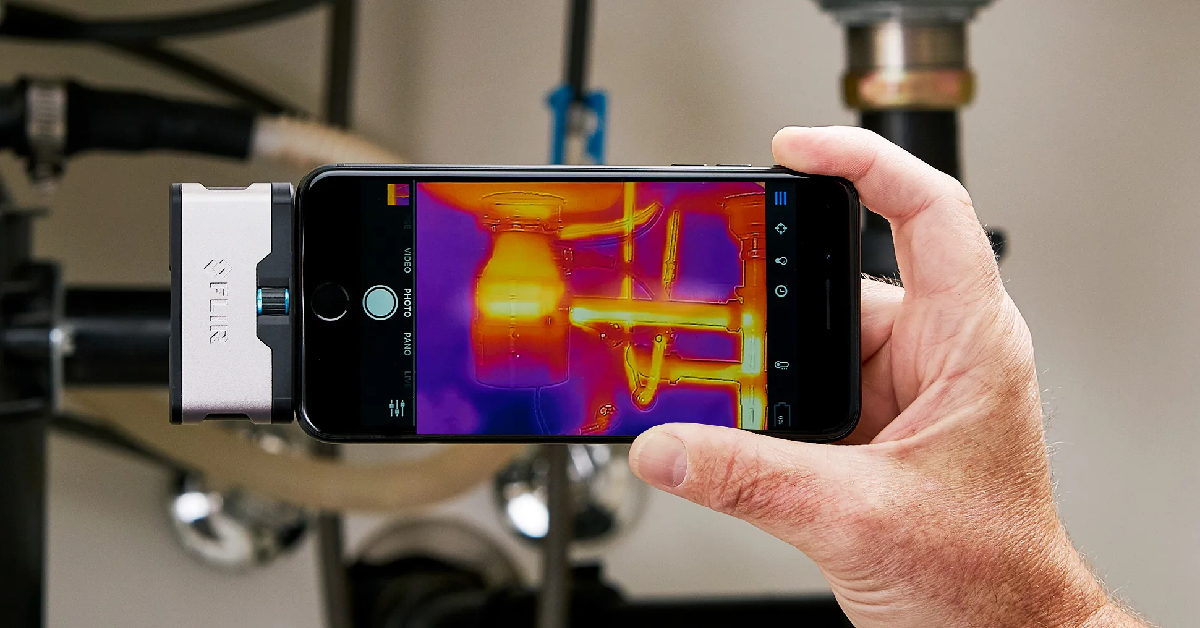
Phone Camera Hack: If your TV or AC remote suddenly stops working, it's hard to tell if the battery is dead or the remote is faulty. Before buying a new one, use your phone's camera to determine if the battery is dead or if something else is wrong.
Phone Camera Tricks
Phone Camera Hack: When the remote suddenly stops working while watching TV or turning on the AC, the first thought that comes to people's mind is that perhaps its batteries have run out. Sometimes we try to restart the remote by tapping it on our hand or removing and reinserting the batteries. But the problem arises when there are no new batteries at home and it's difficult to determine whether the fault lies with the remote or its battery.
In such a situation, if the remote still doesn't work even after buying a new cell phone from the store, it's a waste of both money and time. But did you know that the phone in your pocket can help you? Using your phone's camera, you can determine from the comfort of your home whether the remote's cells are working properly or are completely dead. Let's explain how this method works.
How does the phone camera capture the remote signal?
Most remotes for TVs, set-top boxes, and ACs used in homes use infrared (IR) technology. The front of the remote has a small LED bulb that emits infrared waves when a button is pressed. Our human eyes are incapable of seeing these wavelengths, so we don't see any light on the front of the remote when a button is pressed.
But smartphone camera sensors can easily detect this infrared light. As soon as the rays from the remote fall on the phone's camera, the camera processes them and displays them as a faint purple or pink glow on the screen. This light makes it clear whether the remote is emitting a signal or not.
Step-by-step method to check remote and cell
To try this method, first open your smartphone's camera app. It's important to note that many new, expensive smartphones have infrared filters on the back camera, blocking this light. Therefore, for best results, turn on the phone's front camera, or selfie camera. Now, hold the front of your remote, where the small bulb is located, directly in front of your phone's camera.
Then, press any button on the remote and carefully observe the phone's screen. If you see a faint pink, purple, or white light shining from the remote's bulb on the camera screen, the remote and its cells are in good condition. However, if you see no movement or light on the screen, it's time to replace the cell.
What to do if the remote doesn't work even though the light is visible?
Sometimes it happens that the phone's camera displays a light, but the TV or AC remote doesn't work when you press the buttons. In such a situation, two things can happen. First, if the light displayed on the camera is very dim or flickers intermittently, it means that the cells, while not completely exhausted, are significantly weakened. In such a case, the remote will start working again as soon as you insert new cells.
Another reason could be that both the remote and the cell are working fine, but your TV or AC's sensor is damaged or has some defect. However, keep in mind that many of the latest Android and smart TV remotes use Bluetooth technology instead of infrared, so this camera trick won't work on them.