The rules around FASTag usage in India have recently changed, leaving many vehicle owners confused—especially those using Paytm FASTag. If you’re wondering whether a Paytm FASTag can be transferred to another vehicle or what to do next, here’s everything you need to know in simple terms.
Why Is Paytm FASTag in the News?
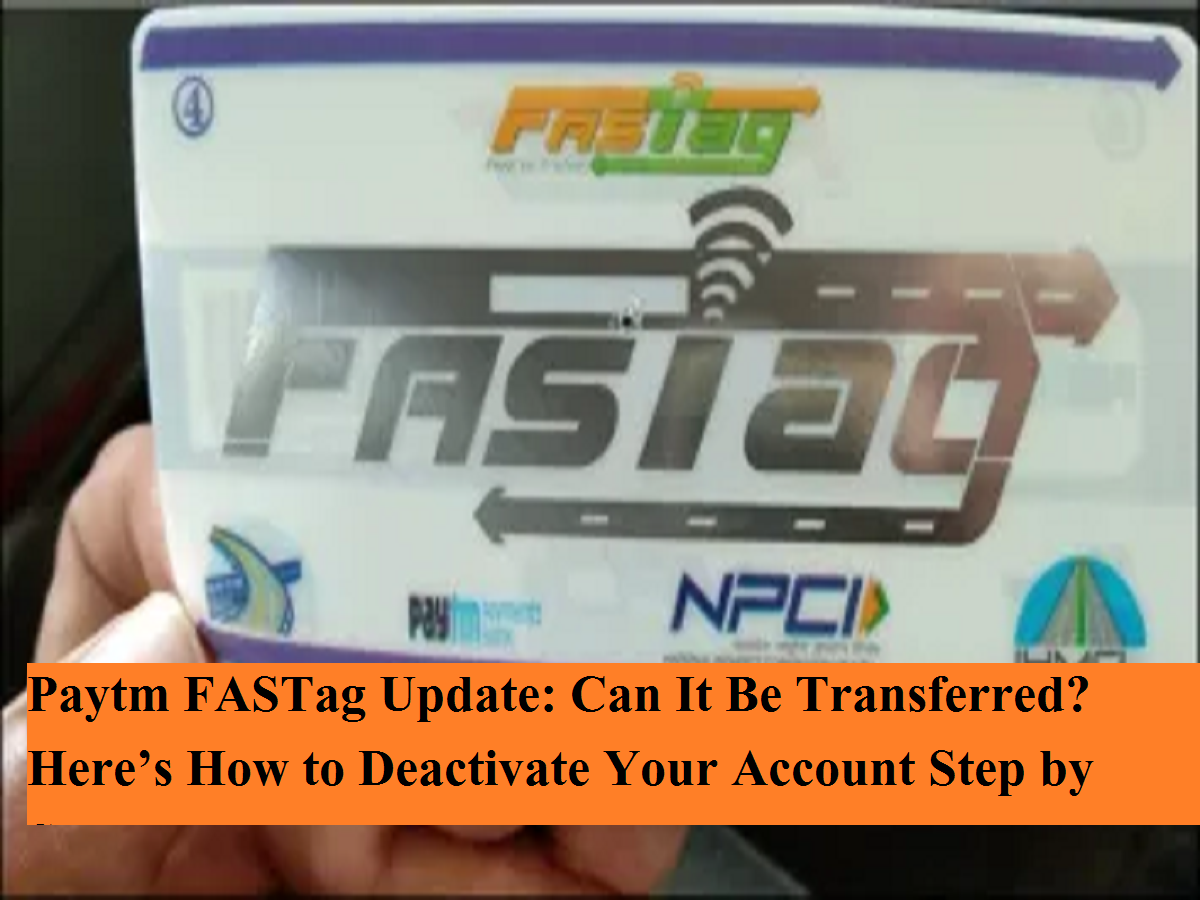
India’s electronic toll collection system is regulated by national highway authorities to ensure smooth, cashless travel. Recently, National Highways Authority of India removed Paytm Payments Bank Limited from the list of authorised FASTag issuers. Following this, users were advised to purchase new FASTags only from banks approved by the Indian Highways Management Company.
Earlier, the Reserve Bank of India had allowed Paytm Payments Bank limited operations until March 15, 2024. After this deadline, FASTags issued by Paytm are no longer valid for toll payments, and users cannot recharge or top up these tags.
Is Paytm FASTag Transferable?
The simple answer is no. FASTags are not transferable from one vehicle to another or from one bank to another. This rule exists because of the government’s “One Vehicle, One FASTag” policy. Each FASTag is permanently linked to a single vehicle registration number.
If you plan to buy a new FASTag from another authorised bank, your existing Paytm FASTag must be deactivated first.
What About the Remaining Balance?
If you still have money left in your Paytm FASTag wallet, you don’t lose it automatically. Users can request a refund of the remaining balance, provided the request is made before the applicable deadline. Once refunded, the FASTag account must be closed to avoid conflicts while applying for a new one.
Why Deactivation Is Mandatory
FASTags are not interoperable, meaning:
- You cannot use two FASTags for the same vehicle
- You cannot complete KYC for a new FASTag unless the old one is closed
- Toll systems may reject your vehicle if multiple tags are active
Deactivation ensures compliance and prevents toll disputes or penalties.
How to Deactivate a Paytm FASTag Account
Follow these steps carefully using the Paytm app:
- Open the Paytm app on your smartphone
- Tap on your profile icon at the top left
- Scroll down and select Help & Support
- Choose Banking Services & Payments
- Tap on FASTag
- Select Chat with Us to start a support conversation
- Request FASTag deactivation from the customer care executive
- Share required details such as vehicle number or account information
- Follow the instructions provided by support
Once completed, you will receive a confirmation message or email stating that your FASTag has been successfully deactivated.
What Should You Do After Deactivation?
After deactivation:
- Apply for a new FASTag from an authorised bank
- Complete KYC without issues
- Ensure uninterrupted toll payments
With regulatory changes in place, Paytm FASTag users must act quickly to deactivate old tags and switch to approved issuers. FASTags cannot be transferred, but timely deactivation and refund requests will ensure a smooth transition and uninterrupted highway travel.