NEWS
Monsoon Smartphone Care Tips: Simple Ways to Protect Your Phone From Rain and Costly Water Damage
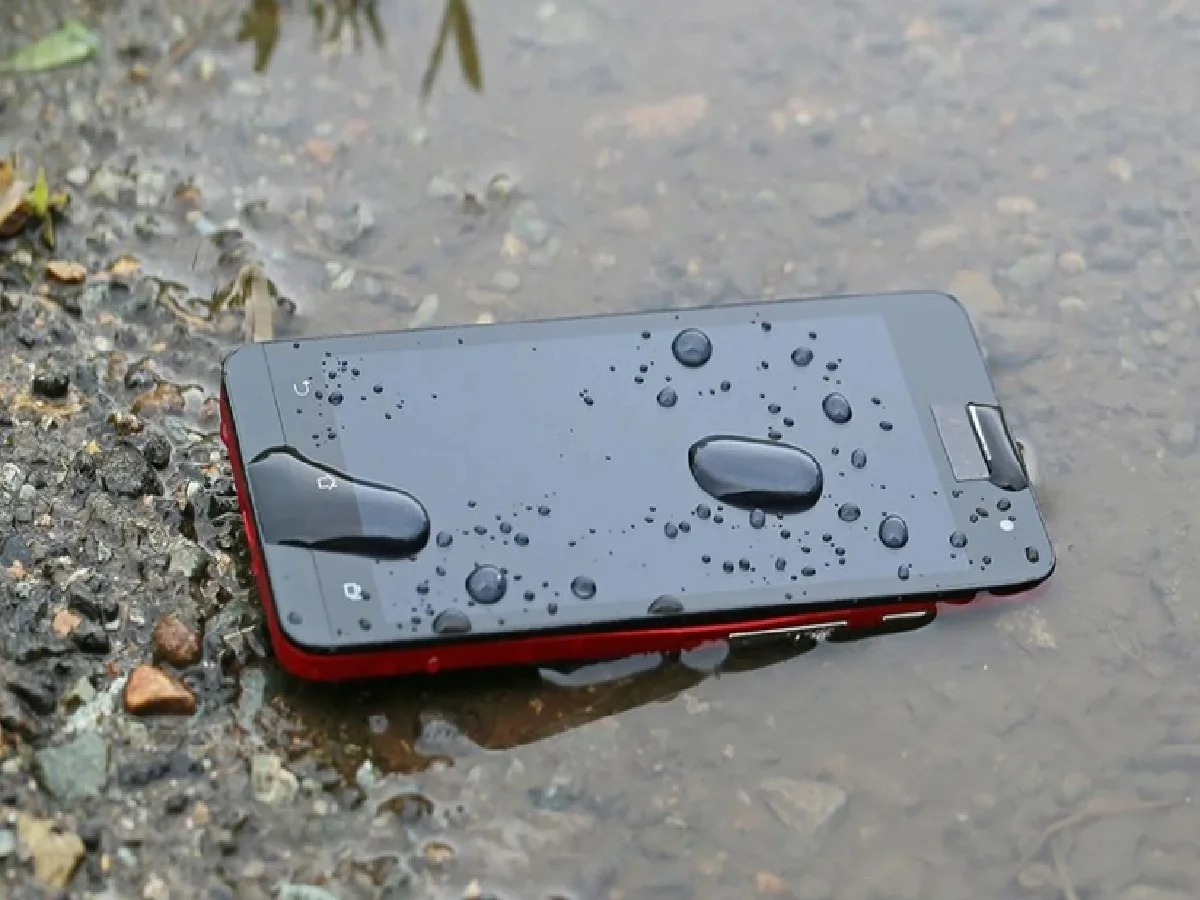
The arrival of the monsoon brings welcome relief from the summer heat, but it also increases the risk of water damage to electronic devices—especially smartphones. During heavy rainfall, people rely on their phones more than ever to check weather forecasts, traffic conditions, train schedules, navigation, and emergency updates. However, even a small amount of moisture can damage your device if proper precautions are not taken.
Whether you own a premium flagship phone or a budget smartphone, protecting it from rain should be a priority. Here are some practical and easy-to-follow tips to help keep your smartphone safe throughout the rainy season.
Keep Your Phone Protected With a Waterproof Case
One of the easiest ways to protect your smartphone during the monsoon is by using a waterproof case. These cases create an additional barrier against rainwater and accidental splashes, reducing the chances of moisture reaching the device.
If you are heading outdoors during heavy rain, place your phone inside a waterproof case before leaving home. For extra protection, keep the covered phone inside your backpack or handbag instead of carrying it in an exposed pocket.
Although waterproof cases cannot guarantee protection in every situation, they significantly reduce the risk of water-related damage during daily travel.
Use a Ziplock Bag as an Emergency Solution
If you do not own a waterproof phone case, a high-quality ziplock bag can serve as a temporary protective option.
Transparent, resealable plastic bags help prevent rainwater from reaching your smartphone while still allowing you to carry it safely. They are inexpensive, lightweight, and easy to keep in your bag during the rainy season.
The same method can also be used to protect wireless earbuds, charging cables, power banks, and other small electronic accessories from moisture.
Avoid Unnecessary Travel During Heavy Rain
Authorities often advise people to avoid unnecessary travel during periods of intense rainfall due to flooding, traffic congestion, and safety concerns.
If your trip can be postponed, staying indoors not only protects you but also reduces the chances of exposing your smartphone to water. When travel is unavoidable, make sure your phone is stored safely in a waterproof pouch or sealed protective bag before stepping outside.
Don't Rely Completely on an IP Rating
Many modern smartphones come with IP-rated water and dust resistance, leading some users to believe their devices are completely waterproof.
However, water resistance is not the same as waterproof protection.
An IP rating is designed to provide limited resistance under controlled testing conditions. Real-world exposure to heavy rain, dirty floodwater, or prolonged moisture can still affect your phone's internal components. Over time, repeated exposure may also reduce the effectiveness of the device's protective seals.
Even if your smartphone carries an IP67 or IP68 rating, it is still advisable to protect it from unnecessary contact with rainwater.
What to Do If Your Phone Gets Wet
If your smartphone accidentally comes into contact with rainwater, act quickly to minimize potential damage.
Follow these basic steps:
- Turn off the device if possible.
- Wipe the exterior gently with a clean, dry, lint-free cloth.
- Remove any protective case to allow moisture to evaporate.
- Do not shake the phone aggressively, as water may spread further inside.
- Allow the device to dry completely before using it again.
Taking immediate action can help prevent moisture from damaging sensitive electronic components.
Never Charge a Wet Smartphone
One of the biggest mistakes people make after getting their phone wet is plugging it into a charger immediately.
Charging a damp smartphone can increase the risk of short circuits, permanent hardware damage, or, in rare cases, battery overheating. If there is any sign of moisture around the charging port, allow the phone to dry completely before connecting it to a charger.
Many newer smartphones can detect moisture inside the charging port and temporarily disable charging for safety reasons. Even then, users should wait until the device is completely dry.
Keep Your Phone Away From Damp Surfaces
Avoid placing your smartphone on wet tables, soaked clothing, bathroom counters, or any surface where moisture can enter the speaker grills, charging port, or SIM tray.
When not in use, keep your phone in a dry location, preferably inside a protective pouch or secure compartment of your bag.
Limit Unnecessary Usage Outdoors
Using your smartphone extensively in heavy rain increases the chances of accidental drops and water exposure.
If you're outdoors during the monsoon, use your phone only when necessary. Avoid activities such as gaming, video streaming, or prolonged browsing while standing in the rain. Reducing screen time outside also helps preserve battery life during emergencies.
Final Thoughts
Monsoon weather makes smartphones more vulnerable to water damage, but a few preventive measures can go a long way in keeping your device safe. Using a waterproof case or ziplock bag, avoiding unnecessary exposure to rain, not relying solely on IP ratings, and never charging a wet phone are some of the most effective ways to prevent costly repairs.
A little extra care during the rainy season can help extend your smartphone's lifespan and ensure it remains reliable whenever you need it most.