Flash messages, also known as Class 0 SMS, are a special type of text message that instantly pops up on your Android phone screen. Unlike regular SMS, these messages appear automatically without any user action and can show up even when your phone is locked. While flash messages were initially meant for urgent alerts, they are now widely used by telecom operators and companies to push promotional offers, making them annoying for most users.
With regular SMS usage declining—mostly limited to OTPs and banking alerts—telecom providers started relying on flash messages to grab attention. The good news is that Android users can permanently disable these intrusive messages. However, the process differs depending on your mobile network.
Below is a simple, step-by-step guide to turn off flash messages on Android phones for major telecom operators.
What Are Flash Messages and Why Do You Get Them?
Flash messages are designed to display instantly and disappear once dismissed. They do not get saved in your inbox, which makes them hard to track or block using standard messaging settings. Telecom companies use them for balance alerts, recharge offers, and promotional campaigns.
Since these messages are network-driven and not app-based, disabling them requires changes through SIM or operator services.
How to Disable Flash Messages on Airtel Android Phones
Airtel users can easily turn off flash messages using the SIM Toolkit app.
Steps to follow:
- Open the SIM Toolkit app on your Android phone
- Tap on Airtel Now!
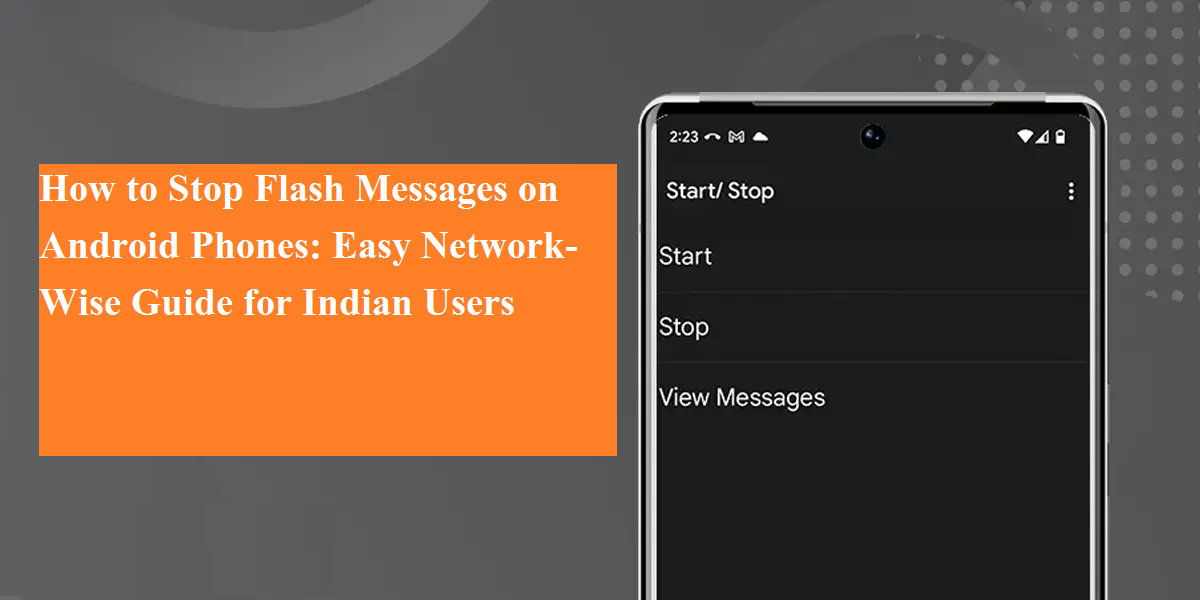
- Select Start/Stop
- Choose Stop
- Tap OK to confirm
Once completed, flash messages will be disabled permanently. Airtel will also send a confirmation SMS.
How to Turn Off Flash Messages on Vodafone Idea (Vi)
Vodafone Idea users can manage flash messages through the SIM Toolkit as well.
Steps:
- Open the SIM Toolkit app
- Tap on Flash!
- Select Activation
- Choose Deactivate
- Confirm by tapping OK
After deactivation, flash messages will stop, and you will receive a confirmation message from Vi.
How to Stop Flash Messages on BSNL
BSNL handles flash messages slightly differently through its official mobile application.
Steps:
- Open the BSNL Mobile App
- Go to BSNL Buzz Service
- Tap on Activation
- Select Deactivate
- Confirm the action
Once done, BSNL flash messages will be permanently disabled, and a confirmation SMS will be sent.
How to Disable Flash Messages on Reliance Jio
Reliance Jio does not offer a SIM Toolkit option to control flash messages. There is no direct setting available on Android phones to disable them manually.
The only effective solution is to contact Jio Customer Support.
What you need to do:
- Reach out to @JioCare via social media or customer support
- Share your registered mobile number
- Request deactivation of flash or pop-up promotional messages
Jio disables these messages at the server level after verification.
Why Disabling Flash Messages Is Useful
- Prevents sudden screen interruptions
- Improves user experience
- Avoids distraction during calls, videos, or meetings
- Reduces unwanted promotional content
Once disabled, these settings usually remain permanent unless reset during SIM replacement or network updates.