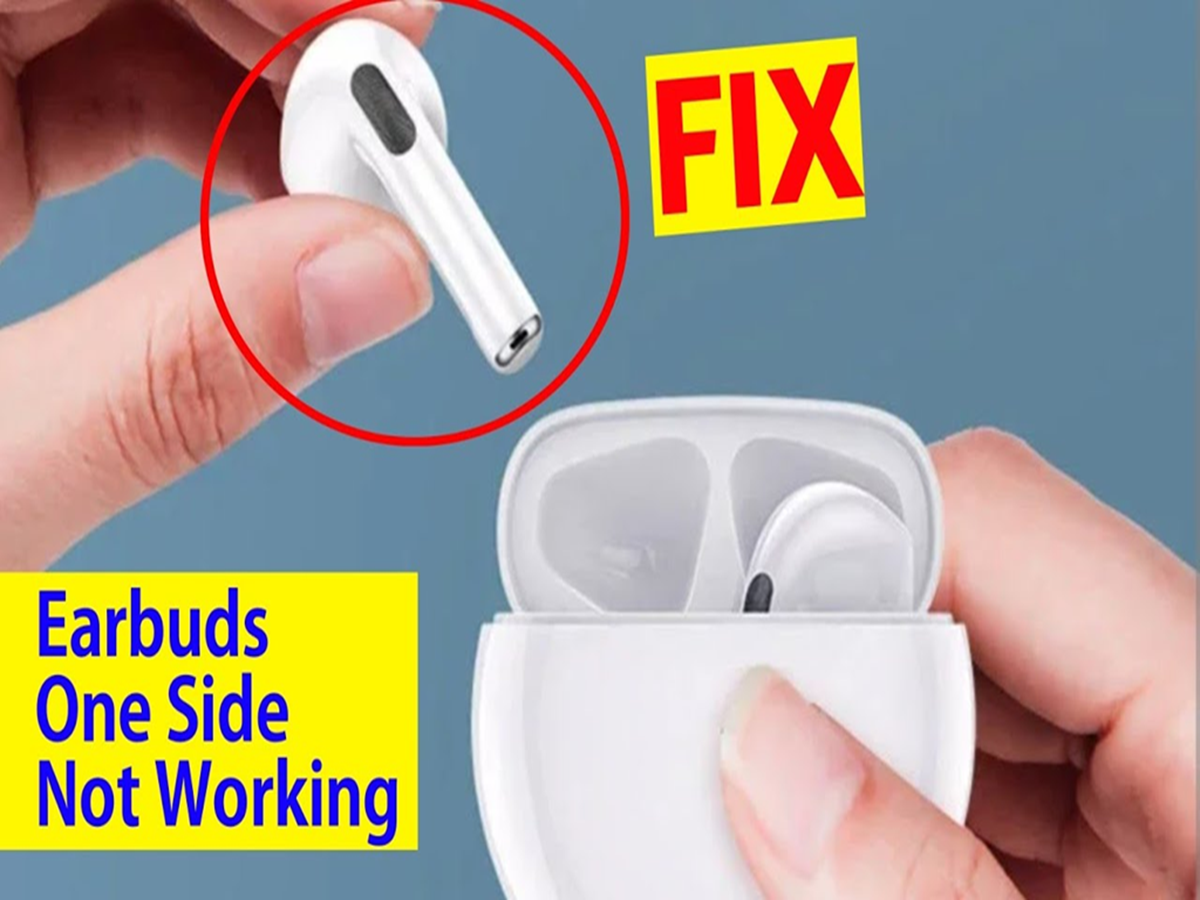
How to Fix Earpods: If only one Earpod is working, check its battery first. Sometimes, even after charging both Earpods simultaneously, one of the Earpods' batteries runs out first.
How to fix EarPods
How To Fix Earpods: Earpods are among the most widely used wireless earbuds today. They're easy to use and connect seamlessly to a variety of devices. However, sometimes, only one Earpod works, while the other either won't connect or intermittently stops producing sound.
Many people assume this is a hardware issue and rush to buy a new earphone, but in most cases, the problem is software, Bluetooth, battery, or settings. So, let's explain how to fix an earphone that suddenly stops working.
First, check if the battery is charged or not.
If only one EarPod is working, check its battery first. Sometimes, even after charging both EarPods simultaneously, one of them runs out of battery first. In this case, place both EarPods in the charging case and open the case near your phone. This will display the battery levels of each earbud separately. If one is low on battery, let it fully charge first.
Place the EarPods back in their case
Sometimes, the EarPods don't connect properly, causing them to fail. Putting them in the charging case for a few seconds, then removing them and placing them in your ears will often cause them to reconnect automatically.
Turn Bluetooth off and then on again.
A problem with the Bluetooth connection could also be causing this issue. Turn off Bluetooth on your phone or the device the AirPods are connected to. Turn it back on after about 15 seconds and reconnect the EarPods. Sometimes this fixes the problem.
Restart the device
If the problem persists after refreshing Bluetooth, restart your phone or other device and then reconnect the EarPods. Sometimes temporary system bugs resolve themselves after a restart.
Clean the EarPods thoroughly.
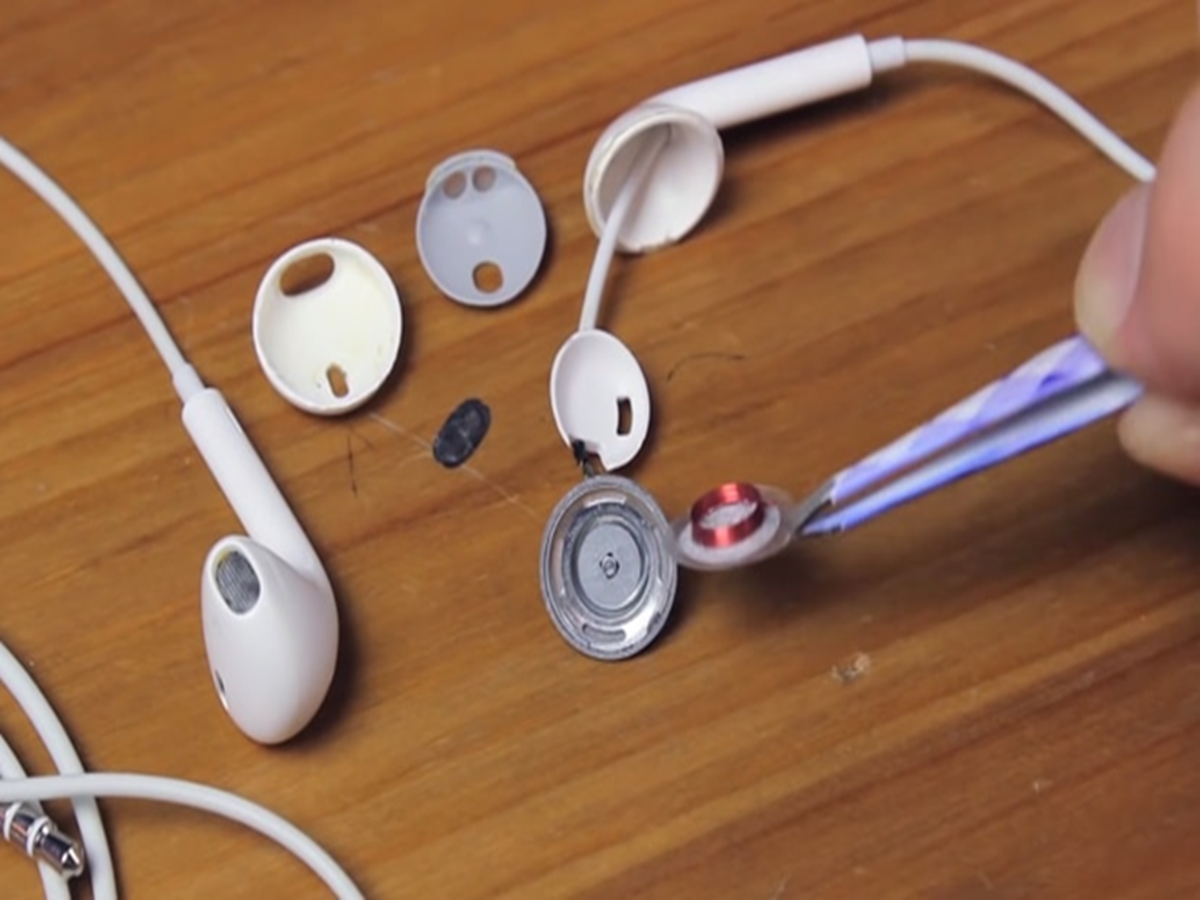
Dust, earwax, or dirt accumulating on the EarPod speaker grille or charging connector can also cause the EarPod to stop working or cause the sound to become very low. In this case, clean the EarPods and charging case with a soft, dry cloth, cotton swab, or soft brush. Avoid using sharp objects or excessive water.