Business
How does your iPhone keep showing your location even after it's turned off? Even thieves won't be able to escape. Learn how it works.
iPhone Feature: Apple's Find My network has become one of the iPhone's most powerful security technologies. It can help locate your iPhone even after it's turned off or stolen.
iPhone Feature: Apple's Find My network has become one of the iPhone's most powerful security technologies. It allows you to locate your iPhone even after it's turned off or stolen. All models from iPhone 11 onward have this feature, which transmits your encrypted location to iCloud via any nearby Apple device. Learn how this technology works, how to make sure it's on, and what to do if your phone goes missing.
How to make the iPhone keep sending location after it is turned off
In models from the iPhone 11 onwards, Apple added a low-power Bluetooth system that remains active for a short time even after the phone is turned off. If the Find My feature is on, any nearby Apple device, whether yours or someone else's, can locate your phone.
The device sends your location encrypted to iCloud. Most importantly, this process is completely anonymous, and a thief can't simply turn off the phone and stop tracking.
How to check if the Find My feature is on
This feature must be turned on to track the iPhone even when it is turned off.
Go for:
Settings → Your name → Find My → Find My iPhone
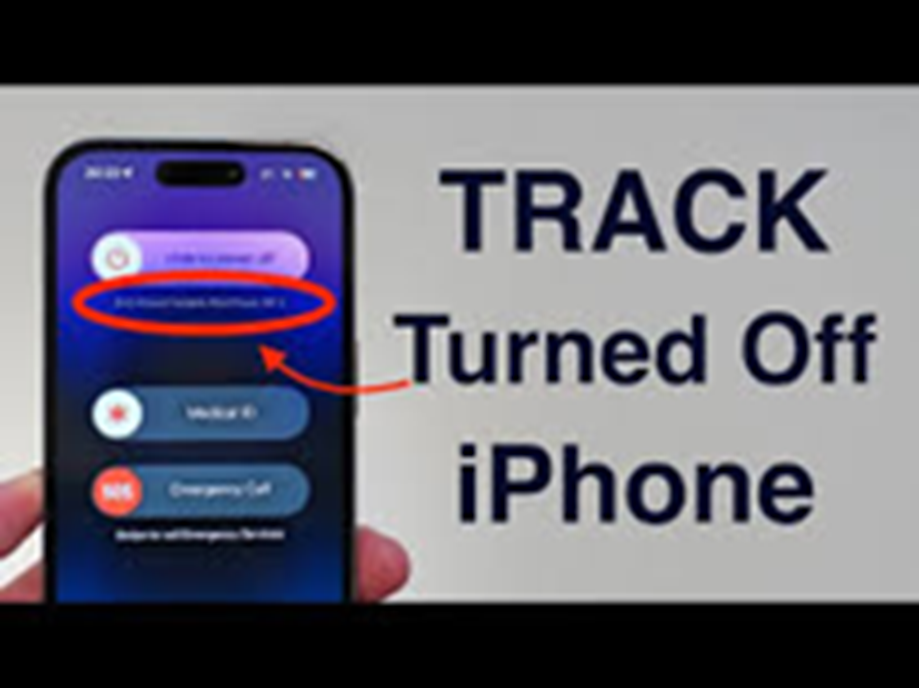
Here, turn on all three options: Find My iPhone, Find My Network, and Send Last Location. To confirm, open Control Center, press and hold the power slider, and check if the “iPhone Findable After Power Off” message appears. If this message appears, your iPhone can be located even when it's turned off.
How to find an iPhone from another Apple device
If you have an iPad, Mac, or Apple Watch, open the Find My app. Go to the Devices tab and select the lost iPhone. The phone's location will be displayed on a map, even if the phone has no battery. If the phone appears nearby, you can play a loud alert on the phone by pressing the Play Sound option, even if the phone is in silent mode.
If your iPhone is suspected of being stolen
In such a situation, turn on Lost Mode in the Find My app. This locks the phone and asks for your passcode, disables Apple Pay, and displays a message on the screen, including an alternate contact number. The app also shows you the phone's last location.
How to track without an Apple device
If you don't have an Apple device, you can still log in to iCloud.com/find. Sign in with your Apple ID to check your iPhone's location, turn on Lost Mode, and even remotely erase your phone. Note that two-factor authentication may require a second trusted device.
What to do to prevent thieves from stopping tracking
One limitation of Find My is that someone could try to disable the network by turning on Airplane Mode from the lock screen. To avoid this:
Settings → Face ID & Passcode → Allow Access When Locked
Turn off the Control Center option here.
Due to this, airplane mode cannot be turned on from the lock screen.
This advanced iPhone tracking technology significantly increases your security in the event of theft or loss. Simply keep the Find My feature active, and your iPhone has a chance of being returned to you even when it's turned off.