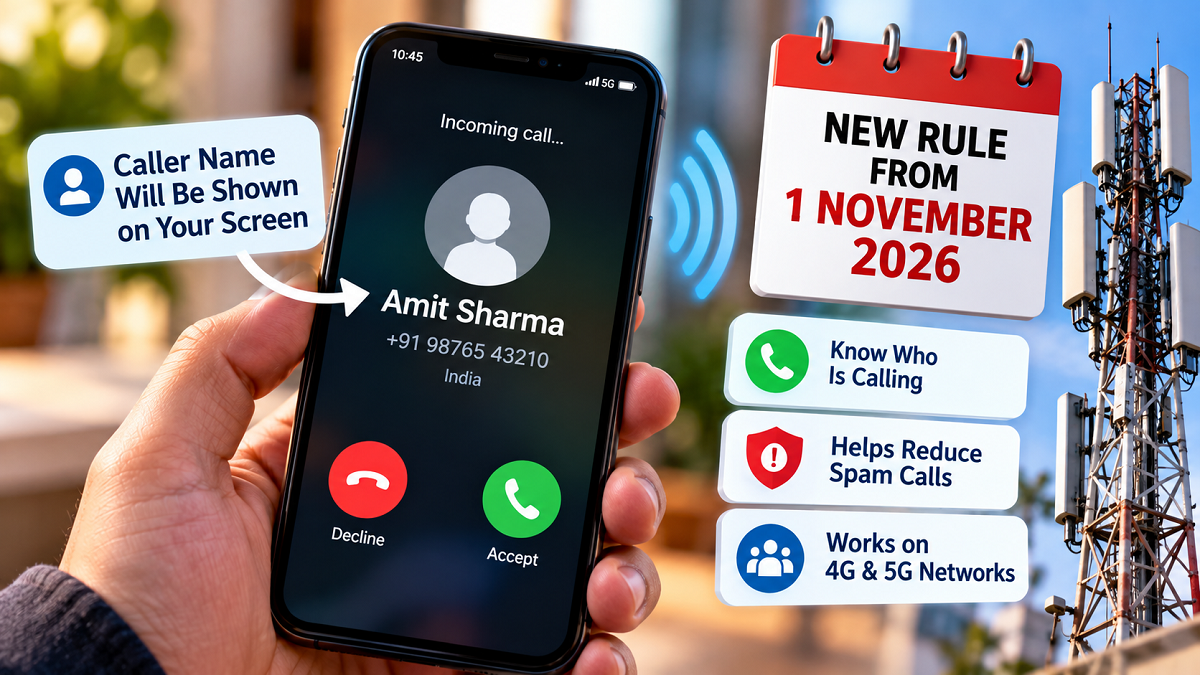
Starting November 1st, your real name will appear on the other person's screen as soon as you call them. If you want to protect your privacy and don't want anyone to know your identity, learn how to hide your name.
Name will remain hidden even after CNAP
Many times, many people, by hiding their identity, defraud people on calls and sometimes blackmail them. Till now, people used to take the help of apps like Truecaller to know the identity of the caller. Where anyone could change his name and write anything. But from November 1, a big rule is going to be implemented in the world of telecom. The government and telecom companies are now starting the Calling Name Presentation i.e. CNAP facility. As soon as this is implemented, whenever you call someone.
The other person's screen will display your real name, the one entered in the KYC form when you purchased the SIM. This step is quite effective in preventing spam and fraudulent calls. However, it has also raised privacy concerns among many individuals and businesses. Many professionals and companies don't want the SIM holder's name visible to everyone when making calls. Learn how to hide your name on a call and what the process will be.
Which people and companies will get exemption from showing their names?
The government and TRA have taken all aspects into consideration when implementing the CNAP rule. Therefore, exemptions have been granted to certain individuals and companies. This includes companies, startups, and business houses that purchase bulk connections for their employees. Often, SIM cards are issued in the name of a single officer or owner, and are used by different employees.
In such a situation, it is not appropriate to display the SIM owner's name on every call. Therefore, companies with corporate and business connections will be exempt from displaying their KYC names. Furthermore, within the general user category, this exemption will be granted to those individuals who have CLIR (Calling Line Identification Restriction) access. This includes security agency officials, intelligence officers, judges, VIPs, and those who have government permission to conceal their identities for safety reasons.
How can companies set their preferred name?
If you run a business or your company has issued corporate SIM cards to employees, you can easily prevent the personal name entered in your KYC from appearing on the screen. According to regulations, organizations using bulk connections are given the option to select a preferred name. To do this, the company must contact the enterprise customer care of its telecom service provider, such as Jio, Airtel, or Vi.
There, you'll need to submit the necessary documents related to your company's registration, such as a GST certificate, your company's PAN card, or your trademark certificate. Once the telecom company verifies your documents, it will remove the SIM holder's personal name from the system and replace it with your company or brand name. After this, whenever a customer is called from that number, only the company name will flash instead of the personal name.
What is the method to get CLIR service?
If you're an individual user and don't want your name to appear on the other person's screen when you make a call, you'll need to activate CLIR service with your operator. You'll need to visit your telecom company's store and submit an application.
In your application, you must provide a reason why concealing your name and identity is necessary for your safety and privacy. Once approved, once CLIR is activated on your number, the network will automatically stop displaying your name on the other person's screen.