NEWS
GTA 6 Live Stream: When and where can you watch GTA 6 live in India? Learn the full streaming process.
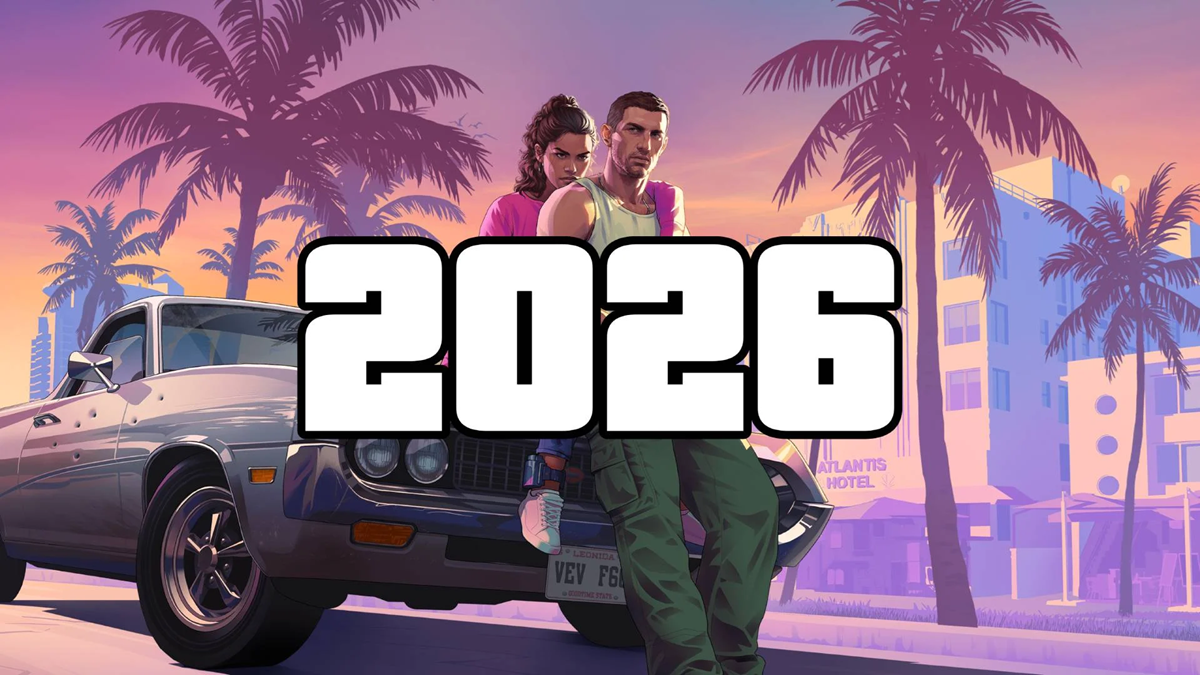
If you want to see the live action, gameplay, and creator reactions of the GTA 6 launch, find out when the stream will start in India and how to live stream your gameplay from PS5 on YouTube or Twitch.
GTA 6 Live Streaming
GTA 6 Live Stream: Even before the release of GTA 6, there is a tremendous buzz about the game on the internet. Some are excited to see the new world of Vice City, while others are preparing to watch the live gameplay as soon as the game is launched. In such a situation, November 19 is going to be special not only for gamers but also for those who watch gaming content. To make the launch of GTA 6 special, YouTube has prepared a 24-hour live stream, in which more than 30 gaming creators and internet personalities from around the world will participate. Payal Gaming and Total Gaming from India will also be a part of this event. So let us know when and where you can watch GTA 6 live in India.
When and where can we watch GTA 6 live in India?
YouTube is hosting a special 24-hour live event for gaming fans to celebrate the launch of GTA 6. This livestream will begin in India on November 19th at 9:30 AM with a pre-show, while the main livestream will begin at 10:30 AM. This will give Indian gamers the opportunity to be a part of this special event starting early in the morning on the day of the game's launch.
Where can you watch GTA 6 live on YouTube?
This 24-hour event will be streamed on YouTube's official channel. You can also watch it live directly at youtube.com/youtube. You can also access the stream through a special GTA 6-themed logo on the YouTube homepage.
How to live stream GTA 6 on YouTube?
GTA 6 gameplay can be streamed live directly to YouTube from your PS5. Launch the game and press the Create button on your DualSense controller. Select the Broadcast option and select YouTube as your streaming platform. Log in to your account, enter a stream title, and adjust your microphone, camera, and audio settings. Once all settings are complete, click Go Live to begin the live stream.
How to start a GTA 6 live stream from PS5?
PlayStation 5 and PS5 Pro have a built-in Broadcast feature for streaming games, allowing you to go live without a separate computer or capture card. To do this, open GTA 6 on PS5, press the Create button on the DualSense, and select Broadcast. Then, select the platform from YouTube or Twitch and enter the stream details. You can control the camera, microphone, and party audio in Broadcast Options.
How to stream GTA 6 gameplay live on Twitch.
To stream gameplay from PS5 to Twitch, first link your Twitch account to your PlayStation 4. Launch GTA 6 and select Broadcast by pressing the Create button on your controller. Select Twitch and enter the stream name and necessary settings. Set your microphone and camera settings accordingly, then click Go Live. Your gameplay will then be live on Twitch.