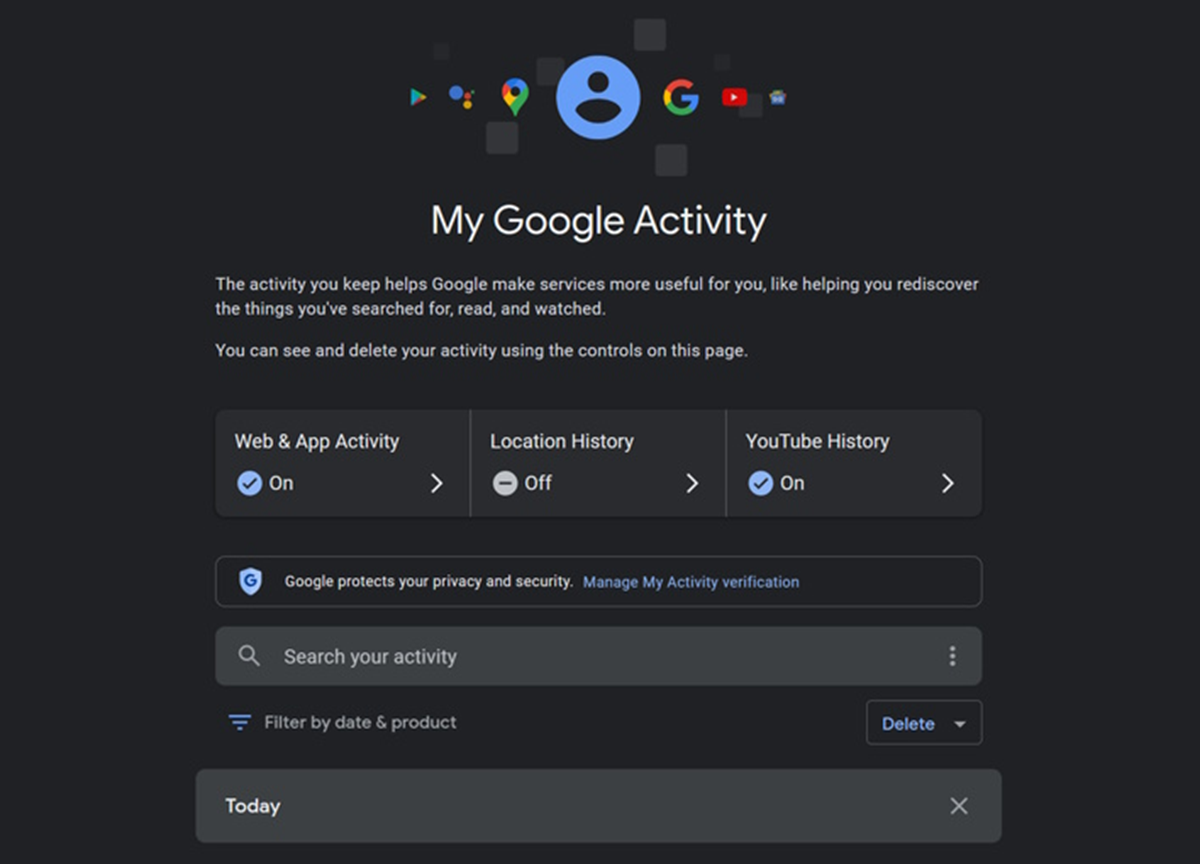
Your Google Account can store your past search and YouTube activity for a long time. If repeatedly deleting it yourself is a hassle, the auto-delete feature can be useful. Learn how to turn it on.
Google Auto Delete
What we search for on Google, what apps we use, what we watch on YouTube, and what location-related activity happens- all of these records can be saved in the account. Over time, this history becomes quite long. In such a situation, manually deleting old activity every time can be a bit difficult. For this, Google provides an auto-delete option, with the help of which old activity can be automatically removed after a set time. So let's learn how Google will automatically delete your old activity and which feature to turn on in the account.
How will Google automatically delete your old activity?
Auto-delete is an option in Google Account that allows users to set their past activity to be automatically deleted. This allows you to set how long Google will store your activity. Available options include 3 months, 18 months, and 36 months. Once this setting is selected, activity older than the specified period is automatically deleted.
Which feature should be turned on in the account?
1. Go to your Google Account Settings - To use this feature, first log in to your Google Account. Then, go to your account Settings. This is where you can manage your Google Activity settings.
2. Open the Data & Privacy section - After going to Settings, select the Data & Privacy section. This section provides options for managing your Google Account history and other data settings.
3. Select your Activity History - Next, go to History Settings. Here, you can select the activity you want to manage. This includes history like Web & App Activity and YouTube History.
4. Select the Auto-delete option - Now, the Auto-delete option will appear in the selected Activity History. After turning it on, you'll need to decide after how long old activity should be automatically deleted. You can choose from 3, 18, or 36 months.
Be careful before turning on auto-delete
Deleting old activity may reduce some personalized recommendations based on Google's history. If you prefer personalized recommendations, you can choose a longer auto-delete option. This will save your old activity for a longer period of time and automatically delete it after the set period is over.