
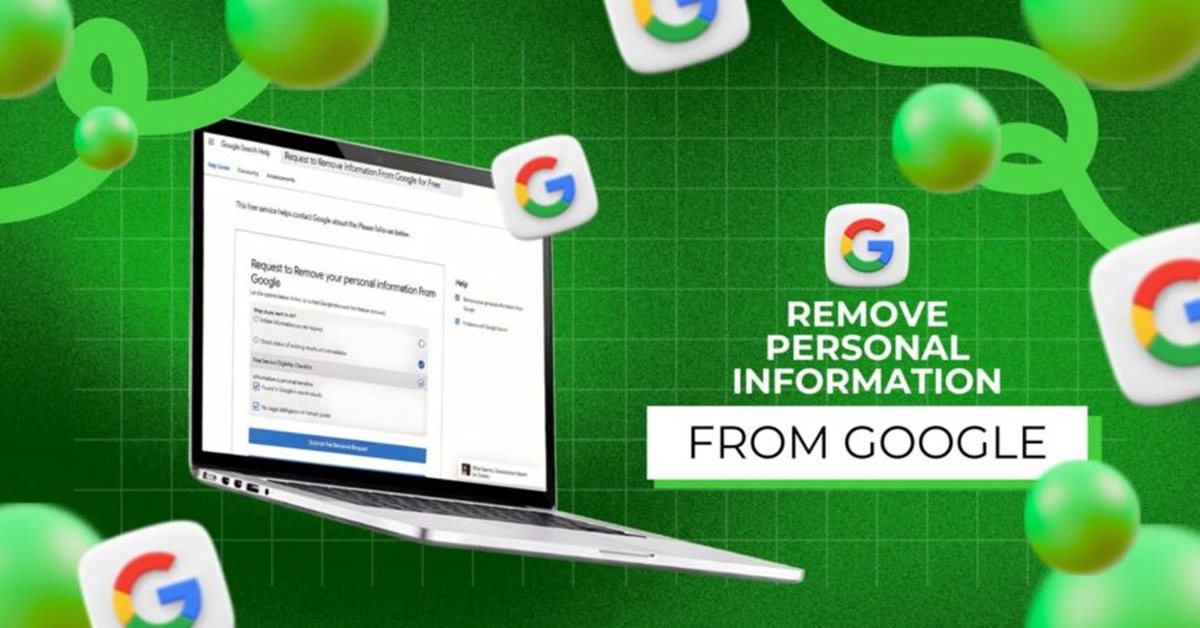
Google Information Removal: Your phone number and home address are publicly available online, so anyone can extract your personal details. However, with this tool from Google, you can permanently delete your information.
Removing personal information from Google Search
Google Information Removal: Nowadays, the internet has become an integral part of our daily lives, but this convenience can sometimes pose a significant threat to our privacy. Knowingly or unknowingly, our phone number, home address, and email address become public on many websites, online directories, and social media platforms. The biggest disadvantage of this is that any stranger can easily extract your personal details by simply entering your name on Google Search.
In today's times, when cases of cyber fraud, spam calls, and digital fraud are rapidly increasing, it's crucial to remove your personal information from public platforms. Fortunately, Google itself offers its users the opportunity to permanently remove their private information from search results. All you need to do is follow a simple process. Learn what you need to do.
Remove information from the Results About You tool.
To strengthen user privacy, Google has introduced a useful feature called Results About You. This tool monitors your personal information online and excludes it from search results. When you register your name, mobile number, email address, and home address with this tool, Google's system continuously scans web pages.
As soon as a website shows your details in a Google search, you'll receive an immediate alert via the app or email. You can then submit a request to remove the link without any hassle. Furthermore, if sensitive information like bank account numbers, Aadhaar, or credit card information has been leaked, Google blocks it on a priority basis.
Learn the step-by-step process.
To remove your number or address from Google Search, first open the Google app on your smartphone or log in to your Google account on your computer browser. Click your profile photo in the upper right corner and select Results about you from the menu. For the first time, tap Get Started, which will prompt a form.
Enter your full name, phone number, email address, and current address correctly and save. If you want to remove a specific website link directly, go to Google's Remove Outdated Content or Personal Info Removal Request page and paste the URL of that web page. After submitting, Google's team reviews your request, and if found correct, the information disappears from searches within a few days.
Keep this in mind as well.
When using this Google tool, it's important to understand one crucial point. When Google removes a link from search results based on your request, that information disappears only from Google Search. However, anyone with a direct link to that website can still view your details.
Therefore, if you don't want anyone to see your information even through a link, you'll need to contact the relevant website's support team and request the deletion of your data there as well. To prevent your information from becoming public in the future, be careful not to enter your real mobile number or address when signing up for any unknown app or website.