
NEWS
Fake Website Alert: Learn How to Identify Scam Websites and Protect Your Banking Details Online
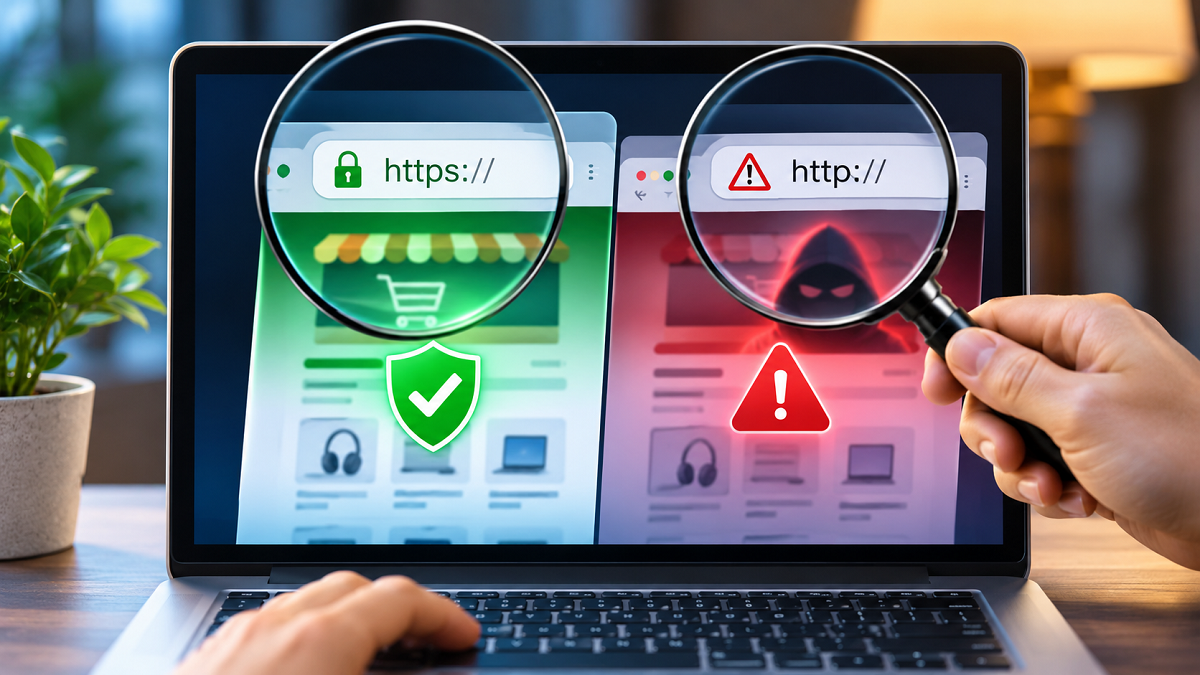
Online Safety Tips: The internet has transformed how people manage their daily activities. From purchasing products and transferring money to accessing government services and submitting important applications, websites have become essential to everyday life. However, this growing dependence on digital platforms has also created opportunities for cybercriminals to deceive unsuspecting users.
Fraudsters frequently develop counterfeit websites that closely resemble the official portals of banks, shopping platforms, government departments, and popular companies. These fraudulent pages may feature familiar logos, professional layouts, and convincing messages to encourage visitors to disclose confidential information.
A single mistake, such as entering banking credentials or sharing an OTP on a suspicious website, could expose users to financial fraud or identity theft.
Fortunately, checking a few important details before using an unfamiliar website can significantly reduce the risk of falling victim to online scams.
Why Are Fake Websites Becoming a Major Cybersecurity Concern?
Cybercriminals often use a technique known as phishing to trick internet users into revealing sensitive information.
Instead of directly attacking a bank or company, fraudsters may create a convincing imitation of its official website.
Victims are then directed to these pages through misleading advertisements, fraudulent emails, text messages, or links shared on social media.
Once users enter their usernames, passwords, card details, or other personal information, criminals may attempt to misuse those credentials.
Some fraudulent websites also encourage visitors to download malicious applications or make payments for services that do not exist.
Therefore, identifying suspicious websites before entering sensitive information is an important digital safety habit.
1. Examine HTTPS and Browser Security Warnings
One of the first things users should check when opening a website is the address displayed in their browser.
Most legitimate websites handling sensitive information use HTTPS, which encrypts data transmitted between the browser and the website.
What Does HTTPS Mean?
HTTPS stands for Hypertext Transfer Protocol Secure.
The encryption helps protect information exchanged between your device and the website from interception or unauthorized modification while in transit.
Many browsers display a security or site-information icon near the address bar. Depending on the browser, users may be able to view connection details and certificate information through this control.
Pay Attention to Security Warnings
If your browser displays messages about an insecure connection, invalid certificate, or potential phishing activity, avoid entering passwords, payment details, or personal information.
However, users should understand one important limitation.
HTTPS does not automatically mean a website is genuine.
Cybercriminals can also obtain valid HTTPS certificates for fraudulent websites.
Therefore, an encrypted connection should be considered only one part of website verification, not definitive proof of authenticity.
2. Inspect the Website Address for Spelling Changes
Checking the domain name is among the most effective ways to identify suspicious websites.
Fraudsters sometimes register addresses that closely resemble those of well-known companies.
This practice is commonly called typosquatting.
For example, consider the following addresses:
| Website address | Explanation |
|---|---|
amazon.in | Genuine Amazon India domain |
arnazon.in | Illustrative deceptive spelling using 'rn' instead of 'm' |
amaz0n.in | Illustrative deceptive spelling using the number '0' instead of 'o' |
The deceptive examples are provided only to demonstrate common phishing techniques, not to establish whether those specific domains are active or malicious.
Such differences can be difficult to notice, particularly when users are browsing quickly on smartphones.
Fraudsters may also add extra words, hyphens, or misleading subdomains to make a fraudulent link appear official.
For instance, a website address containing a bank's name does not necessarily belong to that bank.
Users should carefully identify the actual registered domain rather than relying on familiar words appearing elsewhere in the URL.
3. Verify Government and Banking Website Domains
Extra caution is necessary when accessing websites that claim to provide government services or financial facilities.
In India, official government websites commonly use domains such as .gov.in and .nic.in.
These domain structures can help users recognize many government-operated portals.
However, users should still verify the complete website address because some legitimate public services may operate through other officially authorized domains.
Similarly, banks use their registered official domains, and India's banking sector has introduced the .bank.in domain framework to strengthen digital trust.
Before accessing internet banking, users should verify the correct address through their bank's official communications or trusted mobile application.
Be Careful With Unfamiliar Extensions
Website extensions such as .xyz, .online, and .com are not inherently fraudulent.
Nevertheless, an unfamiliar domain claiming to represent a government department, financial institution, or established company deserves additional verification.
The important factor is whether the domain genuinely belongs to the organization it claims to represent.
4. Watch for Suspicious Messages and Unrealistic Offers
Fake websites often rely on urgency, fear, or attractive offers to influence visitors.
For example, a fraudulent page may claim that your bank account will be suspended unless you immediately update your KYC information.
Another website might advertise expensive products at unusually low prices to encourage quick purchases.
Common warning signs include unexpected payment demands, requests for confidential information, suspicious download prompts, and messages pressuring users to act immediately.
A legitimate organization should not require customers to disclose banking passwords, card PINs, or OTPs through an unexpected website link.
If an offer appears suspicious, verify it independently before proceeding.
5. Check Website Details Before Making Payments
When using an unfamiliar online shopping platform, examine the information provided about the business.
Look for accessible customer support details, clear refund policies, delivery information, and identifiable business contact information.
You can also search for independent customer experiences, although online reviews themselves can sometimes be manipulated.
Avoid assuming that professional website design or positive testimonials automatically establish credibility.
For financial transactions, use trusted payment methods and verify the merchant before authorizing any payment.
Never enter sensitive banking details on a website reached through an unexpected message without independently confirming its authenticity.
What Should You Do If You Visit a Suspicious Website?
Opening a suspicious page does not necessarily mean your personal information has been compromised.
However, users should avoid interacting further with the website if they suspect fraud.
Do not enter passwords, share OTPs, download unknown files, or grant unnecessary permissions.
If you have already entered your login credentials, change the affected password through the genuine website or official application.
Where available, enable two-factor authentication and review recent account activity.
If banking information has been exposed or an unauthorized transaction has occurred, contact your bank immediately.
In India, victims of financial cybercrime can report incidents through the National Cyber Crime Reporting Portal at **https://cybercrime.gov.in** or call the national cybercrime helpline 1930.
Prompt reporting can be important when attempting to prevent further financial losses.
Final Takeaway: Always Verify a Website Before Sharing Personal Information
Fraudulent websites can be difficult to recognize because cybercriminals increasingly imitate the appearance of trusted digital services.
However, simple precautions can help users make safer decisions online.
Checking the full domain name, reviewing browser security warnings, verifying official website addresses, and avoiding suspicious payment requests are useful steps for protecting personal information.
Remember that an HTTPS connection, attractive website design, or familiar company logo does not guarantee authenticity.
The safest approach is to independently verify a website before entering passwords, banking credentials, OTPs, or other sensitive information.
Developing these habits can help reduce exposure to phishing attacks, online shopping fraud, and identity theft.