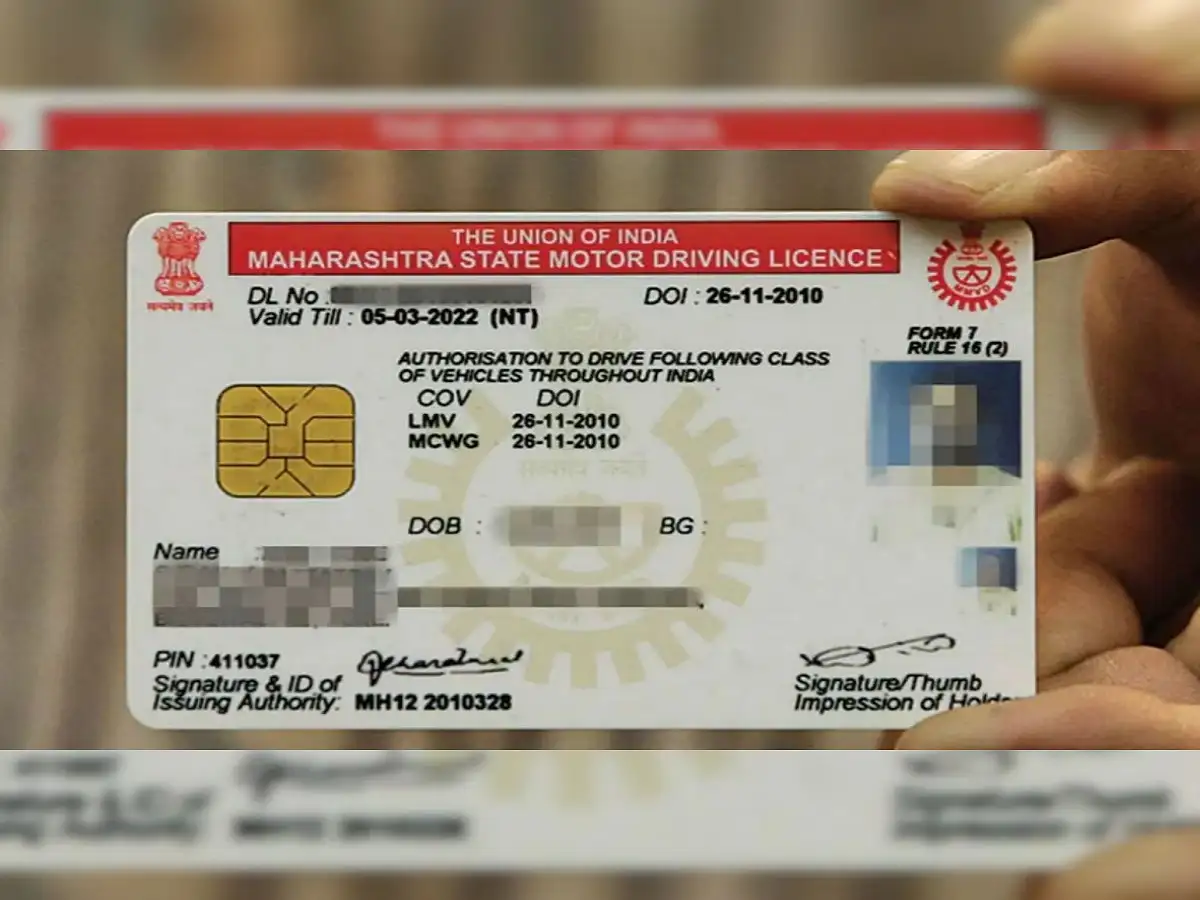
A driving licence is one of the most important documents for anyone legally operating a motor vehicle in India. Apart from confirming that a person is authorised to drive the specified category of vehicle, the document is also commonly used for identification purposes in various situations.
But what happens when the photograph printed on your driving licence is outdated, unclear or no longer resembles your current appearance? A similar issue can arise when the signature associated with the licence is old, blurred or needs to be changed.
The good news is that eligible licence holders may not always need to go through the process of obtaining an entirely new driving licence. Depending on the services offered by the concerned state or Union Territory, a request to update the photograph or signature may be available through the Sarathi Parivahan portal.
However, the exact process can differ from one state to another. Applicants should therefore check the services available for their state before proceeding.
Can You Change Your Driving Licence Photo Online?
Several driving licence-related services are available digitally through the government's Sarathi platform. The portal allows users to select their state and access the services made available by the respective transport authority.
However, applicants should note an important point: not every driving licence service is offered in exactly the same manner across all states and Union Territories.
This means an option for changing or updating a photograph or signature may be visible for some applicants but unavailable online for others.
The first step should therefore be to select the appropriate state on the Sarathi portal and check which driving licence-related services are currently offered.
How to Request a Driving Licence Photo or Signature Update
If the relevant service is available for your state and licence, the application process can generally be initiated through the Sarathi platform.
Start by visiting the official Sarathi Parivahan portal and selecting the state where the driving licence service is required.
Navigate to the section dealing with Driving Licence Related Services. You may then be asked to provide details such as your driving licence number, date of birth and other information needed to retrieve your licence record.
After your details are verified, check the list of services available for your licence. Look for the appropriate option relating to the change or replacement of the photograph and signature, if offered.
Follow the instructions displayed on the portal. Depending on the service and state-specific procedure, you may be required to submit supporting information, upload files, pay the applicable fee or complete additional verification.
Once the application has been successfully submitted, keep the acknowledgement receipt or application number safe. It can be useful for tracking the status of the request later.
Be Careful While Uploading Your Photo and Signature
Where online uploading is permitted, applicants should pay close attention to the technical specifications displayed on the portal.
A photograph that is blurry, incorrectly cropped or uploaded in an unsupported format may create problems during processing. Similarly, a digital signature that does not comply with the required size, clarity or file specifications may not be accepted.
Instead of assuming a particular image size or file format, applicants should follow the requirements displayed during the application process, as technical specifications can change or differ depending on the service.
Make sure the photograph is clear and recent, and that the signature is easily readable before uploading the files.
Will You Still Have to Visit the RTO?
Starting an application online does not necessarily mean that the entire procedure will be completed without visiting a Regional Transport Office (RTO).
The requirement can depend on the state, the service selected and the nature of the requested change.
In some cases, applicants may need to visit the concerned RTO for physical document verification, a fresh photograph, biometric authentication, signature capture or another formality required by the transport authority.
Therefore, applicants should carefully read the acknowledgement and instructions generated after submitting their online application.
If the portal provides an appointment or directs the applicant to visit the RTO, the required documents and application receipt should be carried to the office.
Check the Applicable Fee Before Making Payment
A fee may apply for certain driving licence-related changes or replacement services. The amount can depend on the type of service and applicable rules.
Applicants should check the fee displayed on the official portal before making payment. If an online payment is completed, keeping a copy of the payment receipt is advisable until the request has been processed.
Users should also avoid unofficial websites or agents claiming that a photograph or signature can be changed instantly in exchange for additional money.
Keep Your Driving Licence Details Accurate
A clear photograph and correct personal information can make identification easier and reduce potential inconvenience when a driving licence needs to be verified.
If the photograph or signature associated with your licence has become outdated or needs correction, checking the online options can save time compared with directly visiting an RTO without knowing the required process.
However, availability remains dependent on the concerned transport authority.
Bottom Line
Drivers looking to update the photo or signature on their driving licence can first check the services available through the Sarathi Parivahan platform. After selecting the relevant state, users can enter their licence details and see whether an appropriate update or replacement service is available.
If the facility is offered online, the application can be initiated digitally by following the instructions, submitting the required information and paying the applicable fee. However, an RTO visit may still be required for biometric capture, document verification or other formalities.
For this reason, applicants should rely on the instructions displayed for their specific state and licence instead of assuming that the entire photo or signature update process can always be completed from home.