
When choosing cloud storage, it's not enough to consider only free space and price. Choosing the wrong service can lead to problems transferring files. Learn how to choose the right service.
Cloud storage services
When your phone's storage starts filling up, or you need to keep important files safe, cloud storage becomes a handy option. Photos, videos, and documents can be saved online in minutes, but have you ever wondered if the service you're uploading your data to is right for your needs and privacy?
Choosing cloud storage in a hurry can lead to problems later on. You may need to download and re-upload files to switch to another service later. Therefore, it's important to check a few things upfront. So, let's learn some mistakes to avoid when choosing cloud storage.
Don't make this mistake when choosing cloud storage.
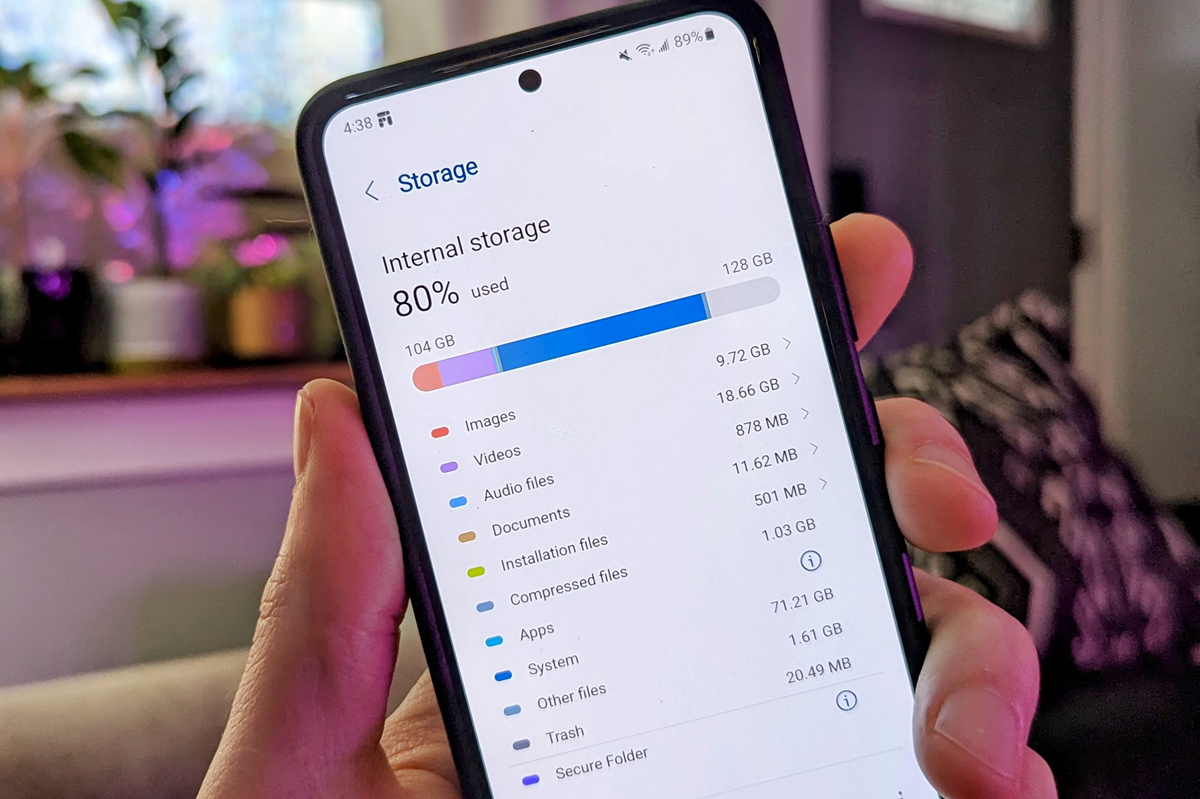
Before choosing cloud storage, take a look at the files on your phone and other devices. See how much space photos, videos, important documents, and phone backups are taking up. This will give you an idea of how much storage you need. If your photos alone take up 18GB of space, a free 5GB plan may not be suitable. However, if your total data is less than 20GB, opting for a 2TB plan may be excessive.
See free storage and pricing.
Each service's features and free storage vary. Google One offers 15GB of free storage and works seamlessly with Gmail, Google Docs, and Android. Apple's iCloud offers 5GB of free storage and works seamlessly with Apple devices. OneDrive is included with a Microsoft 365 subscription, while Dropbox's free plan is limited. Services like Proton Drive focus more on privacy. When choosing a plan, also check whether deleted files can be recovered and whether the other person must have an account on the same platform to share files.
Choose the service that best suits your device.
If you use both a Windows laptop and an Android phone, choose a service that works well on both. iCloud can be convenient for Apple device users. If you need to share files with people on different platforms, options like Google Drive or Dropbox can be useful.
Pay attention to the security of personal data.
Understand privacy policies before uploading financial records, personal conversations, or sensitive documents. Services like Google Drive, Dropbox, and OneDrive may technically have access to files and may also perform automated scanning under their policies. For greater personal security, zero-knowledge services like Proton Drive may be an option, where encryption is performed in a way that even the service provider cannot read the file contents.