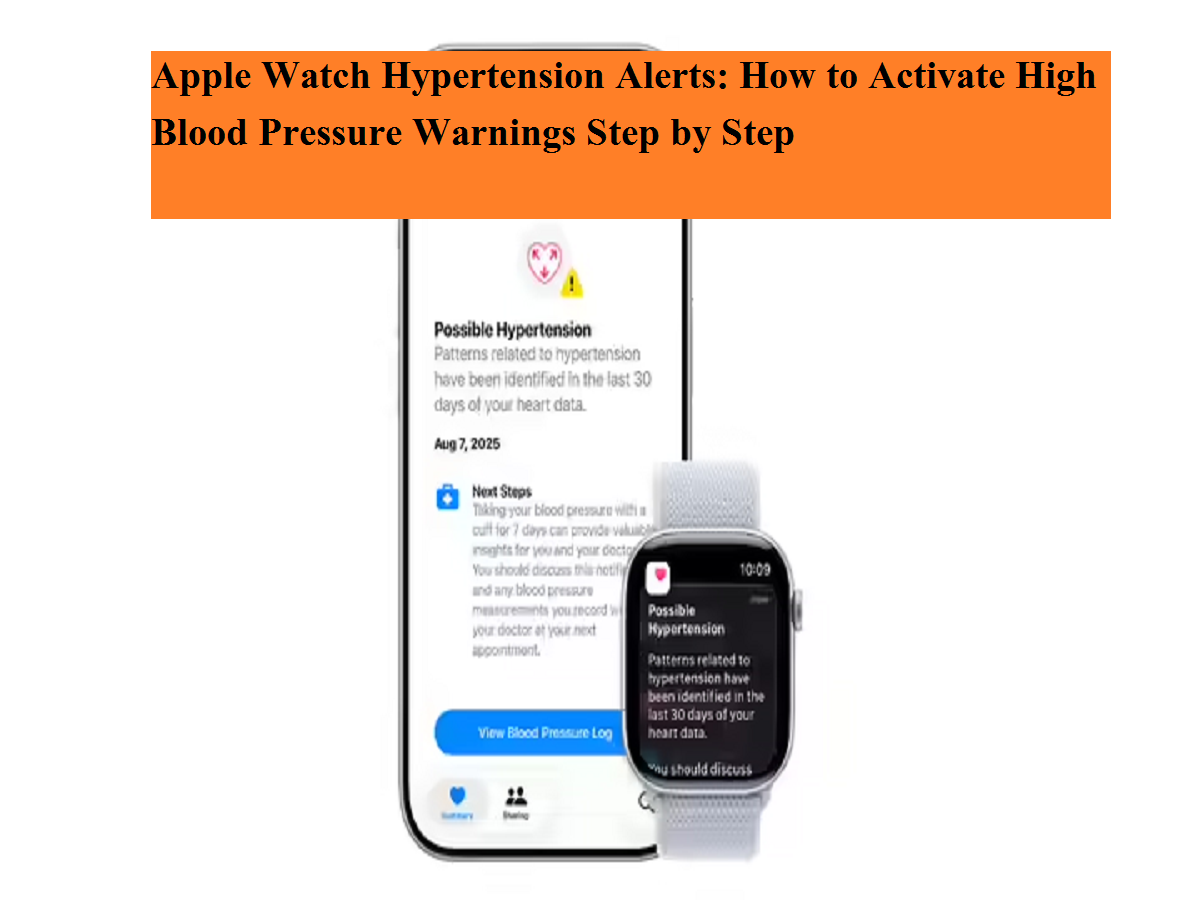
Apple Watch is no longer just a fitness tracker—it is steadily evolving into a powerful health companion. One of its latest health-focused additions is Hypertension Notifications, a feature designed to alert users if their body shows signs linked to chronically high blood pressure. Since hypertension often develops silently and remains undetected for years, this tool aims to provide an early warning before serious complications arise.
What Are Hypertension Notifications on Apple Watch?
Hypertension Notifications are part of Apple’s preventive health ecosystem. Instead of showing real-time blood pressure readings, the Apple Watch quietly studies trends in your cardiovascular data. Using the optical heart sensor, the device analyzes how blood vessels react to heartbeats over an extended period.
The system does not rely on a single measurement. Instead, it reviews data collected over 30-day intervals. If repeated patterns suggest possible high blood pressure, the watch sends a notification encouraging the user to take further action. This approach helps reduce false alerts and focuses on long-term trends rather than short-term fluctuations.
Devices and Software You Need
Before turning on this feature, it is important to check compatibility. Hypertension Notifications are supported on:
- Apple Watch Series 9 or newer
- Apple Watch Ultra 2 or newer
- iPhone 11 or later
In addition, your devices must be running watchOS 26 and iOS 26. Wrist Detection must also be enabled, as accurate readings depend on consistent skin contact.
Eligibility Requirements You Should Know
Apple has placed certain limitations on who can use this feature. To be eligible:
- You must be 22 years or older
- You should not be pregnant
- You must not have a prior diagnosis of hypertension
These conditions exist because the feature is meant for early detection, not for managing or tracking already diagnosed blood pressure conditions.
How to Enable Hypertension Notifications
Activating the feature takes only a few minutes. Follow these steps carefully:
- Open the Health app on your iPhone
- Tap your profile icon in the top-right corner
- Choose Health Checklist under the Features section
- Select Hypertension Notifications
- Confirm your age and state that you do not have diagnosed hypertension
- Tap Continue and follow the on-screen instructions
- Finish by tapping Done
Once activated, the feature works automatically in the background. There is no need for daily setup or manual input.
What Happens If You Receive an Alert?
If the Apple Watch detects patterns associated with high blood pressure, it will notify you. Apple advises users to measure their blood pressure using a standard blood pressure monitor for seven consecutive days.
These readings should then be shared with a healthcare professional for proper evaluation. It is important to note that the Apple Watch does not display blood pressure numbers—it only highlights trends that may need medical attention.
Important Limitations to Keep in Mind
Hypertension Notifications are not a diagnostic tool. They cannot detect heart attacks, strokes, or other cardiovascular emergencies. The feature should be viewed as an early awareness system, encouraging proactive health discussions rather than replacing professional medical advice.
By combining technology with preventive care, Apple Watch continues to push the boundaries of wearable health monitoring, offering users a chance to act before hidden conditions become serious.