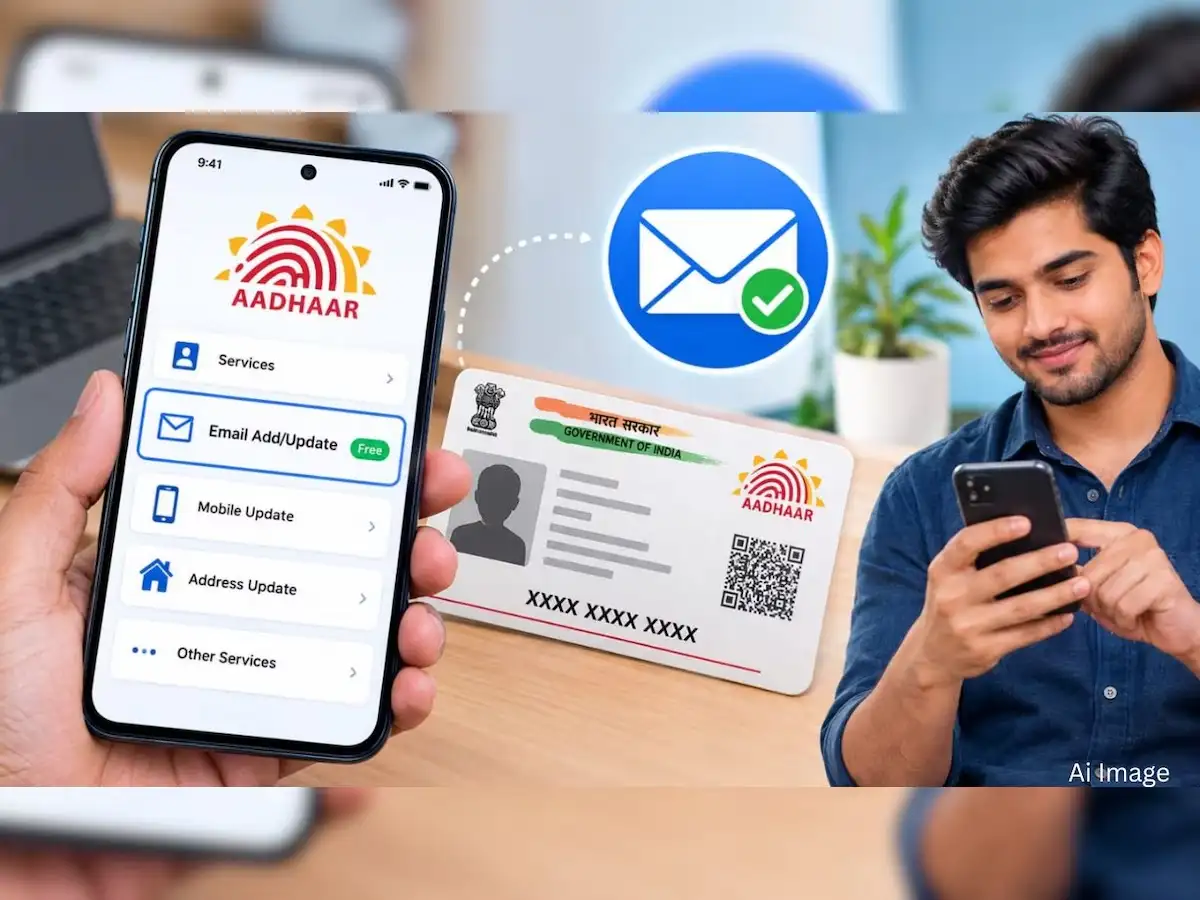
Aadhaar holders who want to add a new email address or replace an old one can currently do so without paying the usual update fee—provided the request is made through UIDAI’s Aadhaar mobile application.
The Unique Identification Authority of India (UIDAI) has waived the ₹75 fee for email address updates through the Aadhaar mobile app from July 1, 2026, to December 31, 2026. The temporary waiver gives Aadhaar holders an opportunity to keep their registered email information updated without paying the normal charge.
UIDAI’s official memorandum states that the initiative was introduced to encourage more Aadhaar number holders to keep their information current.
Here is how the facility works and what users should know before submitting an update request.
Aadhaar Email Update Free Until December 31, 2026
Normally, updating demographic information such as an email address separately attracts a prescribed fee. UIDAI’s current fee structure lists ₹75 for a separate demographic update at an Aadhaar centre.
However, UIDAI issued an official memorandum in June 2026 waiving the ₹75 charge specifically for the email address update service offered through the Aadhaar mobile application.
The waiver applies for six months, beginning July 1 and ending December 31, 2026.
This means Aadhaar holders who are eligible to use the app-based facility can add or change their email address without paying this charge during the specified period.
Importantly, this waiver should not be interpreted as making every Aadhaar update free. It specifically concerns the email update service through the Aadhaar mobile app during the announced period.
Aadhaar App Makes Updates More Convenient
UIDAI’s newer Aadhaar mobile application is designed to provide Aadhaar-related services directly through a smartphone.
The app is available for supported Android and iOS devices. UIDAI says users need a compatible smartphone with internet connectivity to register and access its services.
Earlier, several demographic changes required a visit to an Aadhaar Enrolment or Update Centre. The expansion of digital services means some tasks can now be completed without standing in a queue at a physical centre.
How to Register on the Aadhaar App
Before using the available services, an Aadhaar number holder needs to register on the official application.
According to UIDAI, the registration process includes selecting a language, entering the Aadhaar number and accepting the application's terms and privacy policy.
The user then chooses the relevant SIM card and completes Face Authentication. After successful registration, a six-digit PIN is created to secure access to the application.
Once registration is complete, users can access the services available to them inside the app.
How to Add or Change Your Aadhaar Email ID
The process is designed to be completed digitally through the official application.
First, download the official Aadhaar app from the appropriate app store or update it to the latest available version if it is already installed.
Complete the app registration and authentication process using your Aadhaar details and the security steps displayed on the screen.
After logging in, look for the Aadhaar details or update-services section and select the available option for updating your email address.
Enter the new email address carefully. A typing mistake could result in incorrect information being submitted, so review the address before proceeding.
Complete the verification steps shown by the application and submit the update request.
After submission, users should retain any acknowledgement or request information displayed in the app so they can track the status of the update.
What Happens After You Submit the Request?
Submitting an update request does not necessarily mean that the Aadhaar record changes instantly.
The request must go through UIDAI’s prescribed processing and verification system. Users should therefore check the status of their request instead of repeatedly submitting the same change.
UIDAI’s Aadhaar app includes a facility for tracking requests, along with several other Aadhaar-related services.
Free Email Update and Free Document Update Are Different Schemes
Aadhaar holders should also avoid confusing the email update waiver with UIDAI’s separate facility for free document updates.
UIDAI has extended free Proof of Identity and Proof of Address document updates through the myAadhaar portal until June 14, 2027.
The free email update, on the other hand, is currently scheduled only until December 31, 2026, and applies when the email address is updated using the Aadhaar mobile application.
These are separate services with different deadlines.
Why Keeping Your Email Address Updated Can Be Useful
An up-to-date email address can help users maintain accurate contact information in their Aadhaar records and receive relevant electronic communication where applicable.
UIDAI’s Aadhaar Handbook also indicates that unlike certain restricted demographic fields, such as name, date of birth and gender, there is no specified numerical limit on updates to information such as email address, mobile number and address when changes are genuinely required.
Use Only UIDAI’s Official Aadhaar App
Aadhaar contains sensitive identity information, so users should be particularly careful about fake apps, websites and messages claiming to provide Aadhaar update services.
Use only UIDAI’s official Aadhaar application and official services. Never disclose an OTP, Aadhaar-related authentication information or other sensitive details to an unknown caller, message sender or website.
UIDAI’s official website provides information about the Aadhaar app and links to its authorised Android and iOS versions.
Complete the Update Before the Free Period Ends
Anyone who has been planning to add an email address to Aadhaar or replace an outdated one can take advantage of the temporary waiver.
The key deadline is December 31, 2026. UIDAI’s official order currently makes the app-based email address update free only through that date.
Unless UIDAI announces an extension or another change, the applicable charge may return after the waiver period ends. Aadhaar holders should therefore check the latest UIDAI announcement before submitting any request after December 31.