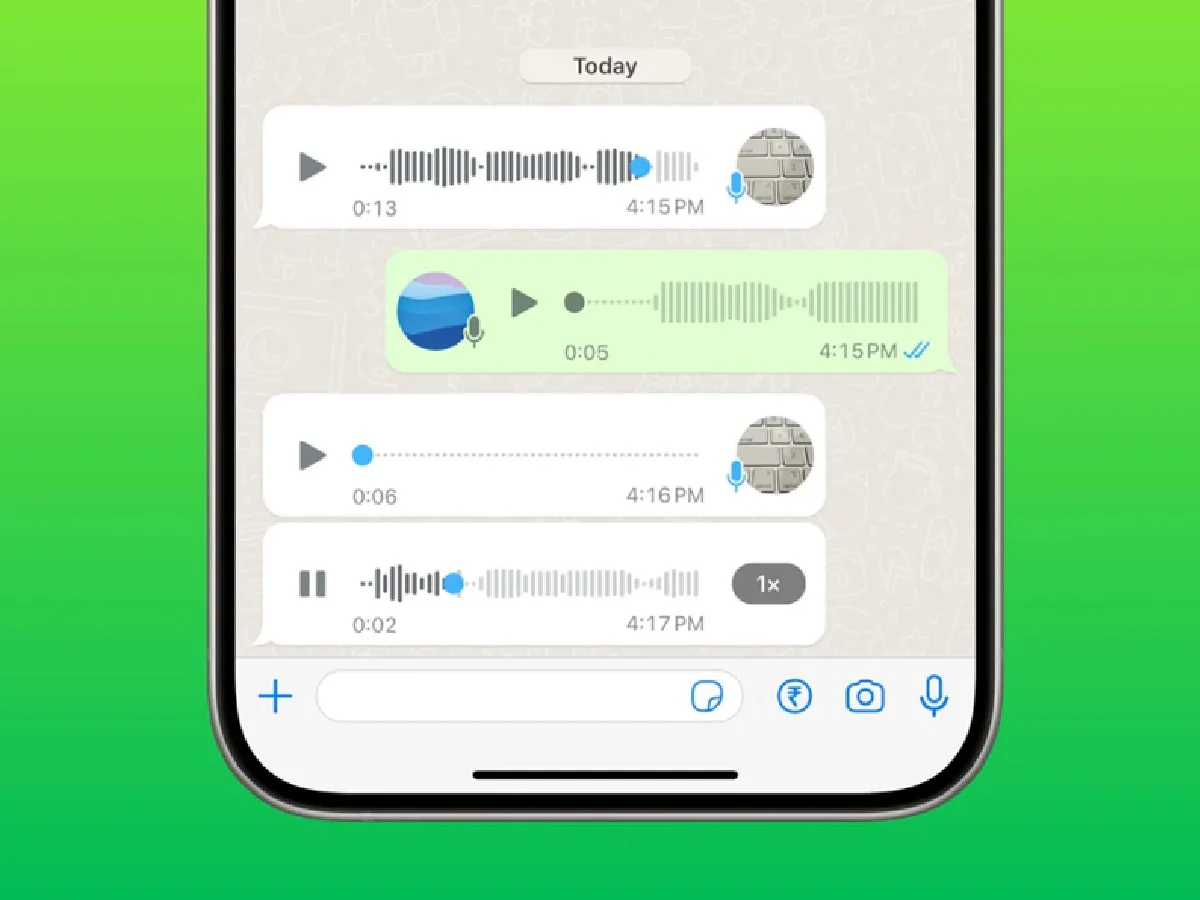
Sending voice notes on WhatsApp has become a quick and easy way to communicate. However, sometimes the other person may not understand what you're saying due to noise, low voice, or unclear speech. If you want your voice notes to be clear, professional, and easy to understand, it's important to keep a few simple things in mind.
In this article, learn easy tips to record better voice notes on WhatsApp.
1. Record in a quiet place
When recording a Voice Note, try to be in a place where there's not a lot of noise around you. Noises like TVs, fans, traffic, or loud music can degrade the quality of the recording.
2. Hold the phone close to your mouth
When recording, keep your smartphone's microphone about 15–20 centimeters from your mouth. Too close can cause distortion, and too far can result in a slower recording.
3. Speak clearly and slowly
Instead of speaking quickly, speak at a normal pace and clearly. This will make it easier for the other person to understand what you're saying.
4. Think before you start recording
Plan out what you want to say before recording a voice note. This will reduce unnecessary interruptions, "um" or "uh..." words, and make your message sound more effective.
5. Avoid long voice notes
If the message is very long, record it in smaller chunks. This makes it easier for the listener to understand the information.
6. Do not cover the microphone
When recording, make sure your finger or the phone cover doesn't cover the microphone. This can cause the sound to sound muffled or low.
7. Listen to the recording and send it
If the Voice Note contains important information, listen to it before sending it. This will help catch any mistakes or poor audio quality.
8. Maintain good internet speed
Although recording can be done without internet, it is beneficial to have a good internet connection to send Voice Note quickly and accurately.
PC: Hindustan