NEWS
WhatsApp AI Image Expansion: AI will be able to change photos on WhatsApp, a new feature coming for iPhone users
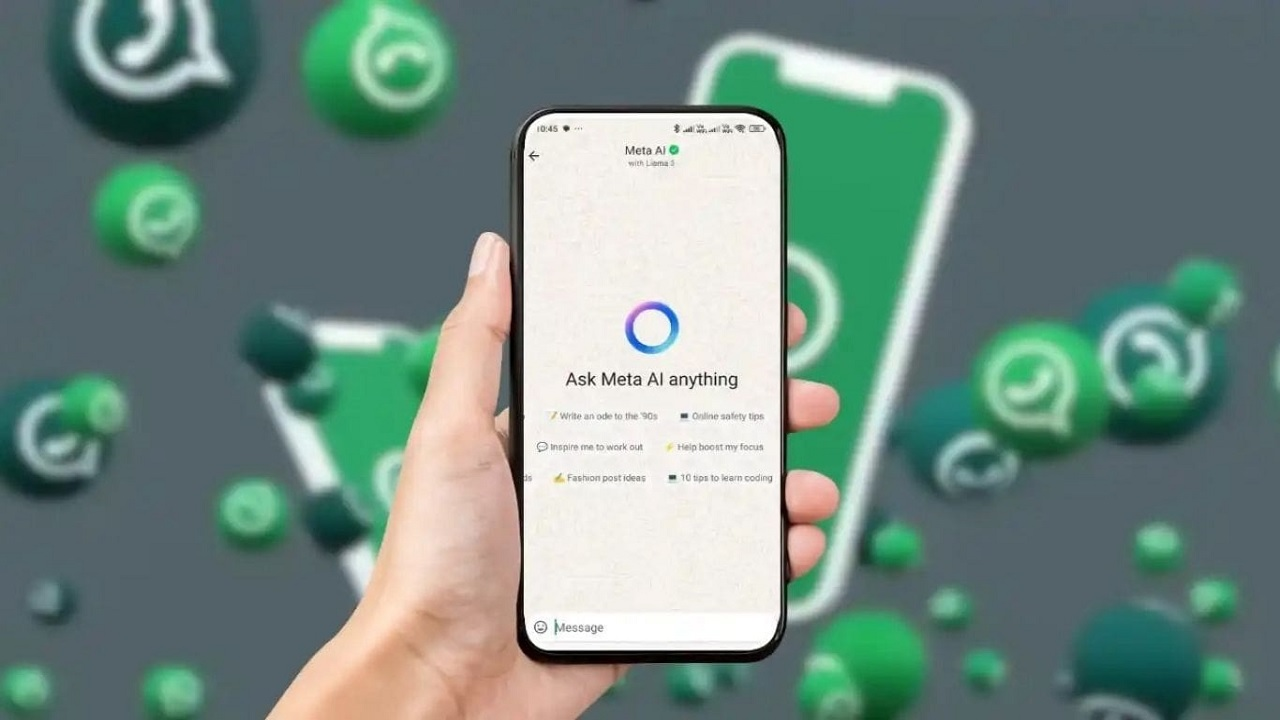
Photo editing on WhatsApp is about to change. A new AI feature for iPhone users will allow photos to be converted to full-screen format without opening another app. Learn how this feature works.
WhatsApp's new feature
WhatsApp AI Image Expansion: If the photo is good, but its frame does not capture the entire surrounding view, then many times one does not feel like sharing the photo. Especially when a landscape or square photo has to be posted on WhatsApp Status and it is not visible on the entire screen. Now to overcome this problem, WhatsApp is preparing to bring a new AI feature. With its help, users will be able to increase the size of their photo without the help of any other app. For this, the help of Meta AI will be taken, which will create new visual content on the edges of the photo. Currently, this feature is being tested for iPhone users. So let us know which new feature is coming on WhatsApp for iPhone users.
What new feature is coming to WhatsApp for iPhone users?
WhatsApp is testing a new AI-powered image expansion feature for iPhone users. This will allow users to increase the size of their photos within WhatsApp without using any other photo editing apps. This feature will use Meta AI to create new visuals around the edges of the photo and convert it to a 9:16 vertical format. This will make it easier to share landscape and square photos in full screen on WhatsApp Status. It is currently being tested with some iPhone beta users.
How will this new feature work?
To use this new feature, users will first need to select a photo to share in a WhatsApp chat. The photo will then open in the app's drawing editor, where the option to expand the image will appear, along with other editing options. Upon selecting this, Meta AI will understand the photo's content and the surrounding scene and add new visual details to the edges of the photo. This way, the photo can be prepared in a 9:16 vertical format without changing its main theme. This process will be completed in a few seconds. The finished photo will then appear in the editor, where users can view it and decide whether to share it.
You will get a preview before sharing the photo.
This feature also gives users complete control over the created photo. After Meta AI completes the process, the photo will not be automatically sent to any chat. A preview will be shown first. If the user doesn't like the AI-generated result, they can revert to the previous photo using the Undo button. Additionally, there may be an option to create another version.