NEWS
Want to appear offline while still being active on Instagram? It's easy, just follow these steps.
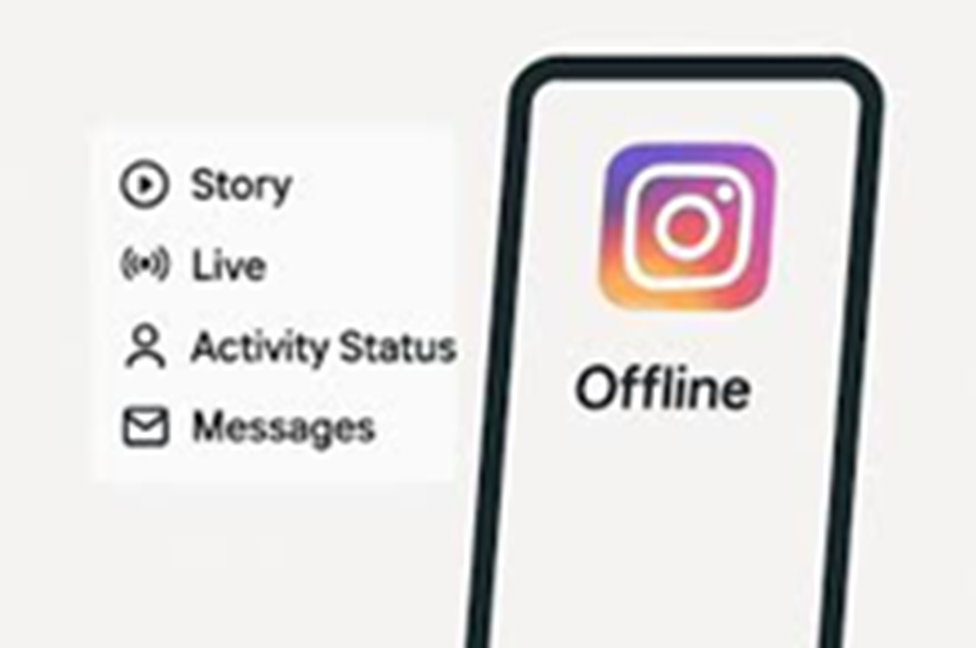
Instagram now has an update that will allow you to appear offline even when you're active. To do this, you simply need to turn off your active status, which is quite simple.
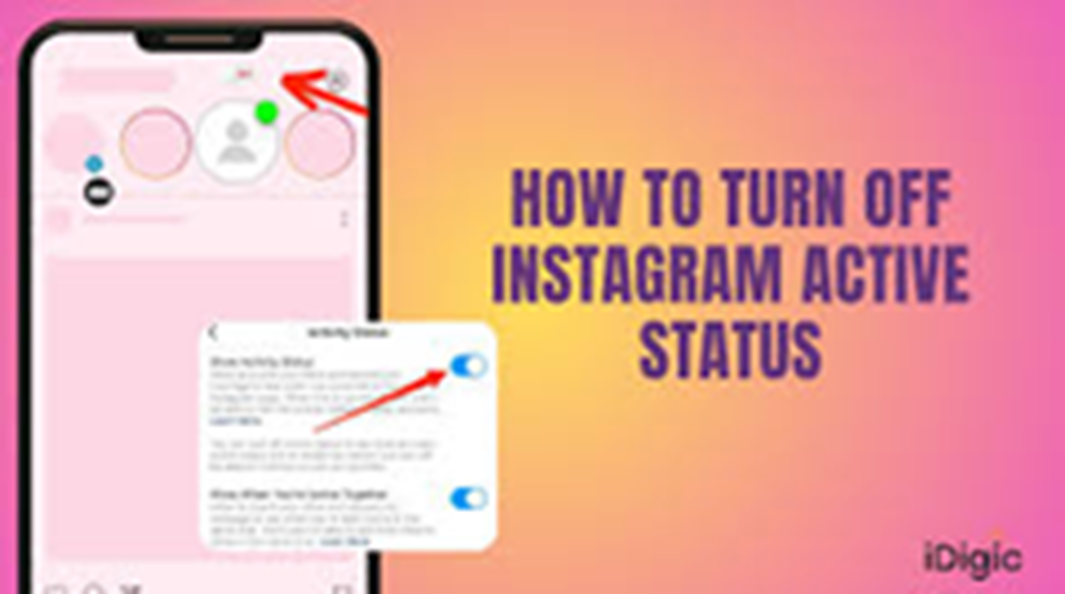
Now you can appear offline while still being active on Instagram. The company has introduced this feature to provide users with more privacy. This will allow you to hide your active status on Instagram. This will prevent your friends and followers from knowing you're online, and you can scroll through your reels without worry. Let's learn how to hide your active status on Instagram.
What does active status mean?
When you're active on Instagram, a green dot appears next to your name in the message box. You also see an "Active Now" status. This lets your friends and followers know you're active. Seeing this, if they message you, you're pressured to reply immediately. In such a situation, if someone starts messaging you repeatedly or too many people start messaging you, it can be very annoying. In such a situation, you can turn off the "Active Now" status and enjoy Instagram comfortably.
How to appear offline even when you are online?
Hiding your active status on Instagram is very easy. Doing so will make you appear offline even when you're active. To do this, first open the Instagram app on your phone and go to your profile. You'll see three lines in the top right corner. Tap on these lines and go to Settings & Activity. Here, you'll see the Message and Story Replies option. Search for "Show Activity Status" and turn it off. Turning it off will hide your active status, preventing anyone from knowing when you were active on Instagram. You can also turn it back on in the same way by going to Settings.