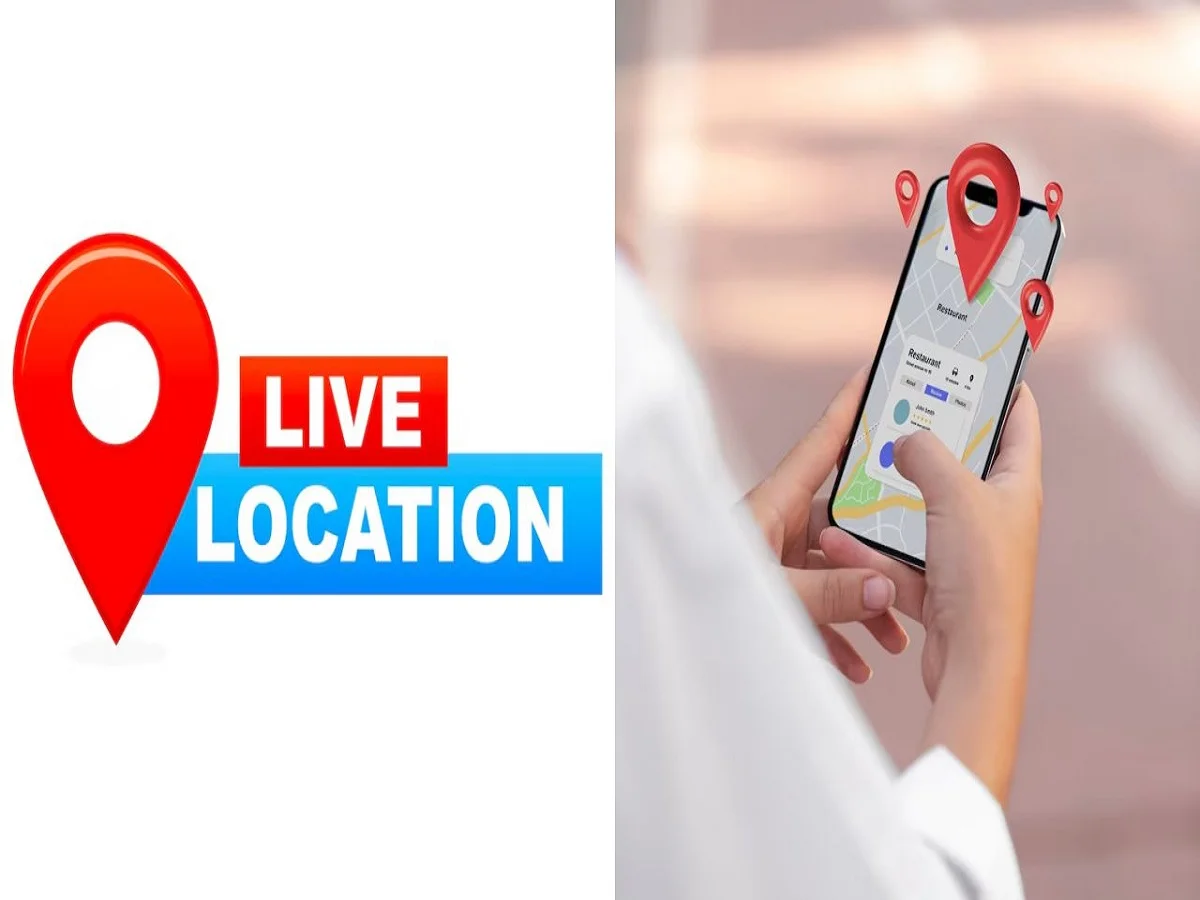
Solo travel is becoming increasingly popular, offering freedom and flexibility. However, safety remains a top priority—especially when you’re traveling alone. One of the simplest and most effective ways to stay secure and connected is by sharing your live location with family or trusted contacts.
Thanks to apps like WhatsApp and Google Maps, you can keep your loved ones updated in real time about your whereabouts.
Here’s a complete, easy-to-follow guide.
How to Share Live Location on WhatsApp
Sharing live location via WhatsApp is quick and secure:
- Open WhatsApp and select the chat where you want to share your location
- Tap on the attachment (paperclip) icon
- Select “Location”
- Tap on “Share Live Location”
- Choose a duration: 15 minutes, 1 hour, or 8 hours
- Send it to your contact
Important:
Your live location is shared only with the selected contact and cannot be forwarded, making it a safer option.
How to Share Live Location on Google Maps
Google Maps offers more flexibility and control:
- Open Google Maps on your phone
- Tap on your profile icon
- Select “Location Sharing”
- Tap “Share Location”
- Choose the contact or generate a shareable link
- Send it via WhatsApp, email, or other platforms
This method is especially useful if the other person does not use WhatsApp.
WhatsApp vs Google Maps: Key Differences
| Feature | Google Maps | |
|---|---|---|
| Time Options | Fixed (15 min, 1 hr, 8 hr) | Flexible (custom or until turned off) |
| Sharing Method | Limited to chat | Link can be shared across platforms |
| Ease of Use | Very simple | More advanced options |
| Control | Basic | More customizable |
Why Live Location Sharing Is Important
- Keeps your family informed during travel
- Helps in emergencies or unexpected situations
- Provides peace of mind for both you and your loved ones
- Useful for tracking routes in unfamiliar areas
Safety Tips While Sharing Location
- Share location only with trusted contacts
- Turn off sharing once you reach your destination
- Avoid sharing links publicly
- Keep your phone’s location services and internet on
Final Takeaway
Whether you’re commuting late at night or exploring a new city alone, live location sharing is a simple yet powerful safety tool. Apps like WhatsApp and Google Maps make it easy to stay connected and protected at all times.
A few taps on your phone can ensure that someone always knows where you are—making your journey safer and stress-free.