Unwanted messages, spam texts, and suspicious contacts can disrupt your experience on WhatsApp. While the platform connects millions of users worldwide, it also provides powerful tools to help you stay safe and in control. If you are receiving messages from people you don’t want to interact with, WhatsApp allows you to block and report them easily on Android devices.
This guide explains everything you need to know—from step-by-step instructions to what happens after you take action.
Why Blocking and Reporting Is Important
Spam messages, scams, and inappropriate content are common issues on messaging platforms. Ignoring them may not be enough, especially if the messages continue.
By using WhatsApp’s report and block features, you can:
- Stop unwanted messages instantly
- Prevent further contact from the sender
- Alert WhatsApp about abusive or suspicious activity
- Help improve platform safety for other users
Taking action not only protects you but also helps reduce misuse across the app.
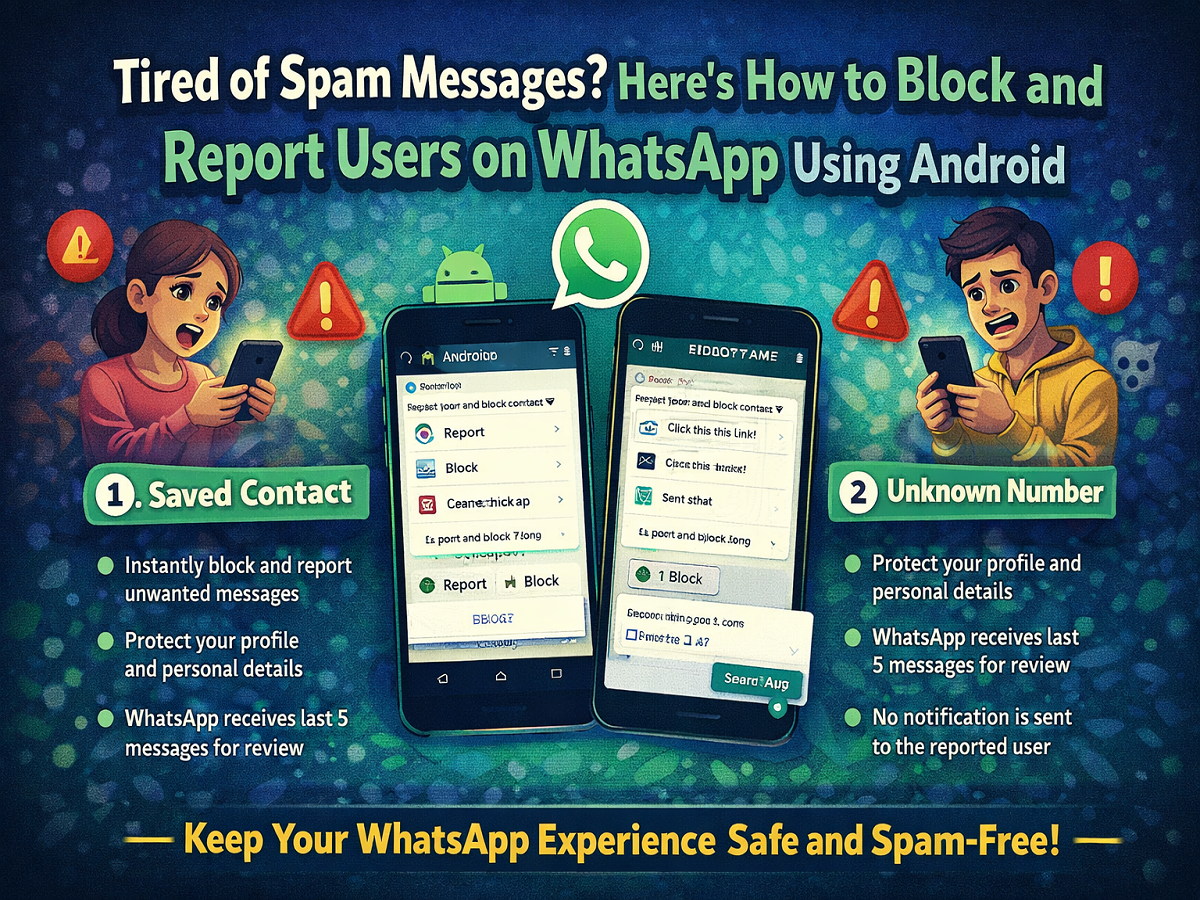
Steps to Block and Report a Saved Contact
If the messages are coming from someone already in your contact list, follow these steps:
- Open WhatsApp on your Android phone.
- Navigate to the chat of the person you want to block.
- Tap the three-dot menu at the top-right corner.
- Select More options.
- Tap on Report.
- Choose the option to block the contact and delete chat messages.
- Confirm by tapping REPORT.
This action will both report the user and stop them from contacting you again.
Steps to Block and Report an Unknown Number
For messages from unknown senders, WhatsApp provides quick actions directly within the chat:
- Open the chat from the unknown number.
- You will see options like Report, Block, and Add to Contacts.
- Tap on Report.
- In the pop-up, select Block and delete chat.
- Tap REPORT to confirm.
You can also choose Block first and then opt to report the user simultaneously.
What Happens After You Take Action?
Once you report and block someone on WhatsApp:
- The user is immediately blocked from sending messages
- They lose access to your profile photo, status, and other details
- WhatsApp receives the last five messages sent to you for review
- Additional data like message type and timestamps are shared for analysis
- The reported user is not notified about the action
If the user violates WhatsApp’s policies or gets reported multiple times, their account may face restrictions or even a permanent ban.
Simple Tips to Avoid Spam and Unwanted Messages
To stay safe while using WhatsApp, keep these precautions in mind:
- Avoid sharing your phone number on unknown or public platforms
- Do not engage with suspicious messages or links
- Use privacy settings to control visibility of your information
- Regularly review and update your blocked contacts list
Being cautious can help you avoid many issues before they arise.
Final Thoughts
Managing your privacy on WhatsApp is easier than ever. With just a few simple steps, you can block unwanted users and report harmful behavior, ensuring a safer messaging experience.
If you ever encounter spam or inappropriate messages, act quickly—blocking and reporting is the best way to protect yourself and contribute to a more secure digital environment.