NEWS
These things are essential before selling a phone with eSIM; just a factory reset won't do the trick.
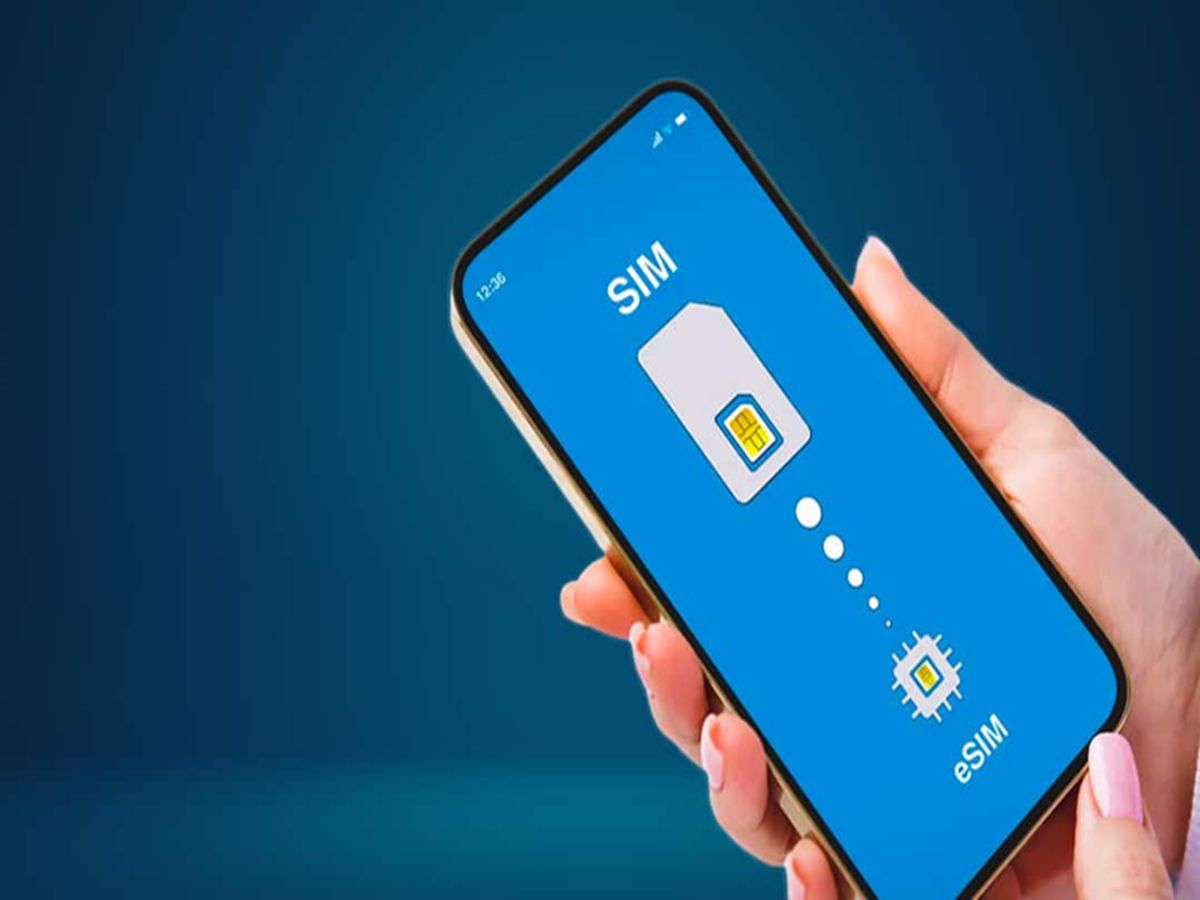
eSIM Phone Selling Tips: If you have an eSIM phone and are planning to sell it, there's one important thing to keep in mind. Without it, you could incur significant losses.
eSIM Phone Selling Tips: Do this before selling an eSIM phone
eSIM Phone Selling Tips: The need for a physical SIM card to make calls and send messages has been eliminated. Many models now come with eSIM support, eliminating the need to insert a physical SIM card. In the US, Apple only offers eSIM support in all iPhones sold there. There are many benefits to eSIM, but if you're selling a phone with an eSIM, you need to be extra careful. You can't simply factory reset it like you would a normal phone.
First, learn about e-SIM.
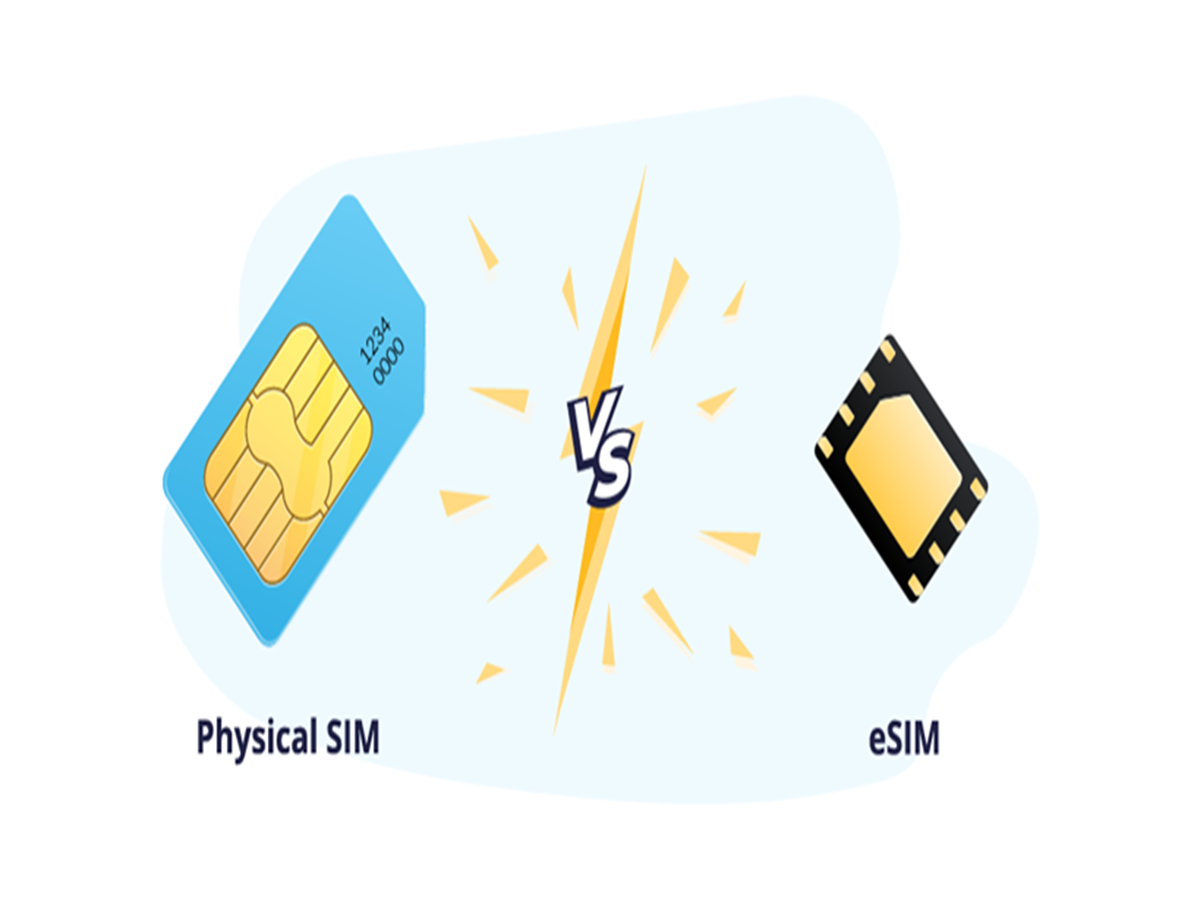
A physical SIM requires a pre-programmed physical card to be inserted into a special slot in the phone. An e-SIM does not require such a slot. It downloads network credentials to an embedded SIM card (eSIM). Once downloaded, they remain permanently on the phone. The e-SIM is considered more secure and is linked to the phone's IMEI number, enhancing security.
Do this work before selling the phone.
Before selling your old phone , it's important to do a few things. Whether you're selling a phone with a physical SIM or an e-SIM, first back up your data. Nowadays, phones store all important data, including personal and financial details. Therefore, backing up is essential. Backing up your data eliminates the worry of data deletion. Similarly, log out of your phone's social media, banking, and other app accounts. This will prevent problems when you log into these apps on your new phone. Additionally, you can also get your phone repaired for better value.
This work is necessary when selling a phone with e-SIM.
In addition to all these steps, if you're selling a phone with an e-SIM, you'll need to do one more thing: remove your e-SIM profile before selling it. There's no guarantee that a factory reset will remove it. Therefore, first transfer your e-SIM profile to the new phone. Then, delete this profile and factory reset the phone. This will protect your data, settings, files, and e-SIM from falling into someone else's hands. These steps will then help you set up your new phone.