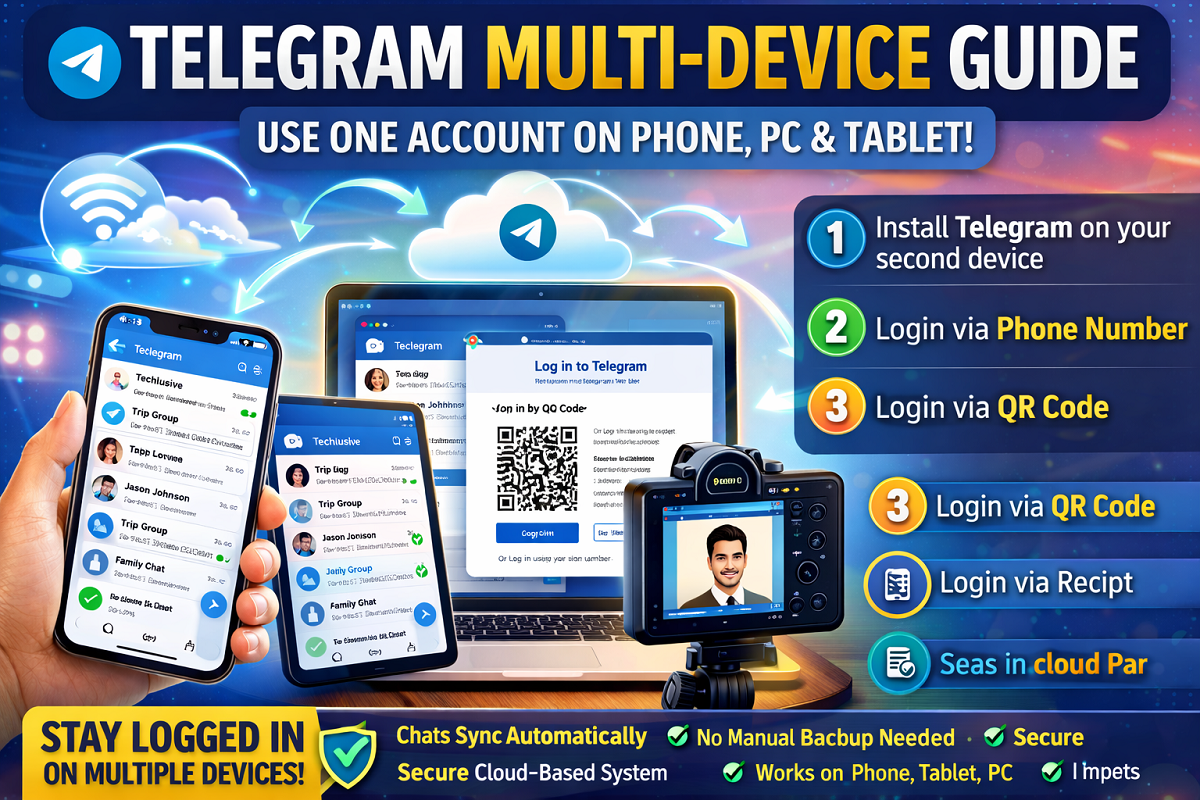
If you think your Telegram account works on just one device, it’s time to rethink. Telegram allows users to stay logged in on multiple devices at the same time—including phones, tablets, and desktops—without logging out from any device.
Thanks to its cloud-based system, your chats, media, and files sync instantly across all devices. Here’s a complete guide on how to set it up.
How Telegram Multi-Device Feature Works
Unlike many messaging apps, Telegram stores your data in the cloud instead of just your phone. This means:
- Your chat history is always backed up automatically
- No need for manual restore or transfer
- Messages sync in real time across all devices
- You can stay logged in on multiple devices simultaneously
This makes switching between devices seamless and hassle-free.
How to Use Telegram on Multiple Phones or Tablets
You can easily use the same Telegram account on another phone or tablet.
Method 1: Login via Phone Number
- Install Telegram on your second device
- Open the app and tap “Start Messaging”
- Enter your registered phone number
- Verify using OTP sent to your primary device
Method 2: Login via QR Code
- Open Telegram on your main phone
- Go to Settings → Devices → Link Desktop Device
- Scan the QR code on the second device
Once done, both devices will stay connected and synced.
👉 The same process works for tablets as well.
How to Use Telegram on PC or Laptop
Telegram offers both desktop and web versions.
Steps to Login:
- Download Telegram Desktop or open Telegram Web
- Choose login method:
- QR Code login
- Or Phone number + OTP
- Scan QR using your phone or enter OTP
- Instantly access chats, groups, and files
No need for browser tricks—everything works natively.
Key Benefits of Telegram Multi-Device Use
✔ Access chats anytime, anywhere
✔ No need to log out from other devices
✔ Real-time sync across all platforms
✔ No data loss or backup issues
Things to Keep in Mind
- Always log out from unknown devices for security
- Use app lock or password protection on shared devices
- Keep your app updated for best performance
Final Takeaway
Telegram’s multi-device feature makes it one of the most flexible messaging apps available today. Whether you’re working on a laptop, chatting on your phone, or browsing on a tablet—your account stays perfectly synced.
Once set up, you can move between devices without missing a single message.
Tip: Use QR login for faster access and better security when linking new devices.