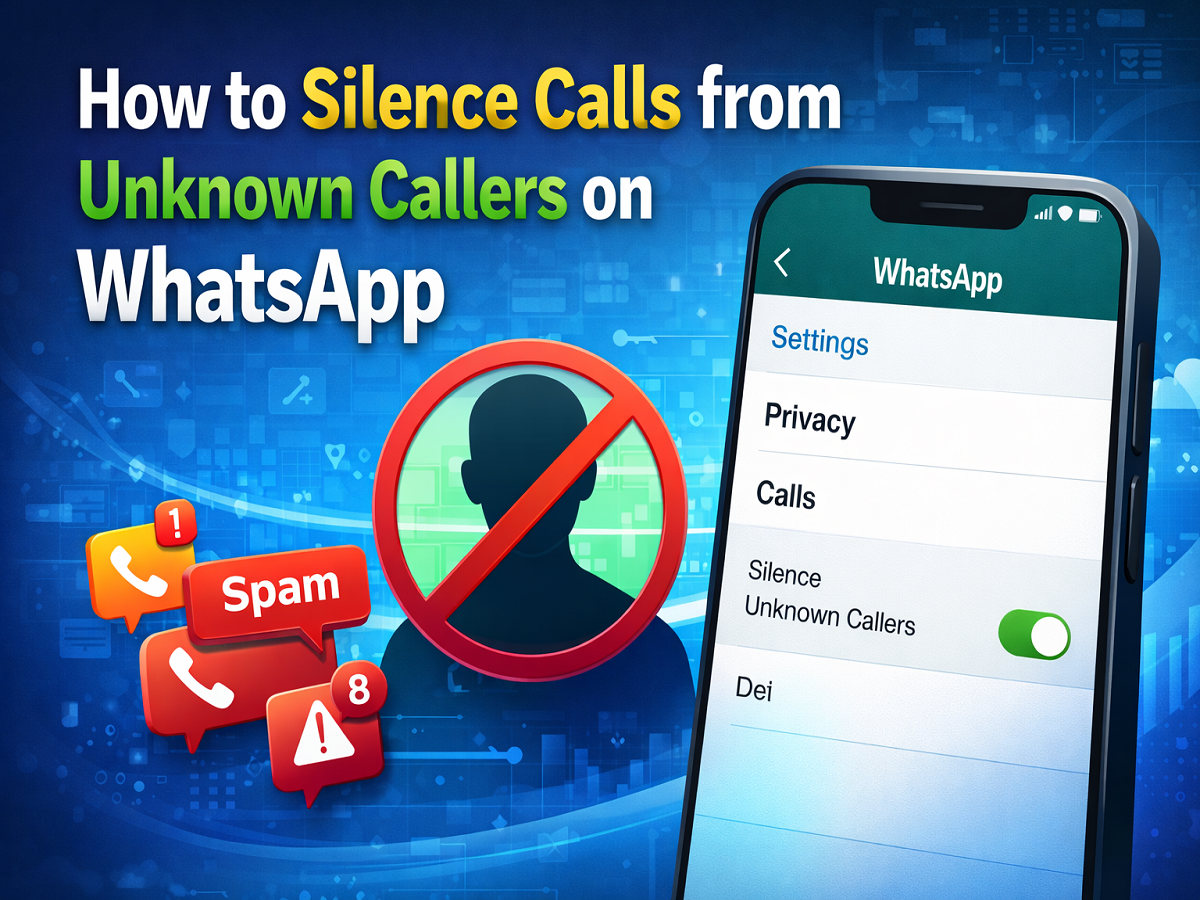
Spam and scam calls have become a common problem for smartphone users across the world. With messaging platforms increasingly offering voice and video calling features, unwanted calls are no longer limited to traditional phone networks. To tackle this issue, WhatsApp, the popular messaging app owned by Meta, has introduced a useful privacy feature that allows users to silence calls from unknown numbers.
This feature is designed to help users avoid disturbance from unfamiliar contacts while still keeping a record of such calls. Instead of your phone ringing every time someone outside your contact list tries to call you on WhatsApp, the app automatically silences the call. However, the call will still appear in your call log so that you can review it later if needed.
If you often receive suspicious or spam calls on WhatsApp, enabling this setting can significantly improve your privacy and reduce interruptions. Here is everything you need to know about this feature and how you can activate it on your smartphone.
What Is the “Silence Unknown Callers” Feature on WhatsApp?
The Silence Unknown Callers feature is a privacy-focused tool introduced by WhatsApp to help users filter incoming calls from numbers that are not saved in their contacts list.
When this option is turned on:
- Calls from unknown numbers will not ring on your device
- The calls will still be recorded in the call history
- You can check the call later to determine whether it was important
- It helps reduce spam calls, scam attempts, and unwanted disturbances
This feature is especially helpful for people who frequently receive calls from unknown numbers, such as business owners, content creators, or users whose numbers may circulate online.
Why This Feature Is Important for WhatsApp Users
Over the past few years, messaging platforms have seen a rise in spam calls and fraudulent attempts. Scammers sometimes use WhatsApp calls to trick users into sharing personal information or clicking malicious links.
By activating the unknown caller silencing feature, users can protect themselves from such interruptions without completely blocking communication. Since the calls are still logged, you won’t miss important calls from new contacts who may genuinely need to reach you.
It adds an extra layer of security, convenience, and privacy for WhatsApp users.
Step-by-Step Guide: How to Silence Unknown Callers on WhatsApp
If you want to enable this feature on your phone, follow these simple steps:
Step 1: Open WhatsApp
Launch the WhatsApp app on your smartphone.
Step 2: Go to Settings
Access the Settings menu inside the app.
- Android users: Tap the three-dot menu located at the top right corner of the screen and select Settings.
- iPhone users: Tap the Settings icon available at the bottom right corner.
Step 3: Select Privacy
Inside the Settings page, tap on the Privacy option.
Step 4: Tap on Calls
Scroll down and select the Calls option.
Step 5: Enable Silence Unknown Callers
Turn on the toggle next to Silence Unknown Callers.
Once activated, WhatsApp will automatically mute calls coming from numbers that are not saved in your contact list.
What Happens After Enabling the Feature?
After turning on this setting:
- Unknown callers will not trigger ringtone notifications
- Calls will appear silently in your call history
- You can review the call later and decide whether to save or block the number
If you notice repeated calls from suspicious numbers, WhatsApp also allows you to block and report the caller directly from the call log.
With the growing number of spam calls on messaging apps, WhatsApp’s Silence Unknown Callers feature offers a practical solution for maintaining peace and privacy. By simply enabling a setting inside the app, users can avoid unnecessary interruptions while still keeping track of incoming calls.
If you frequently receive calls from unfamiliar numbers, turning on this feature can help you maintain better control over your communication and improve your overall WhatsApp experience.