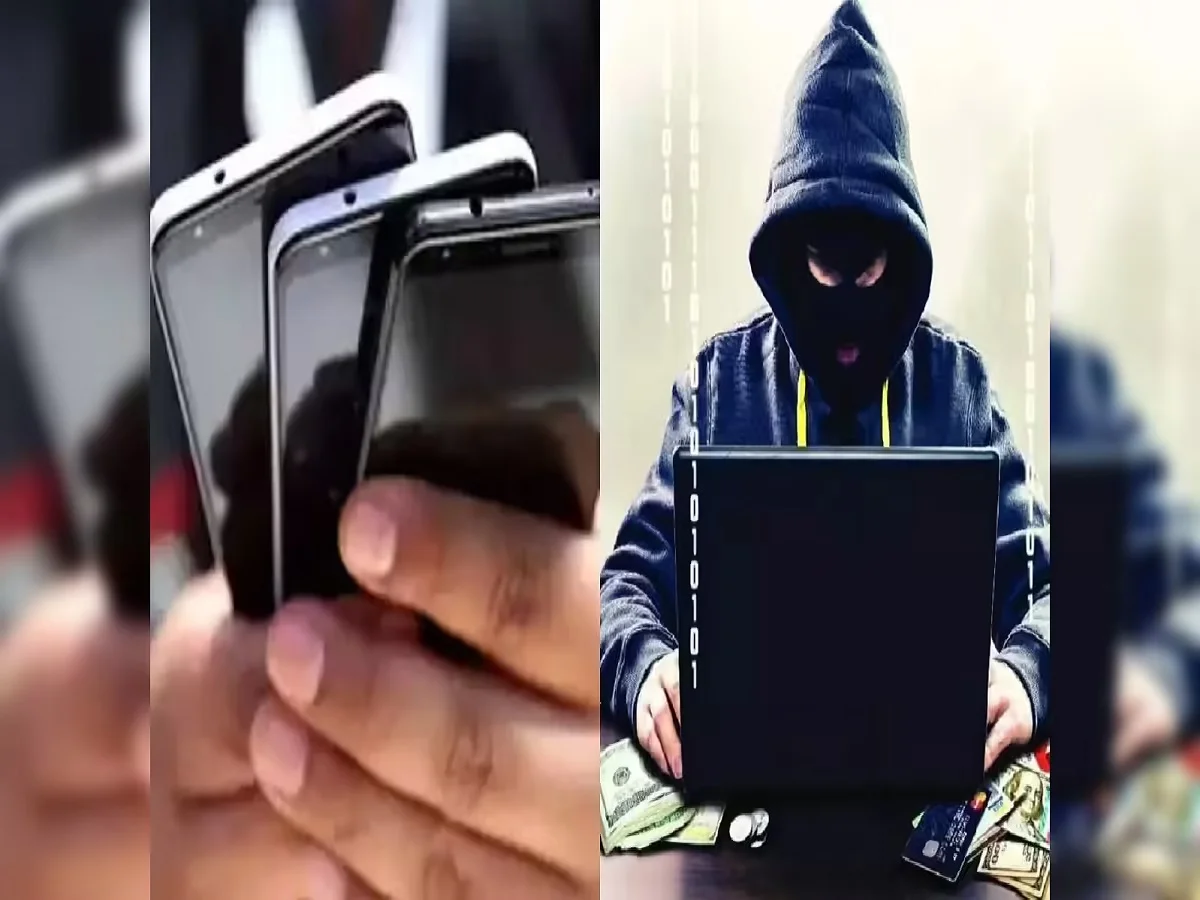
Smartphones have become much more than communication devices. Today, they store some of our most sensitive and valuable information, including personal photographs, videos, banking details, emails, passwords, documents, social media accounts, and professional data. As people frequently upgrade to newer devices, selling an old smartphone has become a common practice. However, many users overlook important safety measures before parting with their devices.
A single mistake while selling a used smartphone can expose personal information, lead to privacy breaches, or even create legal complications in the future. Whether you are selling your device online, through a local buyer, or via a trade-in program, taking the right precautions is essential.
Here are the most important steps every smartphone owner should follow before selling an old device.
Keep a Record of the Buyer's Identity
One of the most overlooked aspects of selling a used smartphone is maintaining proper documentation of the transaction.
Whenever possible, keep a record of the buyer's details, including:
- Full name
- Contact number
- Address
- A copy of a valid government-issued identity document
Maintaining these records can be useful if questions arise regarding the device after the sale. Proper documentation creates a clear record showing when and to whom the phone was transferred.
Prepare a Written Sale Agreement
A simple written agreement can help protect both the seller and the buyer.
The document should include:
- Date and time of the sale
- Smartphone brand and model
- IMEI number
- Device condition
- Sale amount
- Buyer and seller information
- Signatures of both parties
Having written proof of the transaction can help establish ownership transfer and reduce the possibility of future disputes.
Why Documentation Matters
Many people fail to realize that a smartphone can later be linked to activities carried out by its new owner.
If the device is involved in any unauthorized or unlawful activity after the sale, authorities may initially trace it back through previous ownership records. While proper documentation does not eliminate all risks, it can help demonstrate that the device was legally sold and transferred.
This is one reason experts recommend maintaining complete records whenever selling electronic devices.
Remove All Personal Data Before Selling
Protecting your personal information should be your highest priority.
Before handing over the smartphone, ensure that all personal data is removed, including:
- Contacts
- Photos
- Videos
- Emails
- Messages
- Documents
- Downloaded files
- Banking and payment app information
- Social media accounts
Simply deleting files may not always be enough. It is important to follow additional security steps to ensure data cannot be easily accessed.
Log Out of All Accounts
Many users forget to sign out of important services before selling their devices.
Make sure you log out of:
- Google accounts
- Apple ID accounts
- Email applications
- Cloud storage services
- Banking apps
- Social media platforms
- Messaging services
Removing account access prevents unauthorized use and avoids activation lock issues for the next owner.
Don't Forget to Remove SIM and Memory Cards
One of the most common mistakes people make is leaving their SIM card or microSD card inside the device.
Before completing the sale:
- Remove the SIM card
- Remove any memory card
- Verify that no external storage remains inside the phone
These cards may contain personal photos, contacts, messages, authentication codes, and sensitive information that should never be shared unintentionally.
Perform a Factory Reset
After backing up important files and removing personal information, perform a complete factory reset.
A factory reset:
- Erases user data
- Removes installed applications
- Clears saved accounts
- Restores default settings
This step provides an additional layer of protection and ensures the new owner receives a clean device.
For extra security, some experts recommend encrypting the device before performing the factory reset, making any remaining recoverable data more difficult to access.
Back Up Important Data First
Before deleting anything, create a secure backup of important files.
Consider backing up:
- Photos and videos
- Contacts
- Documents
- Messages
- Notes
- App data
You can store backups on cloud services, external hard drives, or a new smartphone to avoid losing valuable information.
Final Thoughts
Selling an old smartphone can be a great way to recover some value from a device you no longer use, but it should never be done without proper precautions. Protecting your personal data, maintaining transaction records, removing accounts, and performing a factory reset are essential steps that can help safeguard your privacy and prevent future complications.
By taking a few extra minutes to secure your device before the sale, you can ensure a smooth transaction while keeping your personal information safe and protected.