WhatsApp has become an essential part of daily life for billions of users worldwide. From personal conversations and family discussions to business communications and document sharing, the messaging platform stores a significant amount of sensitive information. While WhatsApp offers multiple security features, many users unknowingly leave one important protection option disabled, potentially putting their data at risk.
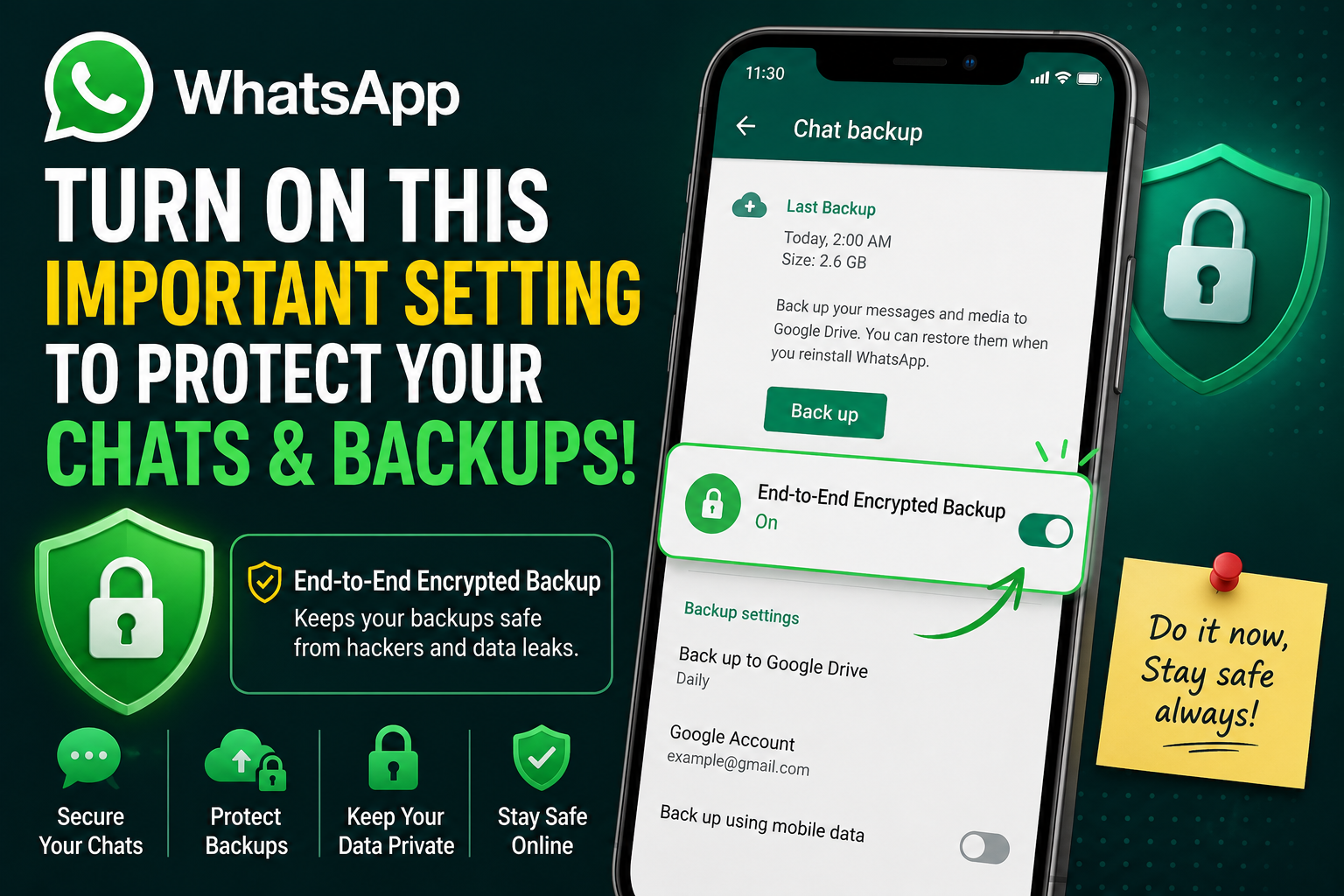
Cybersecurity experts often emphasize that protecting messages alone is not enough. Users must also ensure that their chat backups remain secure. One of the most effective ways to do this is by enabling WhatsApp's End-to-End Encrypted Backup feature, which adds an extra layer of protection to saved conversations and media files.
Why Chat Backups Can Become a Security Risk
Most WhatsApp users are familiar with end-to-end encryption for messages. This technology ensures that only the sender and the recipient can read the contents of a conversation while it is being transmitted through the platform.
However, many people are unaware that chat backups require a separate security setting. If backup encryption is not enabled, copies of conversations stored on cloud services may not receive the same level of protection as messages inside the app.
For Android users, chat backups are generally stored on Google Drive, while iPhone users save their backups on iCloud. If these backups are not encrypted, sensitive information such as private messages, photos, videos, and shared documents could become more vulnerable in the event of unauthorized access or data breaches.
What Is End-to-End Encrypted Backup?
To address this concern, WhatsApp introduced End-to-End Encrypted Backup, a feature specifically designed to safeguard cloud-stored chat data.
When activated, the backup is protected using a unique encryption key that prevents unauthorized parties from accessing its contents. Even if someone gains access to the backup file, the information remains unreadable without the correct password or security credentials.
This additional security measure helps ensure that personal conversations remain private even after they have been backed up to cloud storage.
How to Turn On End-to-End Encrypted Backup
Enabling this security feature takes only a few minutes and can significantly improve the protection of your WhatsApp data.
Follow these simple steps:
Step 1: Open WhatsApp Settings
Launch WhatsApp on your smartphone and tap your profile icon or settings menu.
Step 2: Navigate to Chat Backup
Select the “Chats” section and then tap on “Chat Backup.”
Step 3: Locate Backup Encryption
Scroll down until you find the “End-to-End Encrypted Backup” option.
Step 4: Activate the Feature
Tap the option and choose to enable encryption for your backups.
Step 5: Create a Password or Use a Passkey
Set up a strong password or configure a secure passkey. This credential will be required whenever you need to restore your encrypted backup.
Once completed, your future backups will be protected by an additional layer of security.
Why Experts Recommend Keeping It Enabled
Cybersecurity professionals consistently advise users to review privacy settings rather than relying solely on default configurations. While many people regularly back up their chats, they often overlook encryption settings that can make a significant difference in protecting sensitive information.
Without encrypted backups, personal conversations, confidential work discussions, financial details, images, and important files could face greater exposure if cloud storage accounts are compromised.
Enabling backup encryption helps reduce these risks by ensuring that your stored data remains protected from unauthorized access.
Small Change, Big Security Benefit
As online threats continue to evolve, protecting digital communications has become more important than ever. WhatsApp's End-to-End Encrypted Backup feature offers a simple but powerful way to strengthen account security without requiring advanced technical knowledge.
Whether you use WhatsApp for personal communication, professional discussions, or sharing important documents, checking your backup settings today could help prevent future privacy concerns. A few moments spent enabling this feature may provide long-term protection for some of your most valuable digital information.