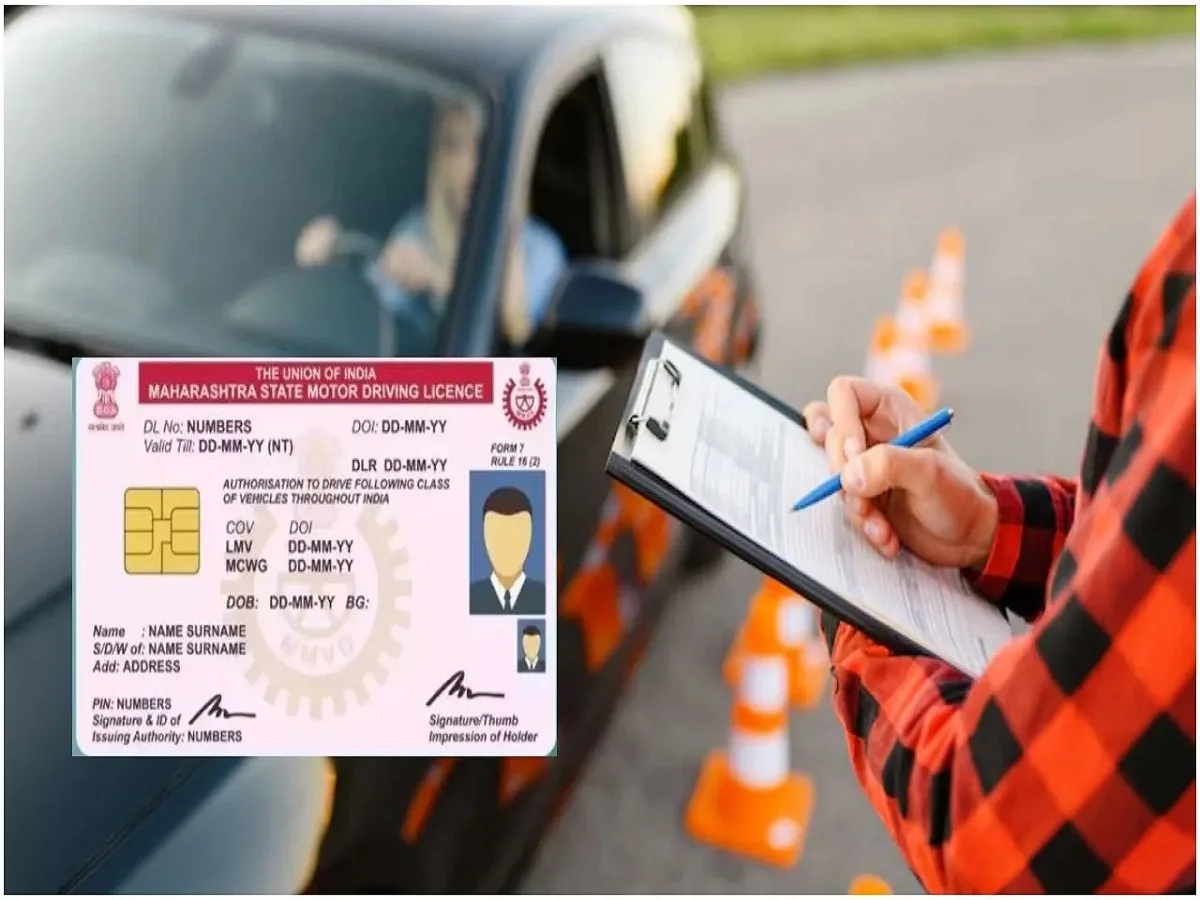
A driving licence is one of the most important documents every motorist must carry while driving on Indian roads. It serves as legal proof that the holder is authorized to operate a motor vehicle. Losing a physical driving licence can be inconvenient, especially if you need to present it during a traffic inspection or while completing official procedures.
Fortunately, the Government of India allows citizens to access and store a legally recognized digital copy of their driving licence through DigiLocker and the mParivahan app. These digital documents can be accessed anytime from your smartphone, making it easier to carry your licence without worrying about losing the physical copy.
Here's a step-by-step guide to downloading your digital driving licence.
Download Your Driving Licence Using DigiLocker
DigiLocker is a government-backed digital document wallet that enables users to securely access official documents issued by various government departments.
Step 1: Open DigiLocker
Download the DigiLocker app on your smartphone from the official app store or visit the official DigiLocker website through your web browser.
If you already have an account, simply sign in. New users will need to complete the registration process first.
Step 2: Log In to Your Account
Sign in using your:
- Aadhaar-linked mobile number, or
- Registered mobile number.
Complete the OTP verification process if prompted.
Step 3: Search for Your Driving Licence
After logging in, navigate to the "Search Documents" or "Issued Documents" section.
Select Driving Licence from the list of available government-issued documents.
Step 4: Enter Your Details
Provide the required information, including:
- Driving Licence Number.
- Issuing State or Union Territory.
- Any additional information requested by the system.
Ensure all details are entered accurately.
Step 5: Verify Your Information
DigiLocker will verify your details using the official transport department database.
Once the verification is successful, your digital driving licence will appear on the screen.
Step 6: Save or Download the Document
You can:
- Save the licence permanently in your DigiLocker account.
- Download it as a PDF file.
- Access it anytime from your smartphone whenever required.
Keeping the document stored digitally allows quick access whenever needed.
How to Access Your Licence Through mParivahan
The mParivahan application, developed by the Ministry of Road Transport and Highways, also allows users to access digital vehicle and driving licence records.
To use the app:
- Install the mParivahan app.
- Sign in or continue as required.
- Enter your driving licence details.
- Verify your information.
- View and download your digital driving licence.
The application also provides access to various vehicle-related services and information.
Benefits of Keeping a Digital Driving Licence
A digital driving licence offers several practical advantages over relying solely on a physical document.
Some of the key benefits include:
- Instant access from your smartphone.
- Useful if the physical licence is lost, damaged, or misplaced.
- Easy to store securely without the risk of wear and tear.
- Convenient during travel.
- Eliminates the need to carry multiple physical documents at all times.
Digital storage also helps reduce the chances of losing important documents.
Is a Digital Driving Licence Valid?
Yes.
Digital driving licences issued through authorized government platforms such as DigiLocker and mParivahan are generally accepted as valid documents under applicable government guidelines.
These digital versions can be presented whenever proof of a valid driving licence is required, provided they are accessed through the official applications.
Tips for Safe Digital Document Storage
To keep your driving licence secure:
- Protect your DigiLocker account with a strong password.
- Keep your registered mobile number updated.
- Do not share OTPs or login credentials.
- Back up important documents whenever possible.
- Use only official government apps and websites.
These precautions help protect your personal information from unauthorized access.
Final Thoughts
Losing your physical driving licence no longer means you have to wait for a duplicate before accessing proof of your driving authorization. Through DigiLocker and mParivahan, you can securely download and store a valid digital copy of your driving licence within minutes.
Having a digital version on your smartphone provides added convenience, quick accessibility, and peace of mind during travel. By using these official government platforms, motorists can ensure they always have a reliable copy of their driving licence readily available whenever required.