NEWS
Lock Your Smartphone with Just Your Voice: Enable This Hidden Android and iPhone Feature in Minutes
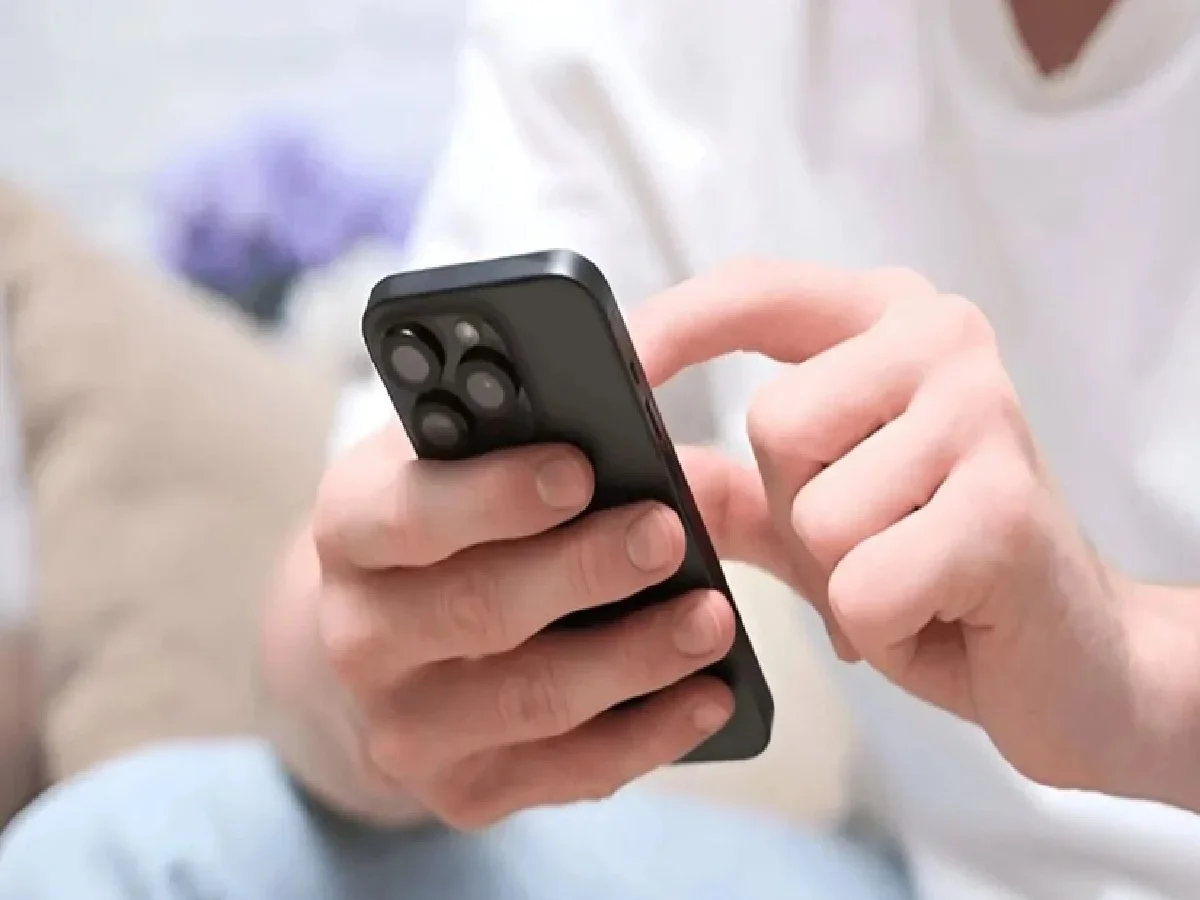
Modern smartphones are packed with advanced features, but many of them remain unnoticed by everyday users. While most people are familiar with shortcuts like double-tap to wake or lock the screen, fewer know that both Android and iPhone devices offer voice-based accessibility features that can lock the phone without touching the display.
With the right settings enabled, you can simply speak a voice command to lock your smartphone. This hands-free feature can be especially useful when your hands are occupied, dirty, or wet, allowing you to secure your device instantly without pressing the power button.
Here's how you can activate this convenient feature on both Android and iPhone.
How to Enable Voice Lock on Android
Most Android smartphones support voice-controlled device actions through the Voice Access feature, which is designed to improve accessibility and hands-free navigation.
To enable it, follow these steps:
- Open the Settings app on your Android smartphone.
- Use the search bar and type Voice Access.
- Tap the Voice Access option when it appears.
- Turn on the Voice Access toggle.
- Enable the Voice Access Shortcut if available.
- Complete the initial setup by granting the required permissions.
Once Voice Access is activated, you can use supported voice commands to control various functions of your smartphone, including locking the screen without physically touching the device.
Keep in mind that the exact menu names may vary depending on your smartphone brand and Android version.
How to Set Up Voice Screen Lock on iPhone
Apple also provides a similar hands-free feature through its Accessibility settings using Vocal Shortcuts.
To configure it on your iPhone:
- Open Settings.
- Tap Accessibility.
- Select Vocal Shortcuts.
- Choose Set Up Vocal Shortcuts.
- Select the Lock Screen action.
- Repeat your chosen voice phrase, such as "Lock Screen," three times so your iPhone can recognize your voice accurately.
- Finish the setup process.
After configuration, your iPhone can recognize the registered voice command and lock the screen without requiring manual input.
Why This Feature Can Be Useful
Voice-based screen locking is particularly helpful in situations where touching the phone is inconvenient.
For example:
- Your hands are occupied while carrying bags.
- You're cooking or cleaning and don't want to touch the screen.
- Your hands are wet or dirty.
- You need to lock your phone quickly while working.
Instead of reaching for the power button, a simple voice command can secure your device instantly.
Besides convenience, the feature also adds another layer of accessibility for users who may have difficulty operating physical buttons.
Important Things to Remember
To ensure the feature works correctly, keep the following points in mind:
- The language selected on your phone should match the language used for your voice commands.
- Speak clearly during the setup process so the device can accurately recognize your voice.
- Voice recognition generally performs best in quiet environments with minimal background noise.
- Excessive noise may reduce command accuracy.
- If your voice changes significantly due to illness or background interference, the device may occasionally fail to recognize the command.
Testing the feature after setup is recommended to ensure it responds consistently.
Don't Rely Only on Voice Commands for Security
Although voice-controlled screen locking is convenient, it should be used alongside standard security measures.
For stronger protection, always enable one or more of the following:
- PIN or passcode
- Password
- Fingerprint authentication
- Face recognition
These authentication methods help prevent unauthorized access even after the screen has been locked.
Final Thoughts
Voice-controlled smartphone locking is a useful but often overlooked feature available on both Android and iPhone devices. Once configured, it allows users to secure their phones quickly without touching the screen, making everyday use more convenient and accessible.
Whether you're multitasking, working with your hands, or simply looking for a smarter way to control your phone, enabling voice-based screen lock can make your smartphone experience more efficient. Just remember to combine it with strong screen lock security settings to keep your personal data protected.