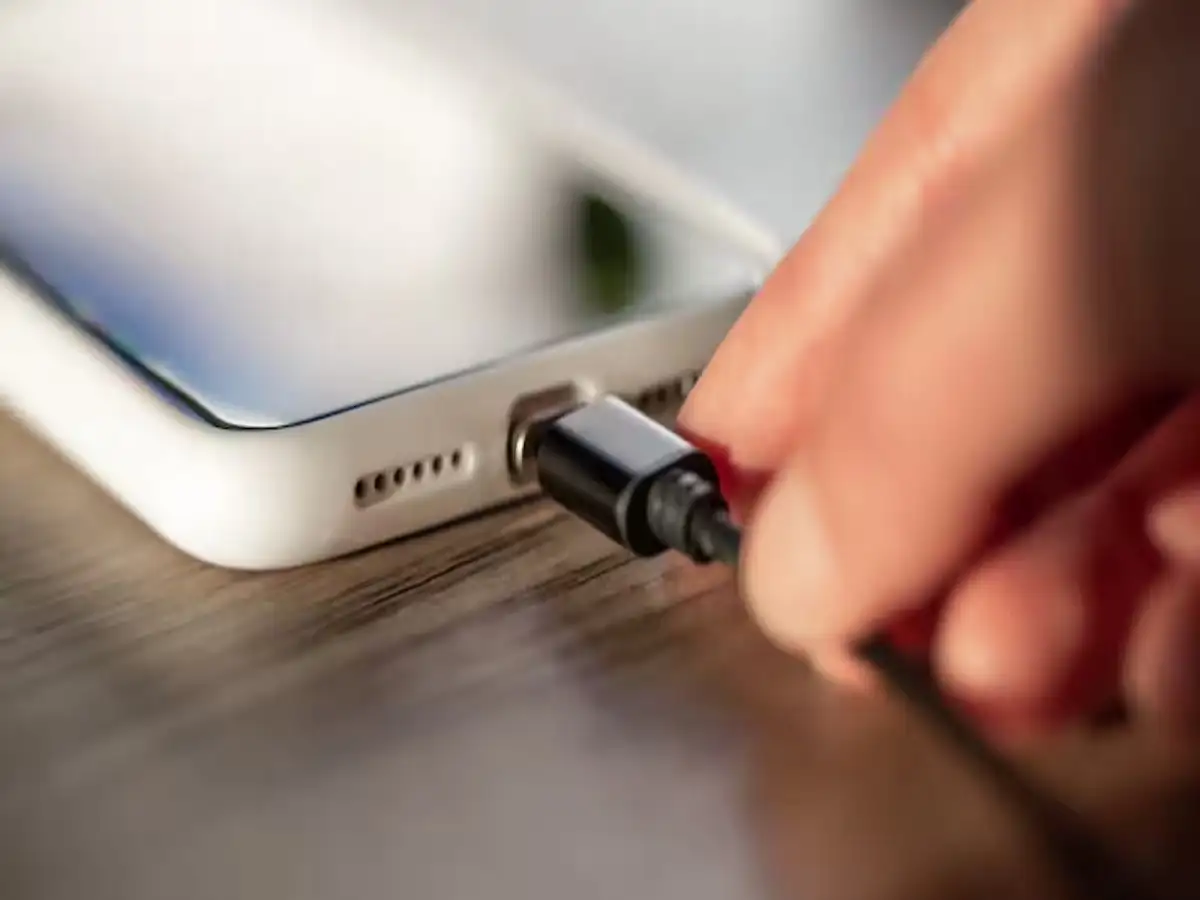
Laptop Charging Tips: Charging a smartphone through a laptop's USB port is a common practice, especially when a wall charger isn't available. While it may seem like a convenient option, many users wonder whether it affects battery health, charging speed, or data security. The good news is that charging your phone through a laptop is generally safe, but there are a few important factors you should keep in mind.
Is Charging Your Phone Through a Laptop Safe?
In most cases, yes. If your laptop is functioning properly and you are using an original or certified USB cable, charging your smartphone through the laptop's USB port is generally considered safe.
Modern laptops and smartphones are designed to regulate power delivery, making routine charging through a USB connection safe for everyday use. However, the charging experience may differ from using a standard wall charger.
Charging Speed Is Usually Slower
The biggest difference between charging through a laptop and a wall charger is the charging speed.
Most laptop USB ports supply significantly less power than modern fast chargers. As a result, your phone may take considerably longer to reach a full charge.
If you need to recharge your battery quickly before heading out, using the original charger supplied by the phone manufacturer remains the fastest and most efficient option.
Modern Smartphones Have Built-In Battery Protection
Today's smartphones include advanced battery management systems that help protect the battery during charging.
These systems are designed to prevent:
- Overcharging
- Excessive heat
- Overcurrent
- Voltage fluctuations
Because of these built-in protections, charging your phone from a laptop under normal conditions is unlikely to damage the battery.
Be Careful When Using Public or Unknown Computers
Although battery safety is generally not a concern, data security can be.
A USB connection is capable of transferring both power and data. If you connect your phone to an unfamiliar or public computer, there is a possibility that your device could establish a data connection.
In some situations, this may expose personal files or allow unauthorized access if proper precautions are not taken.
Always Select "Charge Only" Mode
Whenever you connect your smartphone to a laptop or computer, your phone may display several USB connection options.
To improve security, choose the "Charge Only" or "No Data Transfer" option whenever available.
Selecting this mode prevents file transfers and reduces the risk of exposing personal data while your device is charging.
Why Your Phone May Charge Slowly
Several factors can reduce charging speed when using a laptop.
Common reasons include:
- Older USB 2.0 ports that deliver lower power output
- Low-quality or damaged charging cables
- Lack of fast-charging support on the laptop
- Using the phone continuously while charging
- Background apps consuming battery power
- Battery-intensive tasks such as gaming or video streaming
If charging seems unusually slow, checking these factors may help improve performance.
USB-C Power Delivery Can Charge Faster
Many newer laptops now include USB-C Power Delivery (USB-C PD) ports.
These ports can provide much higher power output than traditional USB-A ports, allowing compatible smartphones to charge significantly faster.
If both your laptop and smartphone support USB-C Power Delivery, you may experience charging speeds that are much closer to those of a standard wall charger.
Use a Good-Quality Charging Cable
The quality of the charging cable also plays an important role.
For the best performance:
- Use the original cable supplied with your smartphone whenever possible.
- If replacing the cable, choose a certified, high-quality alternative.
- Avoid damaged, worn-out, or very cheap cables, as they may reduce charging speed and lead to unstable connections.
A reliable cable not only improves charging efficiency but also enhances overall safety.
Best Practices for Charging Through a Laptop
To ensure safe and efficient charging, keep these simple tips in mind:
- Use a trusted laptop or personal computer.
- Choose "Charge Only" mode when prompted.
- Use original or certified charging cables.
- Avoid connecting your phone to unknown public computers.
- Disconnect the device once charging is complete if it is no longer needed.
- Prefer USB-C Power Delivery ports when available for faster charging.
The Bottom Line
Charging your smartphone through a laptop is generally safe and does not harm the battery when you use a good-quality cable and a reliable device. However, laptop charging is usually slower than using a wall charger because most USB ports provide lower power output.
The more important consideration is protecting your personal data. Whenever you connect your phone to a laptop or computer, especially one that isn't yours, select "Charge Only" mode to prevent unwanted data transfers. By following these basic precautions, you can safely use your laptop as an alternative charging source whenever necessary.