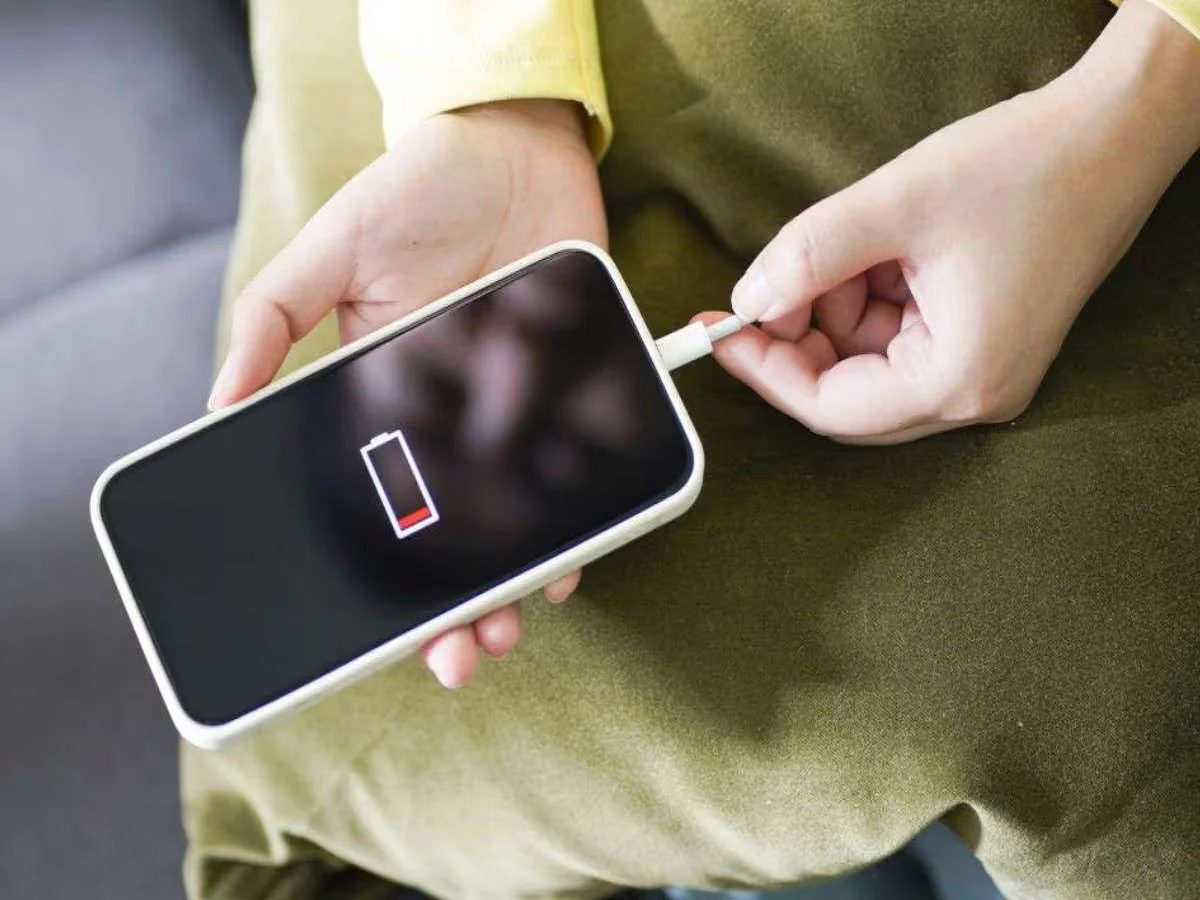
If your iPhone struggles to last through the day, you’re not alone. Many users experience rapid battery drain due to everyday habits and hidden settings that quietly consume power in the background.
The good news? With a few smart adjustments, you can significantly improve your iPhone’s battery life and make it last longer throughout the day.
1. Turn On Low Power Mode
One of the easiest ways to save battery is by enabling Low Power Mode.
✔️ Reduces background activities like:
- App downloads
- Email fetching
- Visual effects
👉 This helps extend battery life instantly, especially when your charge is running low.
2. Manage Screen Brightness
Your screen is one of the biggest battery consumers.
✔️ Lower brightness manually
✔️ Enable Auto-Brightness for automatic adjustment
👉 Keeping brightness at an optimal level can prevent unnecessary battery drain.
3. Identify Battery-Draining Apps
Some apps use more power than others without you realizing it.
✔️ Go to Settings > Battery
✔️ Check which apps consume the most power
✔️ Limit usage or uninstall unnecessary apps
👉 This helps you control hidden battery usage effectively.
4. Use Location Services Wisely
Location tracking can drain your battery quickly.
✔️ Turn off location access for unused apps
✔️ Set location access to “While Using the App”
👉 This reduces background tracking and saves power.
5. Use Airplane Mode When Not Needed
If you’re in an area with weak network signals, your phone works harder to stay connected.
✔️ Turn on Airplane Mode when not using your phone
✔️ Especially useful in low-signal areas
👉 This prevents unnecessary battery consumption.
Bonus Tips to Extend Battery Life
- Disable background app refresh
- Turn off unnecessary notifications
- Keep your iOS updated
- Avoid extreme temperatures
Final Takeaway
Battery drain issues on iPhones are often caused by small settings and usage habits. By making simple changes like enabling Low Power Mode, managing brightness, and controlling background activity, you can significantly improve battery performance.
👉 A few smart tweaks can ensure your iPhone lasts all day without frequent charging.
Disclaimer
The tips mentioned above are for general guidance. Battery performance may vary depending on device model, usage, and software version.