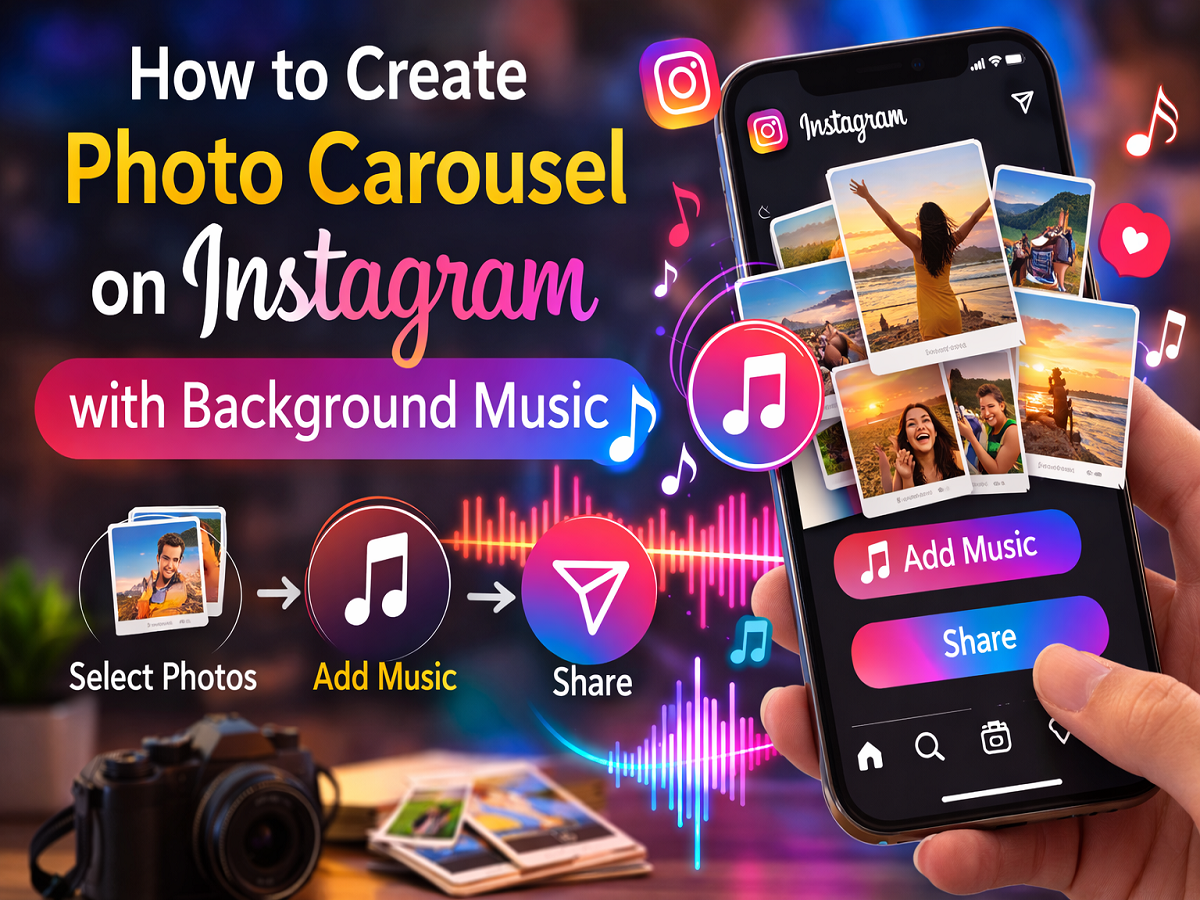
Instagram constantly introduces new features to make content more engaging for users and creators. One of the latest additions allows users to add background music to photo carousel posts, making posts more dynamic and interactive.
A carousel post on Instagram lets users upload multiple photos or videos in a single post that viewers can swipe through. With the addition of music support, users can now enhance these posts by adding a soundtrack that plays when someone interacts with the carousel.
This feature is particularly useful for content creators, influencers, and casual users who want to make their posts more attractive and memorable. Whether you are sharing travel memories, event photos, or creative content, adding music can significantly improve the storytelling experience.
If you want to create a photo carousel on Instagram with background music, here’s a complete guide explaining how to do it.
What Is an Instagram Photo Carousel?
An Instagram carousel post allows users to share multiple images or videos within a single post. Followers can swipe left or right to view all the images included in the post.
Carousel posts are widely used for:
- Sharing multiple photos from an event
- Creating storytelling posts
- Posting step-by-step tutorials
- Displaying before-and-after comparisons
The addition of background music adds another creative element that can make these posts more engaging.
Why Add Music to Instagram Carousel Posts?
Music can help enhance the emotional impact and storytelling of your content. A well-chosen song can complement the theme of your photos and make your post stand out in your followers’ feeds.
Some benefits of adding music include:
- Making posts more engaging
- Improving viewer interaction
- Enhancing storytelling
- Increasing the chances of your post being noticed
When viewers interact with the carousel, the selected background music begins playing automatically.
Steps to Create an Instagram Photo Carousel With Music
If you want to add music to your carousel post, follow these steps.
Step 1: Open the Instagram App
Launch the Instagram app on your smartphone.
Tap the “+” icon located at the bottom or top of the screen to create a new post.
Step 2: Select Multiple Images
Choose at least two photos from your gallery that you want to include in your carousel.
You can select several images depending on the story you want to share.
After selecting the images, tap Next.
Step 3: Add Background Music
Once you reach the editing screen, look for the “Add Music” option.
Tap on it to start adding a soundtrack to your carousel.
Step 4: Choose Your Song
Instagram provides a large music library with recommended songs.
You can:
- Browse suggested tracks
- Search for a specific song
- Select music from your saved collection
Choose a song that fits the theme or mood of your post.
Step 5: Customise the Music
After selecting the song, you can choose the specific part of the track you want to use.
This allows you to highlight the best section of the song for your carousel.
Step 6: Finalise and Share the Post
Once everything is ready:
- Add a caption
- Tag friends or collaborators
- Add hashtags or location
Then tap Share to publish your carousel.
Your post will now appear on your Instagram profile and followers’ feeds with the selected background music.
Tips for Creating Better Carousel Posts
To make your Instagram carousel posts more effective, keep these tips in mind:
- Use high-quality images
- Choose music that matches the theme of your photos
- Maintain a consistent visual style
- Keep captions clear and engaging
These small improvements can help your post attract more attention and engagement.
Instagram’s new music feature for carousel posts adds another layer of creativity to the platform. By combining multiple photos with background music, users can create posts that feel more dynamic and immersive.
Whether you’re sharing memories, promoting content, or telling a visual story, adding music to your carousel can help make your Instagram posts stand out.