Social media platforms are continuously adding new technologies to improve user experience. One such feature introduced in recent years is digital collectibles, which allow users to showcase unique digital items on their profiles. On Instagram, these collectibles are connected to blockchain-based wallets so that ownership and creator information can be verified.
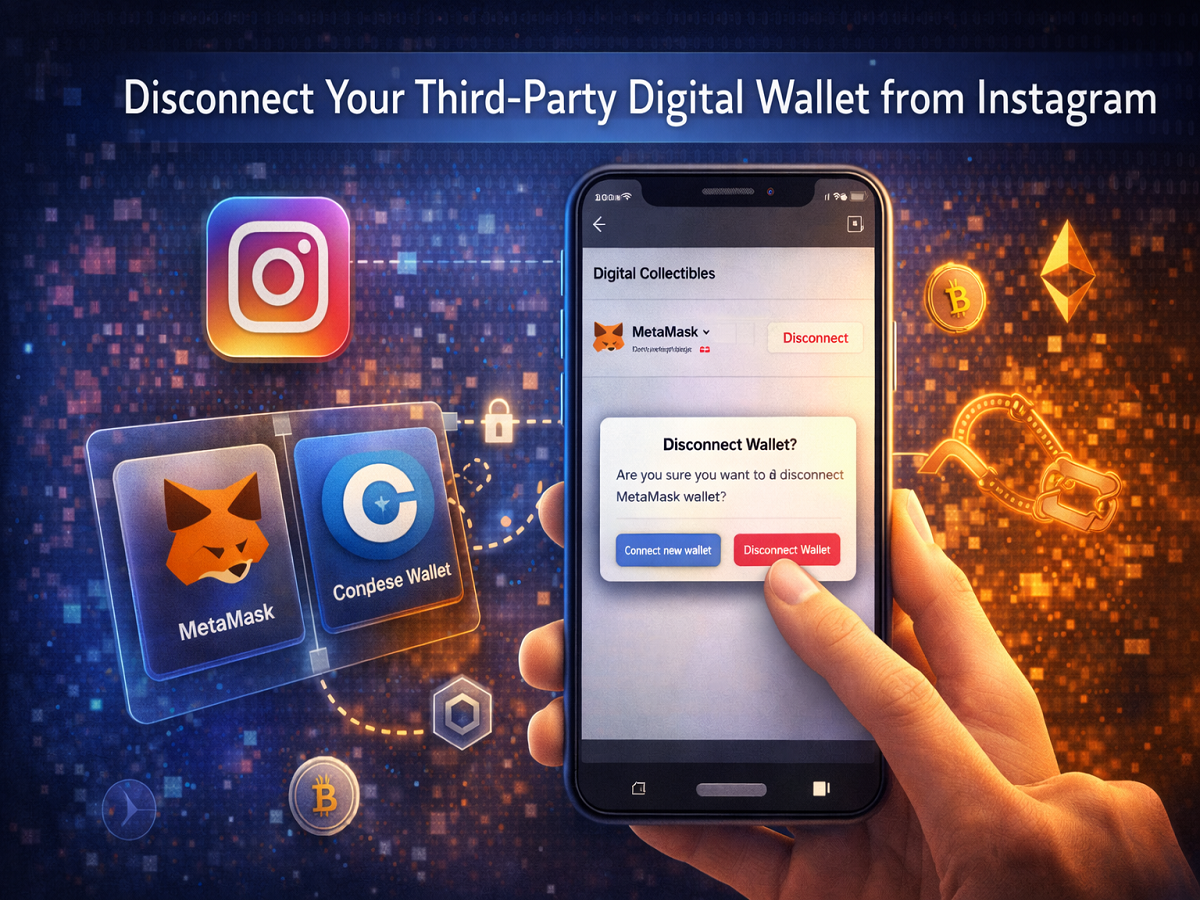
To enable this feature, Instagram allows users to connect third-party digital wallets. These wallets help confirm who owns a particular collectible and who originally created it. However, if you no longer want your wallet linked to Instagram, you can easily disconnect it from your account.
Below is a complete guide explaining how digital wallets work with Instagram and how you can remove them when needed.
Understanding Digital Collectibles on Instagram
Digital collectibles are unique digital items that users can display on Instagram profiles or posts. These items are usually stored and verified using blockchain technology, which records ownership details and creator information.
To verify ownership, Instagram works with external wallet applications. When a user connects a wallet, the platform requests permission to validate the public wallet address and confirm ownership of the collectible.
This integration allows users to share their collectibles with followers while maintaining transparent ownership records.
Why You Might Want to Disconnect Your Wallet
There can be several reasons why someone may want to remove a digital wallet connection from Instagram:
Privacy concerns:
Some users prefer not to keep their blockchain wallet linked to a social media account.
Switching accounts:
You may want to connect the wallet to a different Instagram account.
Security reasons:
Disconnecting unused integrations can help protect digital assets.
Managing multiple wallets:
Users who manage more than one wallet might want to update or change the connected wallet.
Fortunately, Instagram allows users to disconnect wallets quickly through the app settings.
Step-by-Step Guide to Disconnect a Digital Wallet from Instagram
Follow the steps below to remove a connected wallet from your Instagram account.
Step 1: Log in to Your Instagram Account
Open the Instagram app and sign in to your account.
Step 2: Open the Menu
Tap the menu icon (three horizontal lines) located in the top-right corner of the screen.
Step 3: Go to Digital Collectibles
From the menu, select the Digital Collectibles option.
Step 4: Select the Wallet
You will see the list of wallets connected to your account. Tap the wallet that you want to disconnect.
Step 5: Open More Actions
Tap More Actions to view additional options.
Step 6: Disconnect the Wallet
Select Disconnect Wallet.
Step 7: Confirm the Action
Tap Disconnect Wallet again to confirm the removal.
After completing these steps, the wallet will no longer be linked to your Instagram account.
What Happens After You Disconnect Your Wallet
Removing a wallet from Instagram affects how your digital collectibles appear on the platform.
Here are some important changes that occur after disconnecting:
Collectibles from that wallet will no longer appear on Instagram.
Existing collectible posts will remain visible, unless you choose to delete or archive them.
Owner and creator tags will be removed from previously posted collectibles.
Existing collectible listings will remain, but you will no longer have access to manage them.
However, it is important to note that disconnecting your wallet does not remove your collectibles from the blockchain.
If you created or purchased digital collectibles earlier, they will still exist in your third-party wallet.
Can You Reconnect the Same Wallet Later?
Yes, Instagram allows users to reconnect a wallet at any time. If you reconnect the same wallet later, the ownership and creator tags associated with previous collectible posts will automatically reappear.
This makes it easier for users to manage their digital collectibles without permanently losing their connection.
Final Thoughts
The ability to connect blockchain wallets to Instagram provides a new way for users to showcase digital collectibles and verify ownership. At the same time, Instagram offers flexibility by allowing users to disconnect their wallets whenever they choose.
If you no longer wish to keep your wallet connected to your account, following the simple steps above will help you remove it quickly while ensuring that your collectibles remain safely stored in your wallet.