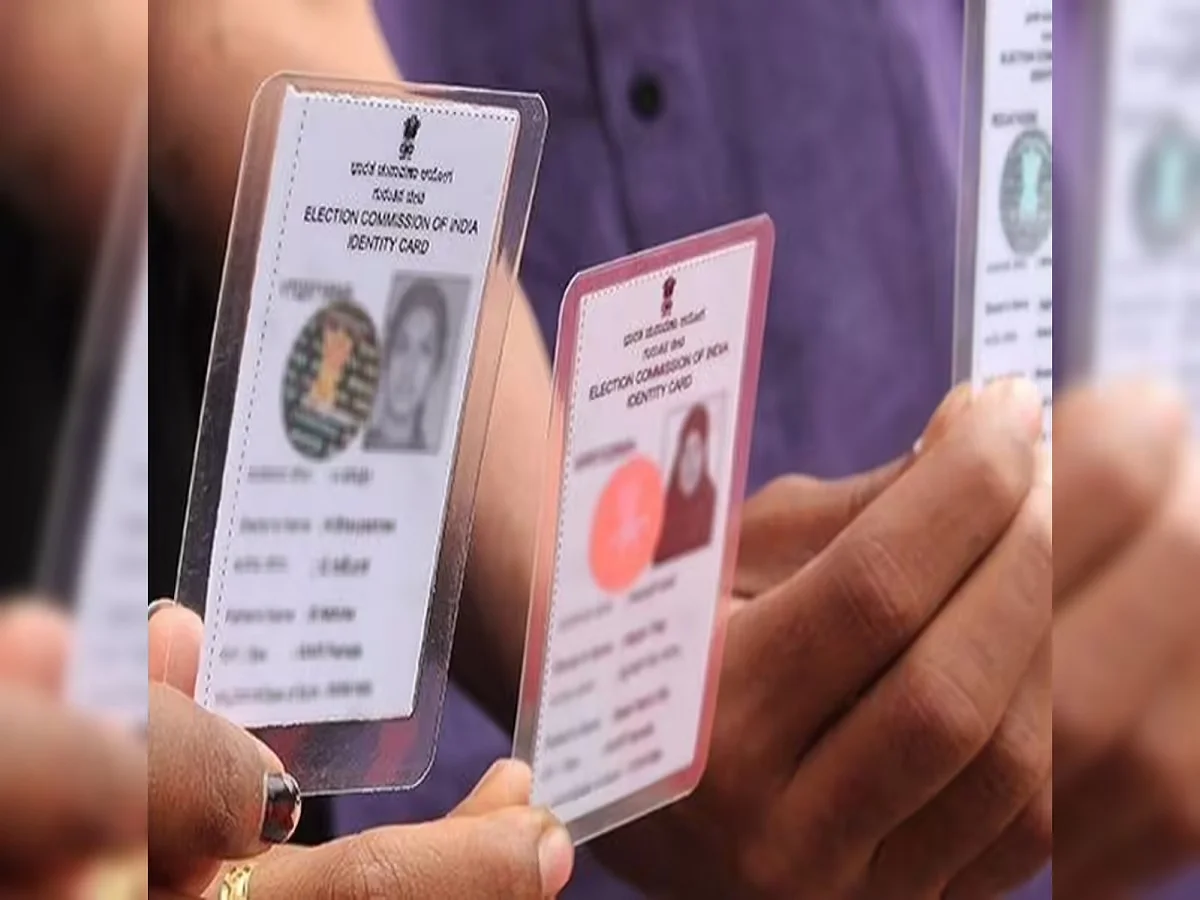
A Voter ID card is one of the most important identity documents for Indian citizens. Apart from enabling eligible voters to cast their vote during elections, it is also widely accepted as proof of identity and address for various official purposes. Therefore, it is important that all the information printed on the card, including your name, is accurate.
If you have noticed a spelling mistake, need to update your name after a legal change, or want to correct any other personal detail, the Election Commission of India (ECI) allows you to submit a correction request online. The process can be completed from home using Form 8 through the official voter services portal.
Here's a step-by-step guide to updating your name on your Voter ID card.
Step 1: Visit the Official Voter Services Portal
Begin by visiting the official Voter Services Portal of the Election Commission of India. This portal provides online services for voter registration, corrections, and other electoral-related requests.
Step 2: Select Form 8
Choose Form 8, which is specifically meant for correcting or updating details in an existing electoral record.
This form can be used to request changes such as:
- Correction of name
- Date of birth updates
- Address changes (where applicable)
- Other eligible modifications to voter details
Step 3: Log In Using Your Registered Mobile Number
Sign in to the portal using your registered mobile number.
An OTP (One-Time Password) will be sent to your phone for verification. Enter the OTP to access the online application.
Step 4: Enter Your Voter ID Details
Provide your EPIC (Elector Photo Identity Card) number and verify your existing voter information.
Select the option to correct or update your name and enter the revised details exactly as they appear in your supporting documents.
Step 5: Upload Supporting Documents
To support your request, upload clear copies of valid identity documents.
Depending on your case, acceptable documents may include:
- Aadhaar Card
- PAN Card
- Passport
- Driving Licence
- Any other valid identity document accepted by the Election Commission
Ensure that the uploaded documents are legible and contain the correct spelling of your name.
Step 6: Review and Submit the Application
Before submitting the form, carefully review every detail you have entered.
Double-check your name, EPIC number, and uploaded documents to avoid delays caused by incorrect information.
Once you are satisfied, submit the application online.
Step 7: Save the Reference Number
After successful submission, the portal generates a unique reference number.
Keep this number safe, as it can be used to track the progress of your application through the Voter Services Portal.
Step 8: Verification by Election Authorities
Election officials will examine the information and documents submitted with your application.
If the details are verified successfully, the requested correction will be approved and your electoral records will be updated accordingly.
The processing time may vary depending on the verification requirements and the election office handling your request.
Step 9: Download the Updated Voter ID
Once your application is approved, the updated Voter ID details will be reflected in the electoral records.
Eligible users can download the updated digital Voter ID (e-EPIC) where available or obtain a printed copy through the prescribed process.
Keep Your Voter Details Accurate
Maintaining accurate information on your Voter ID helps ensure a smooth voting experience and prevents issues during identity verification. The Election Commission's online correction facility makes it convenient for voters to update their details without visiting an election office in many cases.
Before submitting your application, always verify that your supporting documents match the information you want to update, as incomplete or incorrect details may delay the verification process.