If you want to change your old username on Instagram, it can be done in just a few minutes. Whether you're creating a new identity, updating your brand name, or simply giving your profile a fresh look, Instagram allows users to easily change their username.
How to Change Instagram Username
To change your Instagram account username, follow the steps below:
Open the Instagram app on your smartphone.
Tap the Profile icon in the bottom right.
Select the Edit Profile option.
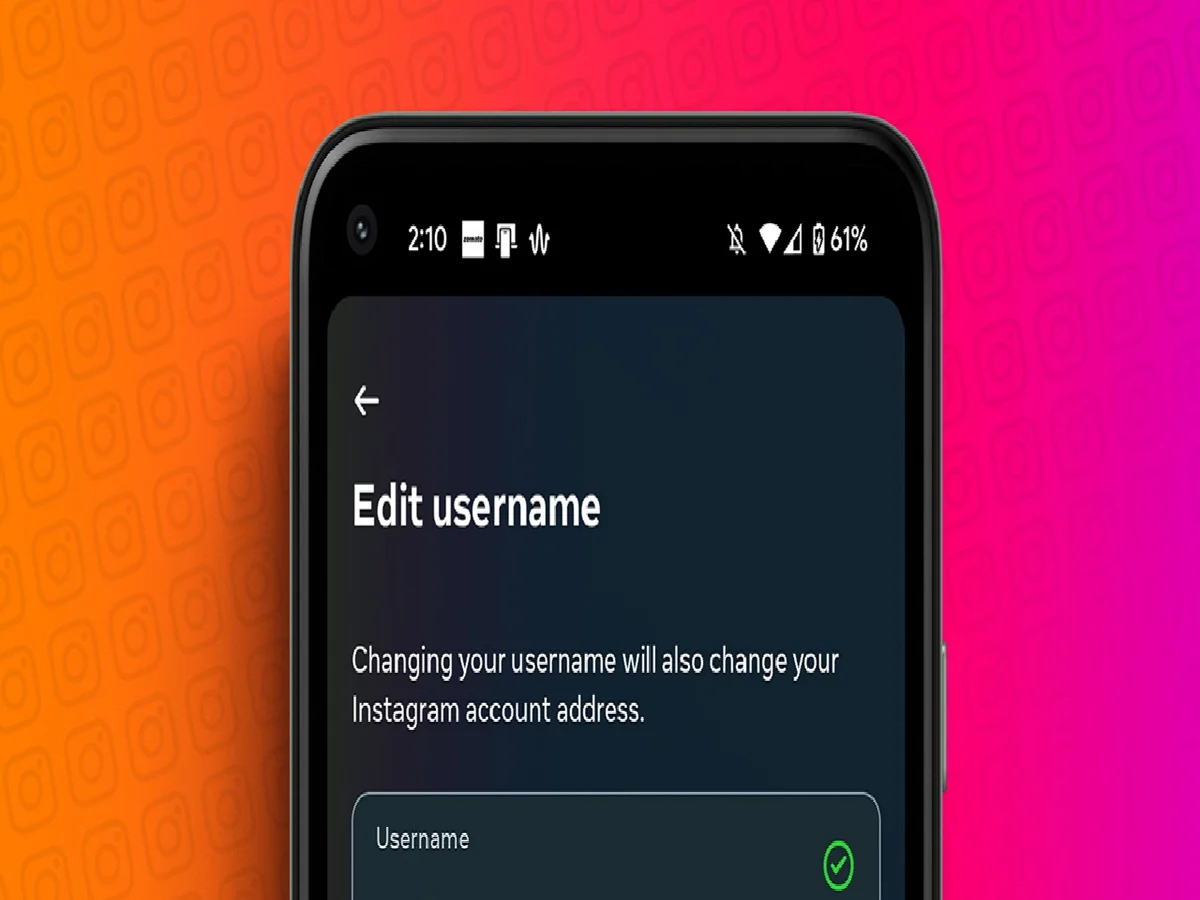
Tap the Username section.
Delete the old username and enter a new one.
If the chosen username is available, it will be saved.
Tap the Done (✔) or Save button at the top.
After this your new username will be updated immediately.
Keep these things in mind before changing your username:
The new username should be unique.
If someone else is already using the same username, you'll need to choose another one.
After changing your username, your profile's URL also changes.
If people search for you using your old username, they may not find your profile.
Changing your username frequently can confuse your followers.
What's the difference between a username and a display name?
Many people consider Username and Display Name to be the same, but both are different.
The username is the unique name that appears after the @ and is different for each account.
The display name is the common name that appears on your profile, which can be used by multiple people.
Will followers be removed after changing the username?
No. Changing your username on Instagram doesn't affect your followers, photos, videos, messages, or other data. Only your @Username and profile link change.
PC: Guiding Tech