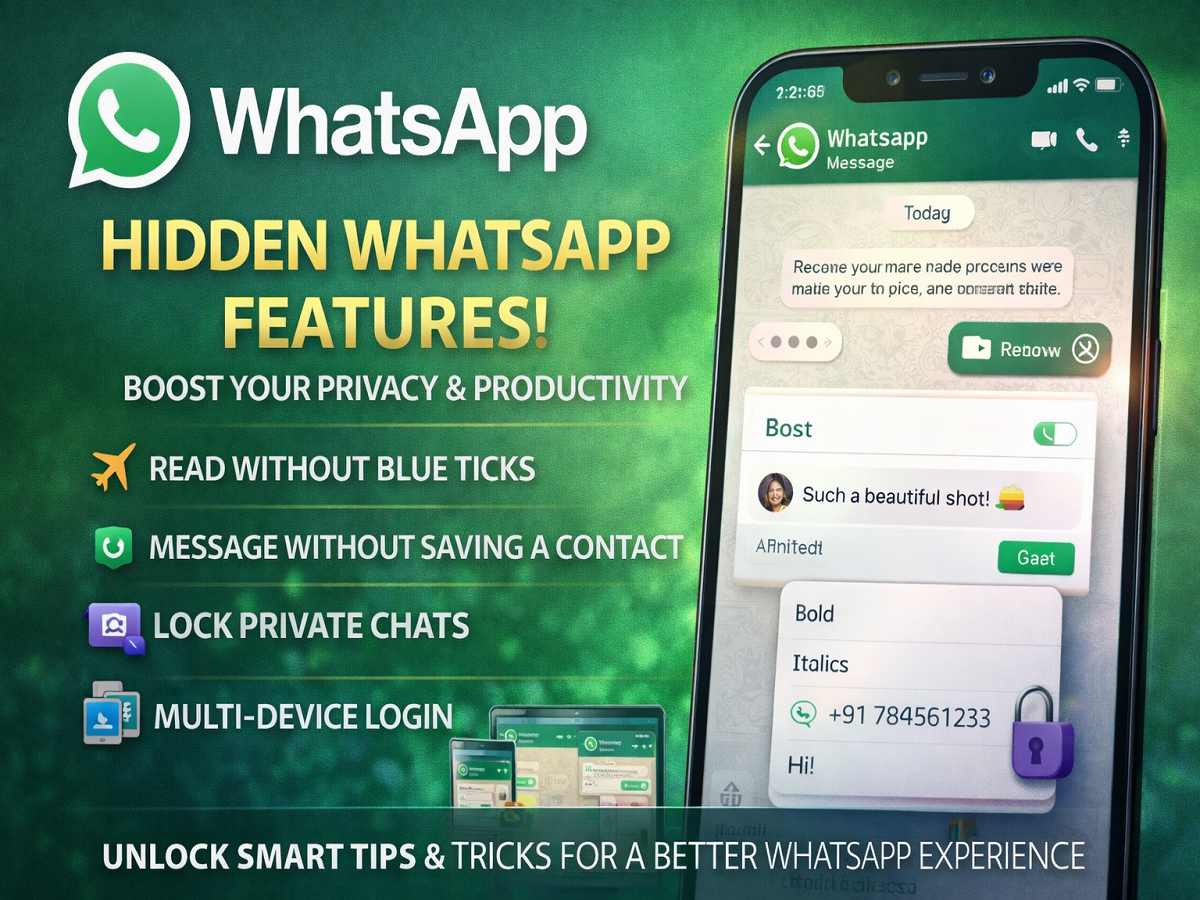
Unlock Smarter Messaging with These WhatsApp Tricks
With billions of users worldwide, WhatsApp remains one of the most widely used instant messaging platforms. While most people rely on it for basic texting, calling, and media sharing, the app also offers several lesser-known features that can significantly enhance your experience.
From privacy hacks to productivity tools, here are some hidden WhatsApp features you should definitely know about.
Read Messages Without Blue Ticks
Sometimes, you may want to read a message without notifying the sender. Here’s how you can do it:
- Turn on Airplane Mode after receiving the message
- Open WhatsApp and read the message
- Close the app before turning Airplane Mode off
Alternatively, you can disable Read Receipts in settings. However, keep in mind that this works both ways—you won’t see others’ read receipts either.
Send Messages Without Saving a Number
Need to message someone just once? You don’t have to save their contact.
- Use a simple browser link (wa.me format)
- Enter the number and start chatting instantly
This is especially useful for contacting delivery agents, businesses, or temporary connections.
Lock Your Private Chats
For added privacy, WhatsApp offers a Chat Lock feature:
- Secure chats using fingerprint or passcode
- Locked chats appear in a separate folder
- Keeps sensitive conversations hidden from others
This feature is ideal for maintaining confidentiality on shared devices.
Use WhatsApp on Multiple Devices
WhatsApp now supports multi-device login, allowing you to access your account across different platforms.
- Use WhatsApp on your laptop or another phone
- No need for your primary phone to stay connected to the internet
- Syncs chats seamlessly across devices
This makes it easier to stay connected wherever you are.
Format Your Messages Like a Pro
Make your messages more impactful using text formatting tools:
- Bold: Add emphasis to important words
- Italics: Highlight subtle points
- Strikethrough: Show edits or corrections
These formatting options are especially useful for professional or detailed conversations.
Why These Features Matter
These hidden tools can transform your WhatsApp usage by:
- Enhancing privacy and security
- Saving time and effort
- Improving communication clarity
- Making the app more versatile
Final Takeaway
WhatsApp is much more than just a messaging app. By exploring and using these lesser-known features, you can make your chats smarter, safer, and more efficient.
Whether it’s protecting your privacy or simplifying everyday tasks, these tips can help you get the most out of your messaging experience.